(00292)H 3 - 13
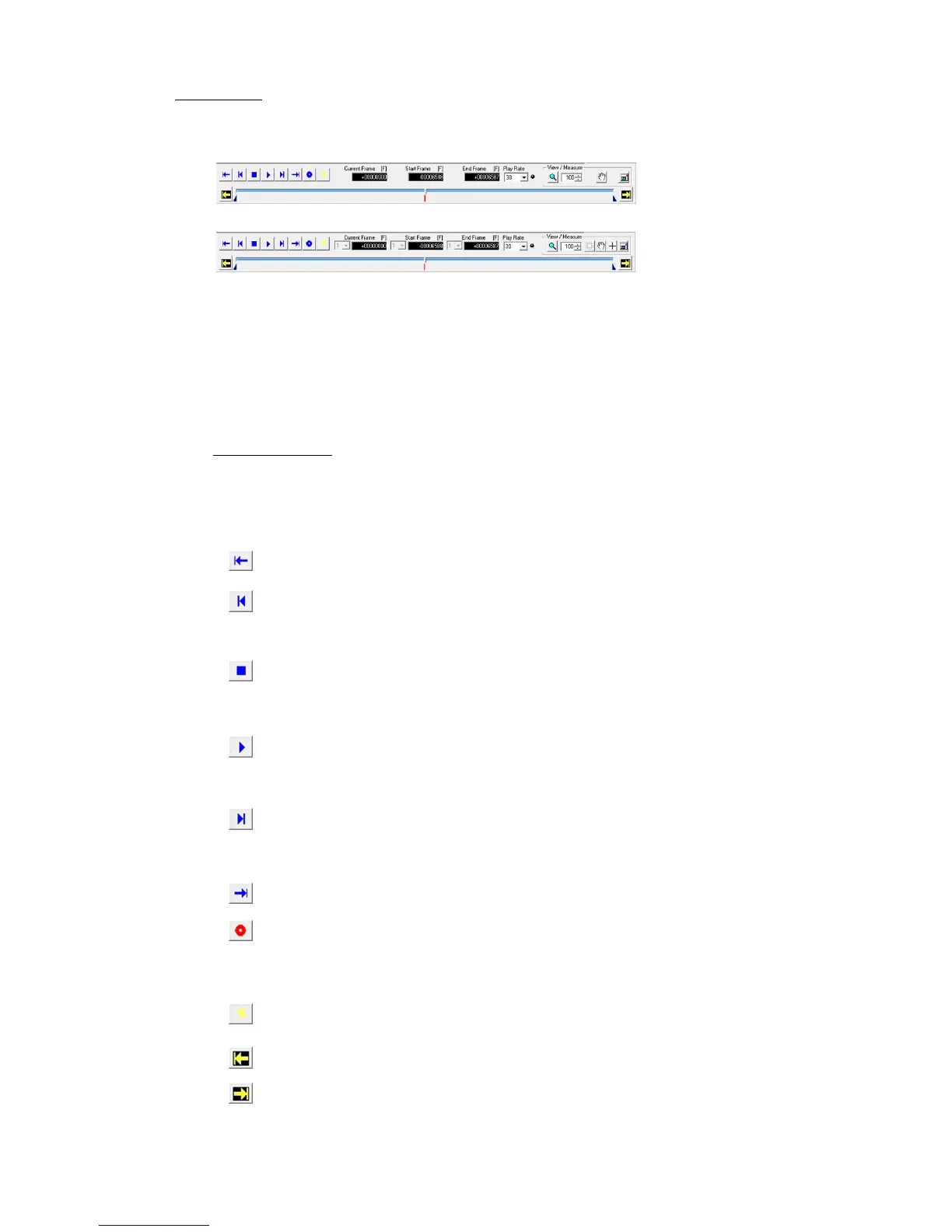
■Main Toolbar
Playback tool for items selected from the item list.
Camera recording and display image zoom / scroll / full screen functions.
Expert Mode includes a measurement function and cutout conversion setting.
[Main Toolbar: Basic Mode]
[Main Toolbar: Expert Mode]
Recording and Playback
・ Camera recording control
・ Camera image playback control (playback range, playback speed, frame by frame, forward
and reverse)
・ Image file (MCFF/AVI/TIFF/BMP/JPEG) playback control (playback range, frame rate,
frame by frame, forward and reverse)
Operation Buttons
Use the mouse to click on these buttons to control the cameras or files.
The keyboard can also be used to perform these operations.
Move the cursor to display a description of the buttons on the status bar and shortcuts. For
details, refer to Appendix A.
Jump to Start Frame Displays the playback start frame.
1 Frame Reverse In the READY mode, goes back one frame. Press for a
long time to go back quickly. In the PLAY/LOOP mode,
the playback rate decreases.
Stop Stops PLAY/LOOP, VIEW and ARM and switches to
READY mode. Deletes the video displayed warning for the
GX camera.
Playback/Loop Plays back in the READY mode, loop playback when
pressed for a long time.
Loop playback in the PLAY mode.
1 Frame Forward In the READY mode, goes one frame forward. Fast
forwards if pressed for a long time. In the PLAY/LOOP
mode, the frame rate increases.
Jump to End Frame Displays the playback end frame
View/Record In the READY mode, switches to the VIEW mode.
In the VIEW mode, switches to the ARM mode
(recording).
Trigger In the ARM mode, enables the manual trigger (ends recording).
In the READY mode, displays the trigger frame / event frame.
Set as Start Frame Sets the current frame to the playback start frame.
Set as End Frame Sets the current frame to the playback end frame.



 To Next Page