(00292)H 5 - 3
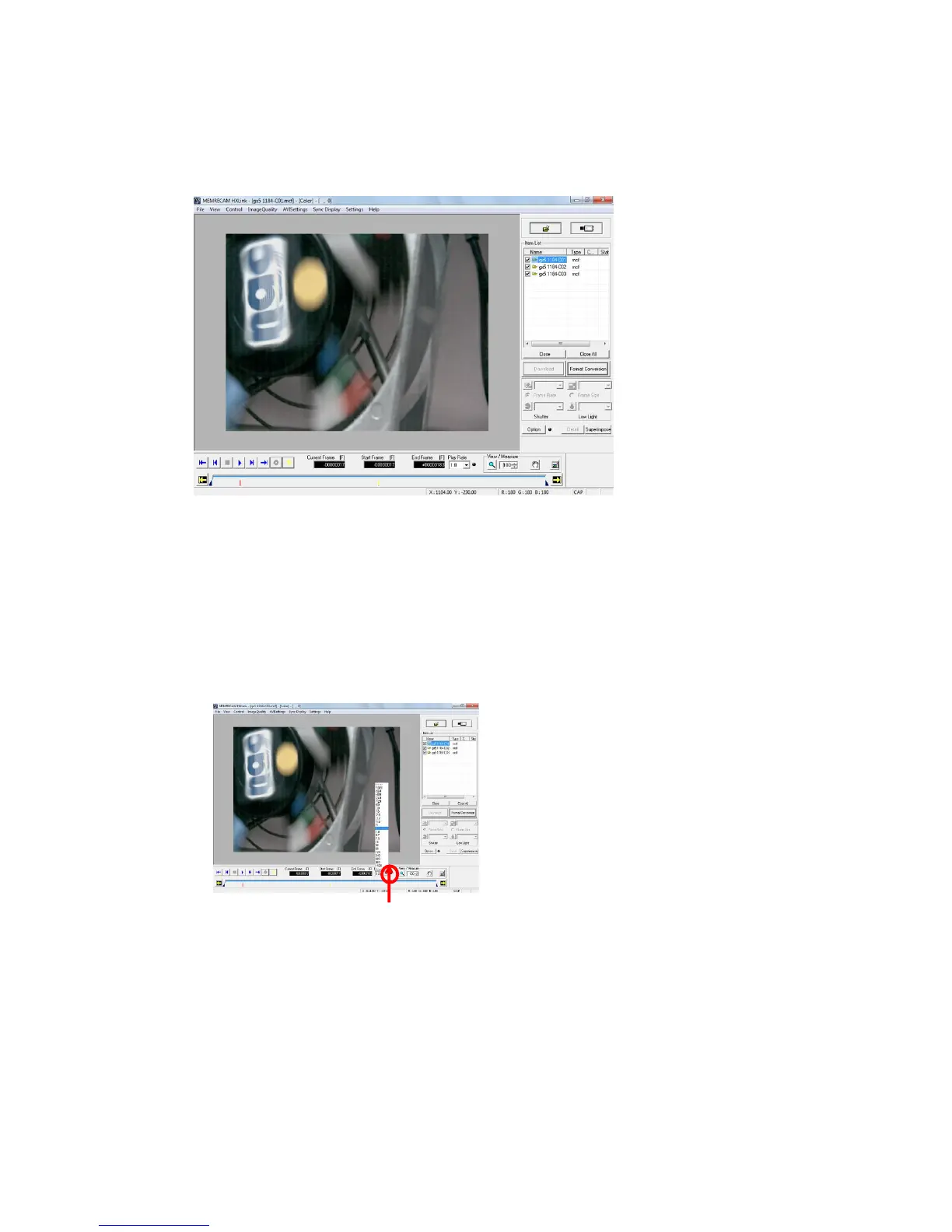
Open an image file and the file name selected in the HXLink window title bar and the type of
camera “Color/ B/W” of the camera used in recording are displayed.
Refer to page 3-21 for details of the title bar.
If an MCFF file identified for image reversal or rotation is opened, the image is displayed in the
reversed or rotated state.
The following reproduction speeds can be specified the time of file image operation.
・Playback Rate -1920,-960,-480,-240,-120,-60,-30,-15,-7.5,-3.7,-1.8,-1,
1,1.8,3.7,7.5,15,30,60,120,240,480,960,1920 Unit:pps
・In “->->->“ and “<-<-<-” in the “Playback Rate” pull-down menu
“->->->“is the fastest frame rate that does not drop frames and plays in the forward
direction.
”<-<-<-”is the fastest frame rate that does not drop frames and plays in the reverse
direction.
Use the frame by frame button to change
the frame rate during playback.
・Dropped Frame Verification Indicator
Verifies dropped frames by the color
of the indicator.
(green: no dropped frames; yellow:
dropped frames; black: disabled)



 To Next Page