4 - 100 (00292)H
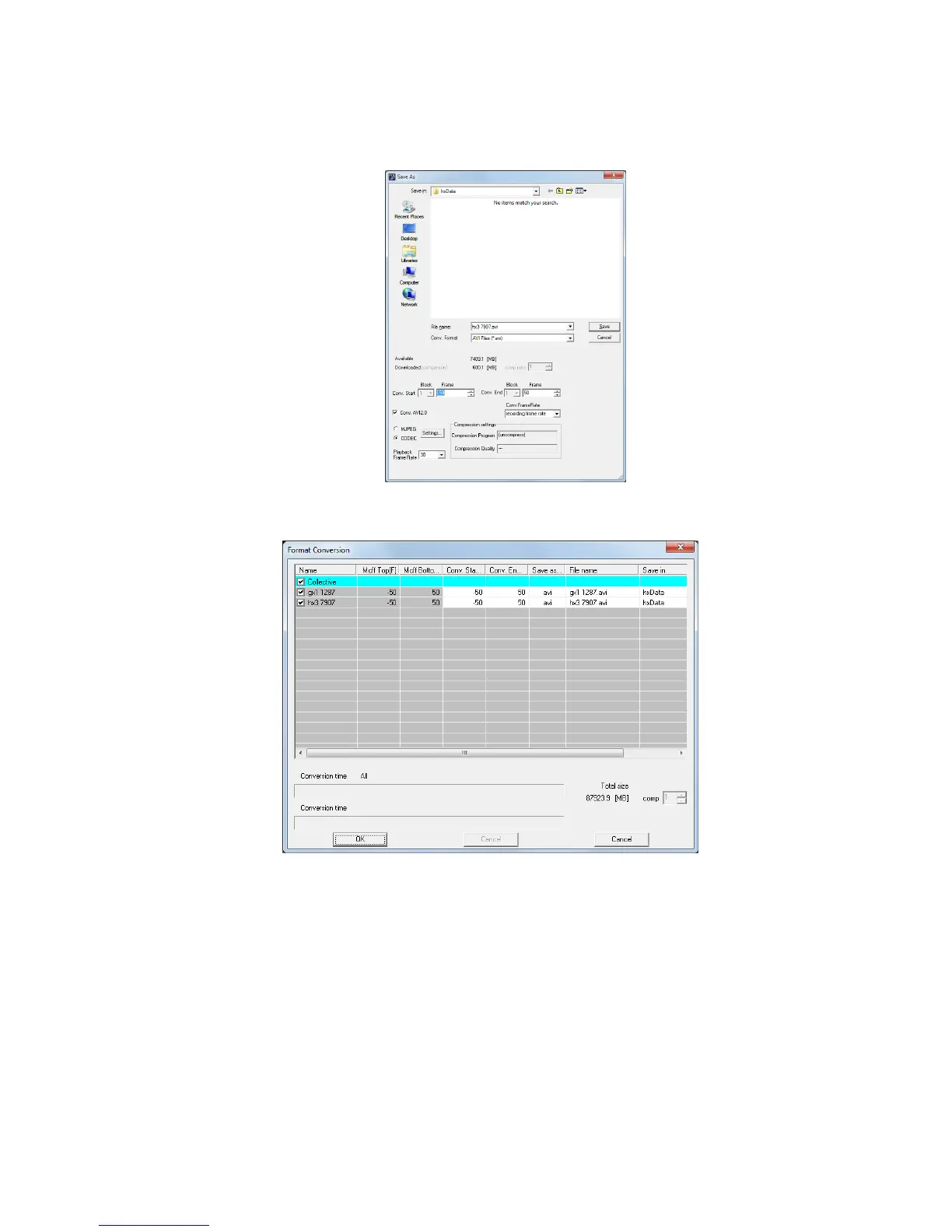
Next, the "Format Conversion" dialogue is displayed to set the location and the file name for the
format converted file.
/
When the “GUI Setting” download item is “Individual Save”
/
When the “GUI Setting” download item is “Batch Save” (list)
After setting items such as the type of file and compression settings, click "OK". Refer to page
5-2 for details on each setting.
To specify “---“ as the Convert Start/Convert End, the Save Start/Save End becomes the Convert
Start/Convert End. Also, if the converted range is not included in the saved range, the converted
range and the saved range are converted as an overlapped range.
Click “Save” (“OK” for batch saving) to start the download and once the
download is complete, the format conversion automatically starts.
If combined with an auto download, clicking “OK” or “Save” will not start the download.



 To Next Page