(00292)H 3 - 19
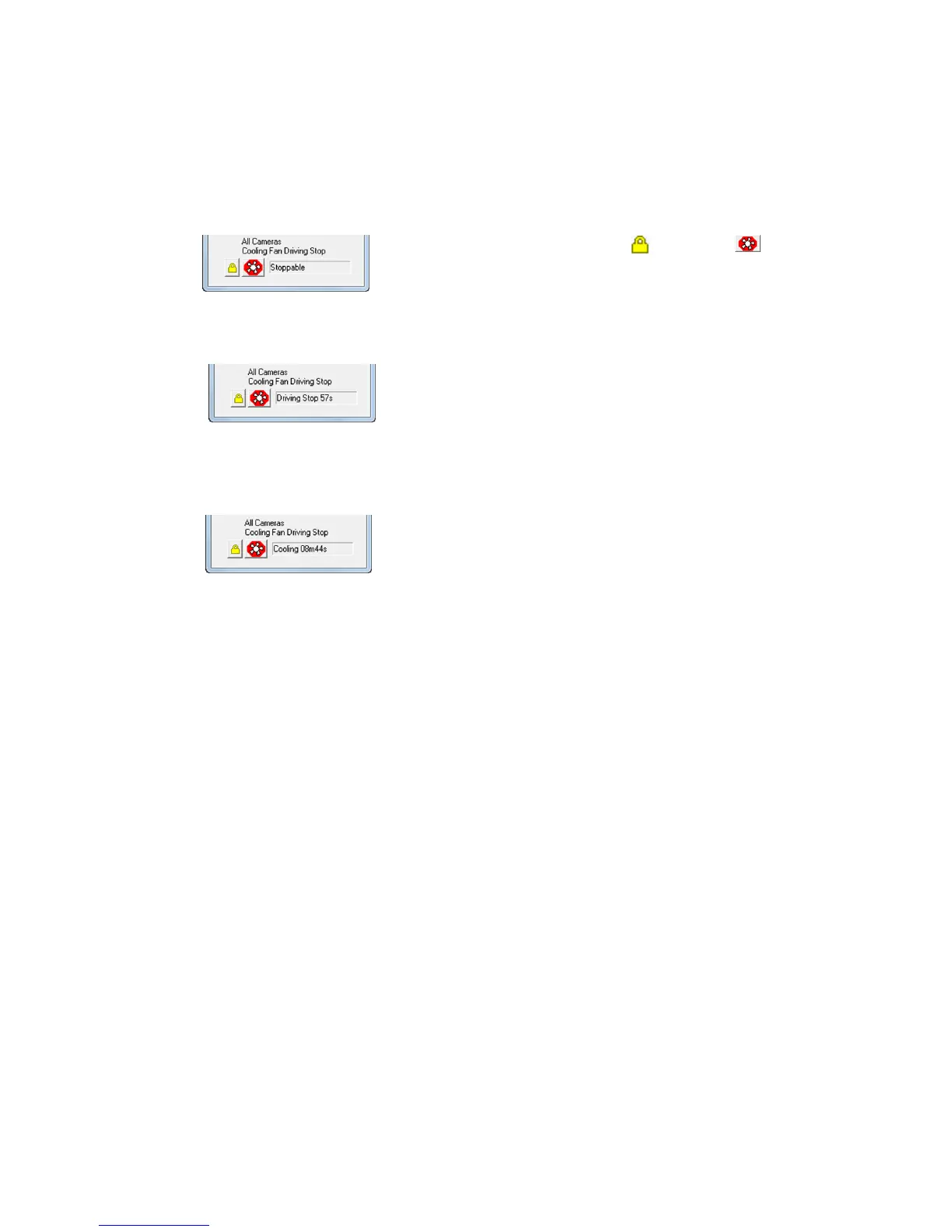
"All Cameras Cooling Fans Driving Stop" (Only HX camera)
By pausing the cooling fans in the cameras, it is possible to prevent image shaking due to camera
vibration.
To prevent an increase in the camera temperature, the time the cooling fans are paused varies by
camera. Refer to the HX camera user's manual for operations such as cooling times.
Use Procedures
1) Click the pause fan lock and click to use
the pause all camera cooling fans function.
2) The fans are stopped and the number of sections until the
pause ends is displayed.
3)If the pause cooling time has elapsed, the fan will start and
cool the HX cameras. The HX cameras cannot be operated
until the cooling display ends.



 To Next Page