(00292)H 14 - 13
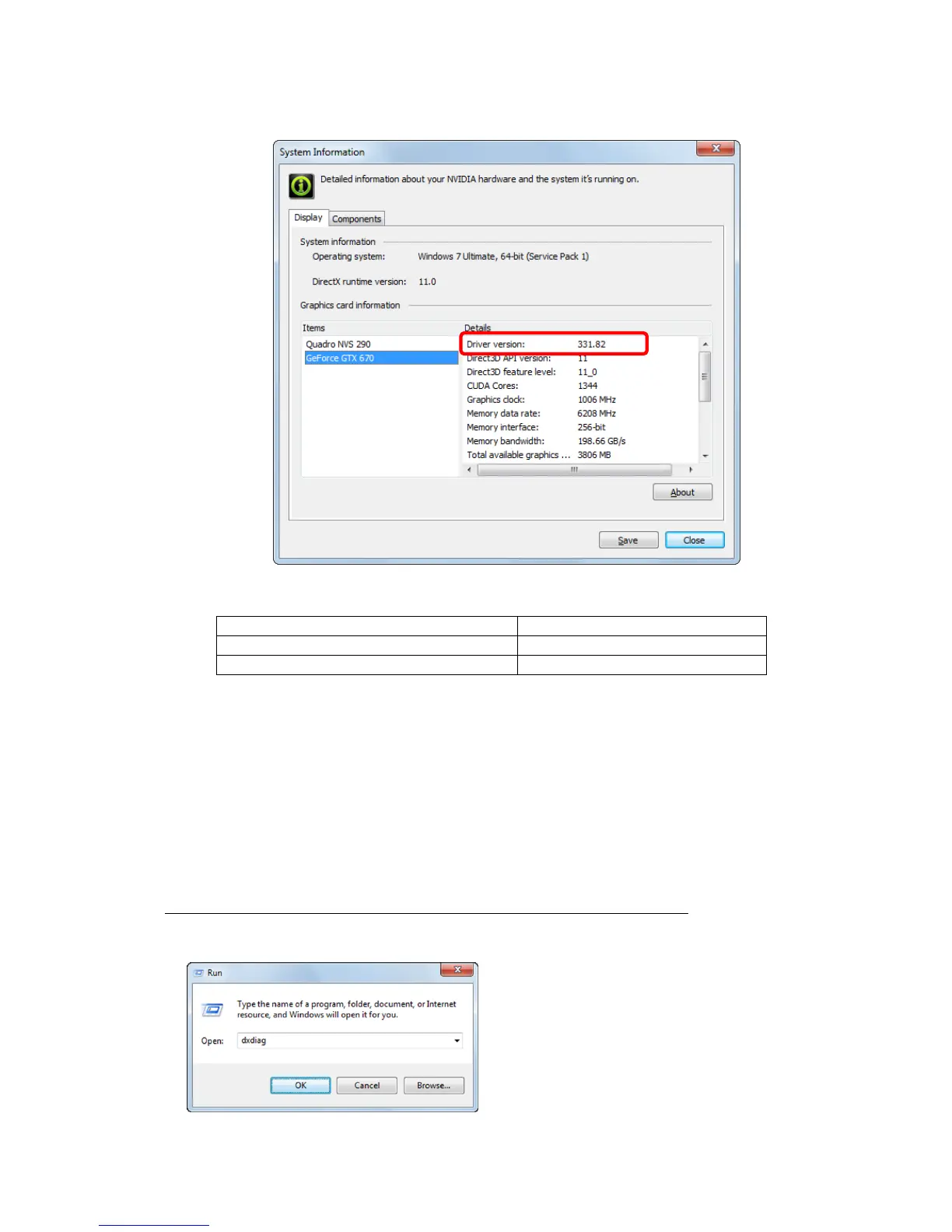
3) Confirm “Driver Version” shown in “Graphics Card Information” under the “Display” tab of the
system information.
The compatible NVIDIA driver versions in HXLink are as follows.
If the NVIDIA driver version is less than 256, we recommend updating the NVIDIA driver to the
latest version. Depending on the type of PC, a driver supplied by the PC manufacturer may be
required.
If using a NVIDIA driver with a version less than 195 with the conversion algorithm D and using
HXLink Ver 3.55 or higher, the HXLink environment can be changed to operate with a NVIDIA
driver version less than 195.
Execute the setup.exe in the CUDA2Setup folder on the HXLink installation CD.
■ An application error is generated when opening an AVI file with AVI2.0 format
When opening an AVI file with AVI2.0 format using HXLink, DirectX 8.0 or higher must be
installed.
To confirm the version of DirectX, execute
“dxdiag” from “Specify the File Name” in
Windows.



 To Next Page