(00292)H 5 - 41
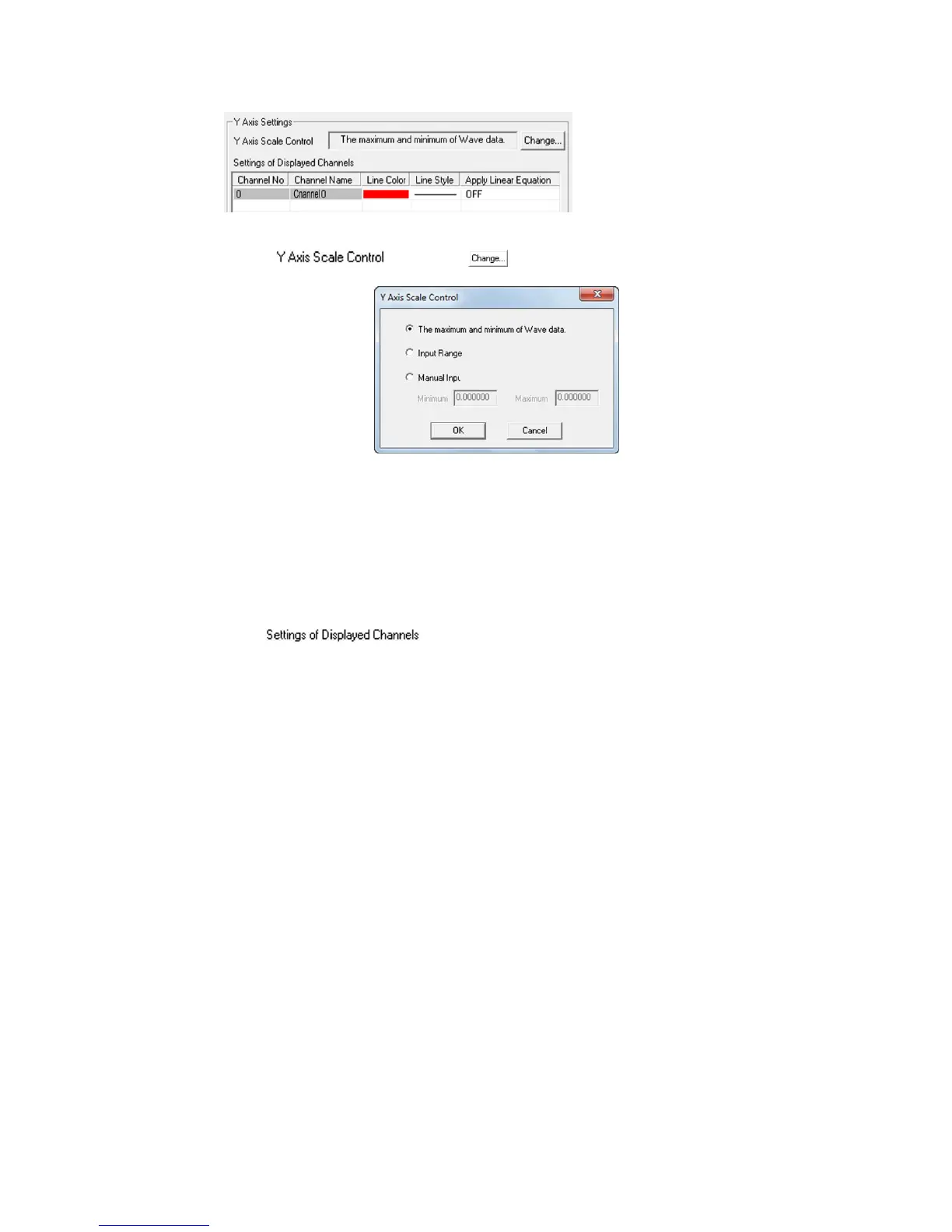
Displays/changes the Y axis setting selected in “Y Axis”.
Click to change the settings.
Select the maximum and minimum values on the Y axis from the
following.
・ The maximum and minimum data.
・ Channel voltage value.
Maximum and minimum voltage set to the channel with the
waveform input setting.
・ Manual Input.
Settings for the channel data lines.
Line color, line form and conversion parameter applications can be
set.



 To Next Page