(00292)H 4 - 77
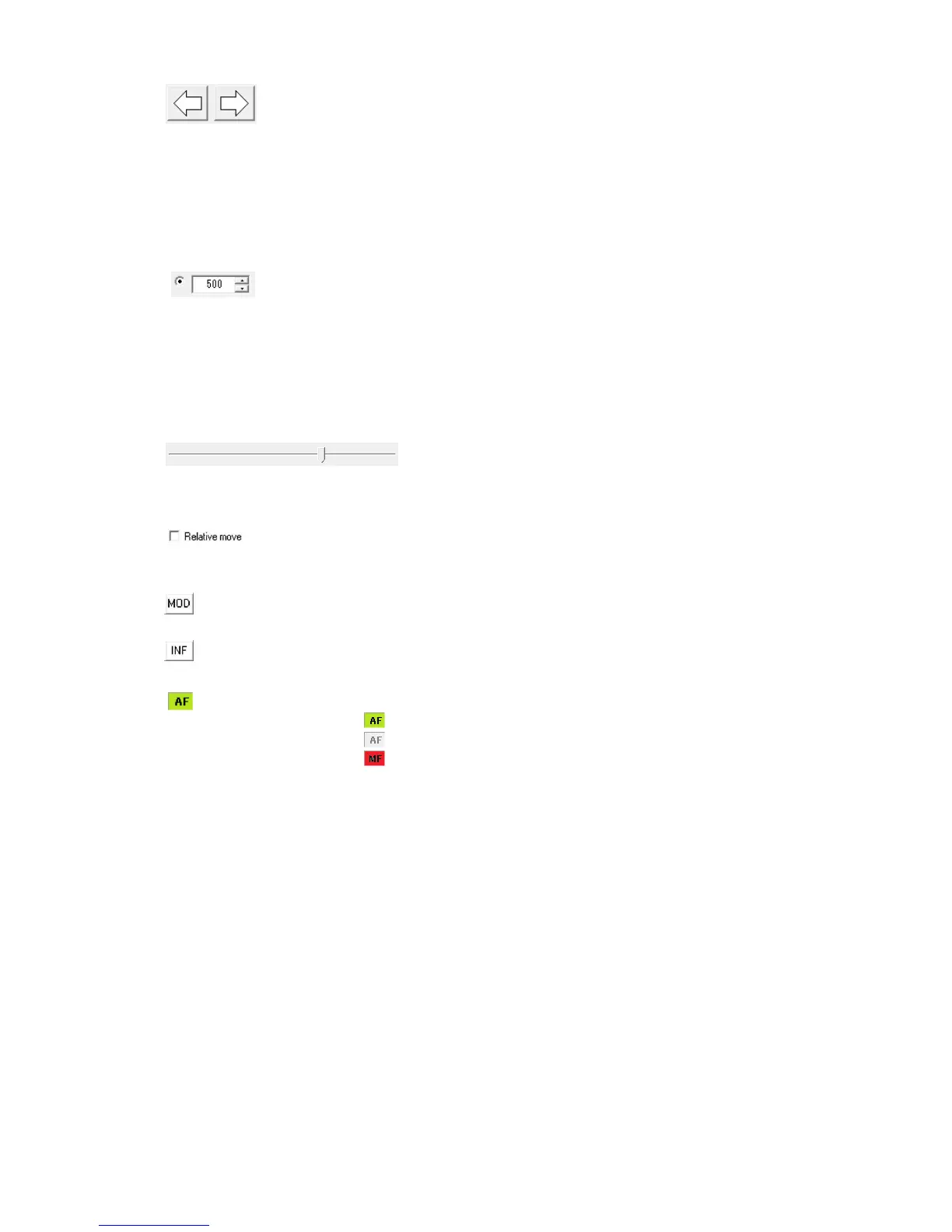
Change focus Used with “Control Position”, “Relative Movement”.
Click <-/-> to move the focal position in the MOD/INF
direction.
Focal adjustment can be performed with the mouse
wheel or keyboard.
Click once and the amount of movement is specified
in “Amount of Focal Movement”.
Press continuously to repeated change the focus and
temporarily increase the amount of movement.
Amount of focal movement Used with “Control Position”, “Relative
Movement”.
Click the change focus button once to specify the
amount of movement.
There are two settings to switch between rough and
fine adjustment.
Press the Shift key on the keyboard to switch the
movement on the left side.
Focus slider Used with “Control Position”.
Specify/display the current focal position of the lens.
Relative movement control
Check for relative movement control.
Close range Used with “Control Position”, “Relative Movement”.
Close range focal position.
Infinity Used with “Control Position”, “Relative Movement”.
Infinity focal position.
AF/MF Display
Lens focal control with AF mode
Lens in AF mode but focus not initialized
Lens in MF mode but focus control prohibited from HXLink



 To Next Page