(00292)H 4 - 67
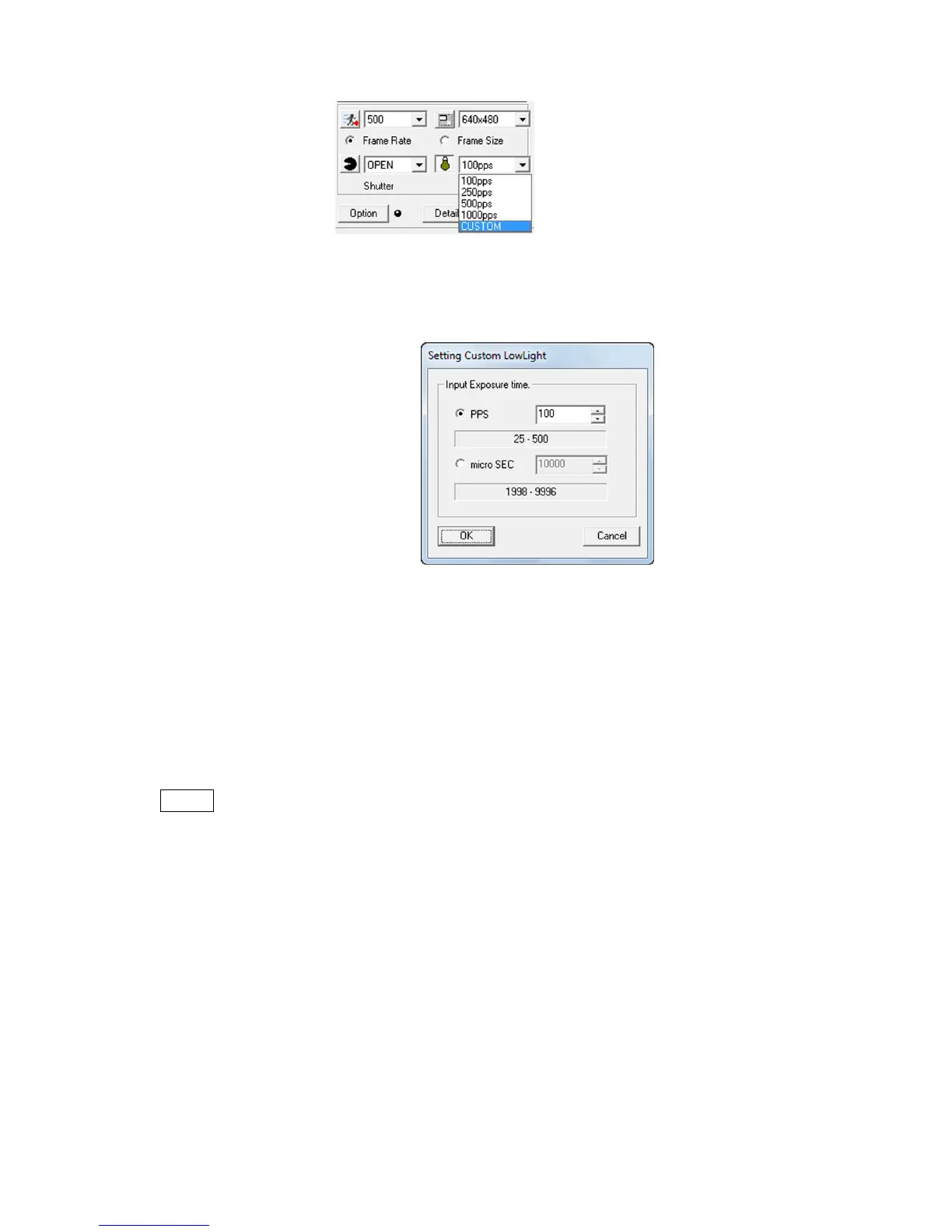
Select CUSTOM in the low light settings, to finely adjust the brightness.
During VIEW, click “Low Light” and select “CUSTOM” in the pull down menu to display the
“Setting Custom Low Light” dialogue.
The units for the exposure time include PPS and micro-SEC.
The ranges of the settings are as follows (with GX-1cameras).
PPS 100pps ~ recording speed
μ SEC shutter setting value ~ 9996micro-sec
The set values (pps) displayed during custom low light use are recalculated from the exposure
time [micro-sec]. As a result, there may be cases when the set exposure time [pps] differs from
the actually displayed value [pps].
The HX and GX-8 camera “Frame Straddling” function does not work when the “Low Light”
function is used.



 To Next Page