(00292)H 4 - 81
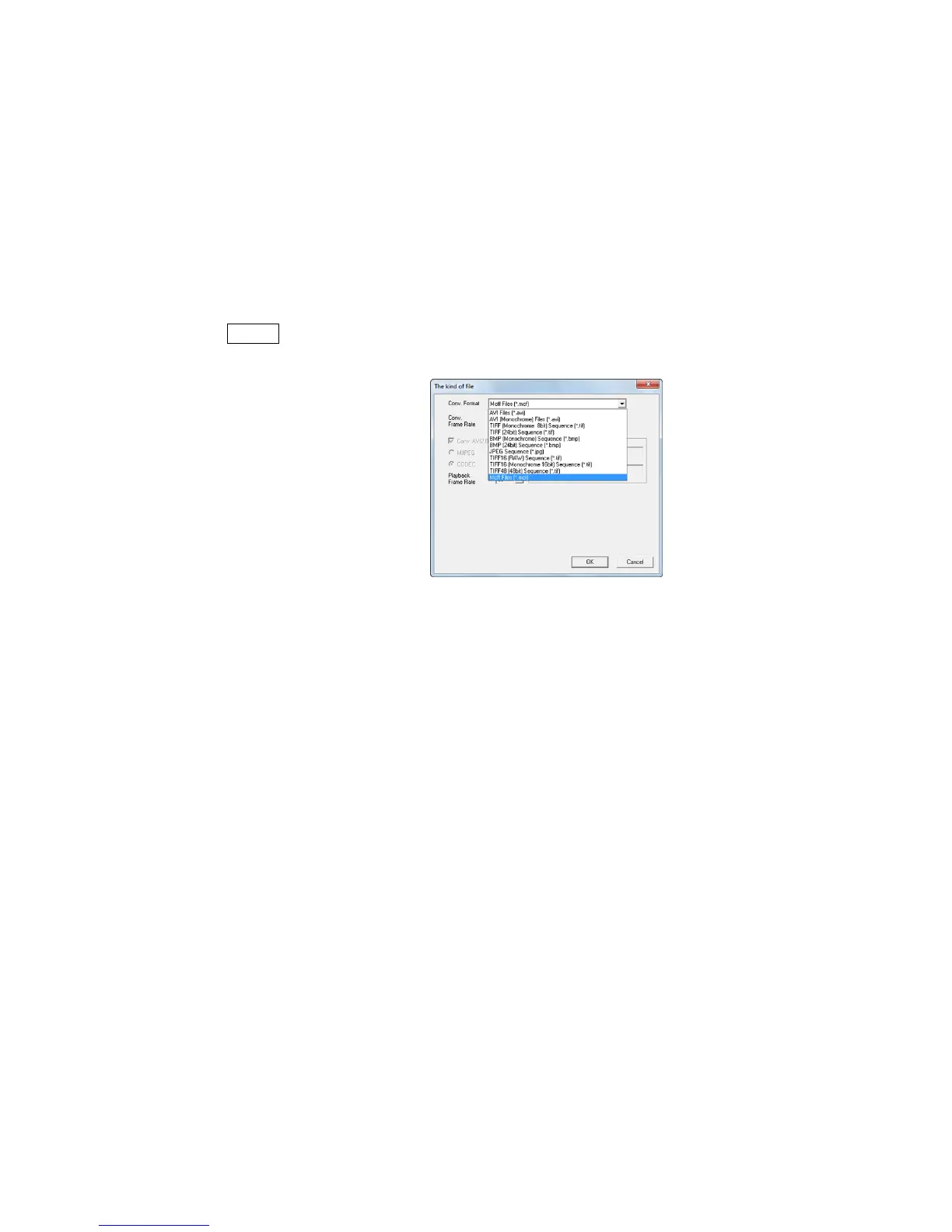
Double click on the cell for the save format to display the “File Type”
dialogue. Specify the type of file with “Conversion Format”. Refer to page
5-25 and 7-21 for the other settings.
Save Format If the compression file format (AVI, JPEG) is selected, “Compression
Ratio”is used for the file size calculation. The size of the saved file is the
value of the
“Compression Ratio” for the file size created without compression.
When starting to save, the size of the saved file is shown in “Saved Size
(Target)” and HXLink determines whether or not there is free space is
sufficient.
Caution The file size subject to the “Compression Ratio” is a target. The actual file size
varies according to the CODEC used for compression.


 To Next Page