(00292)H 4 - 83
Save Folder Displays the folder for the data to be downloaded.
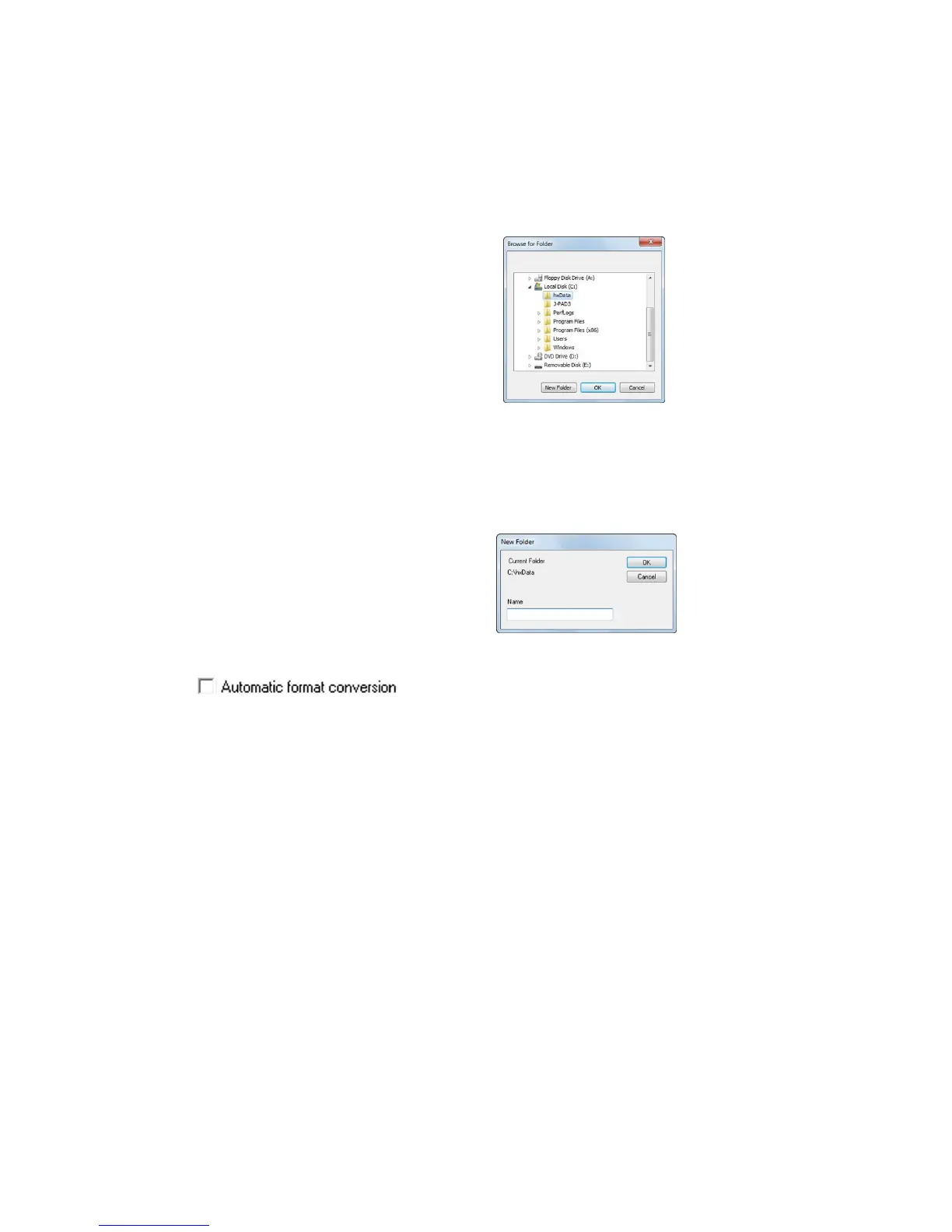
Perform the following when changing the save folder.
1. Double click to select the save folder cell (batch cell during batches)
corresponding to the camera that changes the save folder
2. After the “Reference Folder” dialogue appears, select the folder for the
download and press OK.
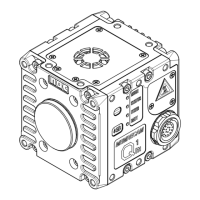
3. If creating a new folder, press “Create Folder” and input the folder
name in the “New Folder Name” dialogue and press OK to create a
folder.
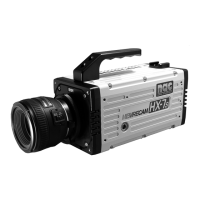
If checked, converts the format after downloading has finished.
Refer to page 4-99 for automatic format conversion.


 To Next Page