8 - 18 (00292)H
8.12 Setting the Exposure Timing with Trigger Signals
(HX and GX-8 Cameras)
With the GX-8 camera, the trigger signal can synchronize the exposure timing with an external
device.
If the GX camera time is set to trigger reset and a trigger signal is detected during recording, the
exposure is ended immediately afterwards and exposure of a new trigger frame starts and
recording thereafter is performed at the specified frame rate.
Recording Limitations with Trigger Reset
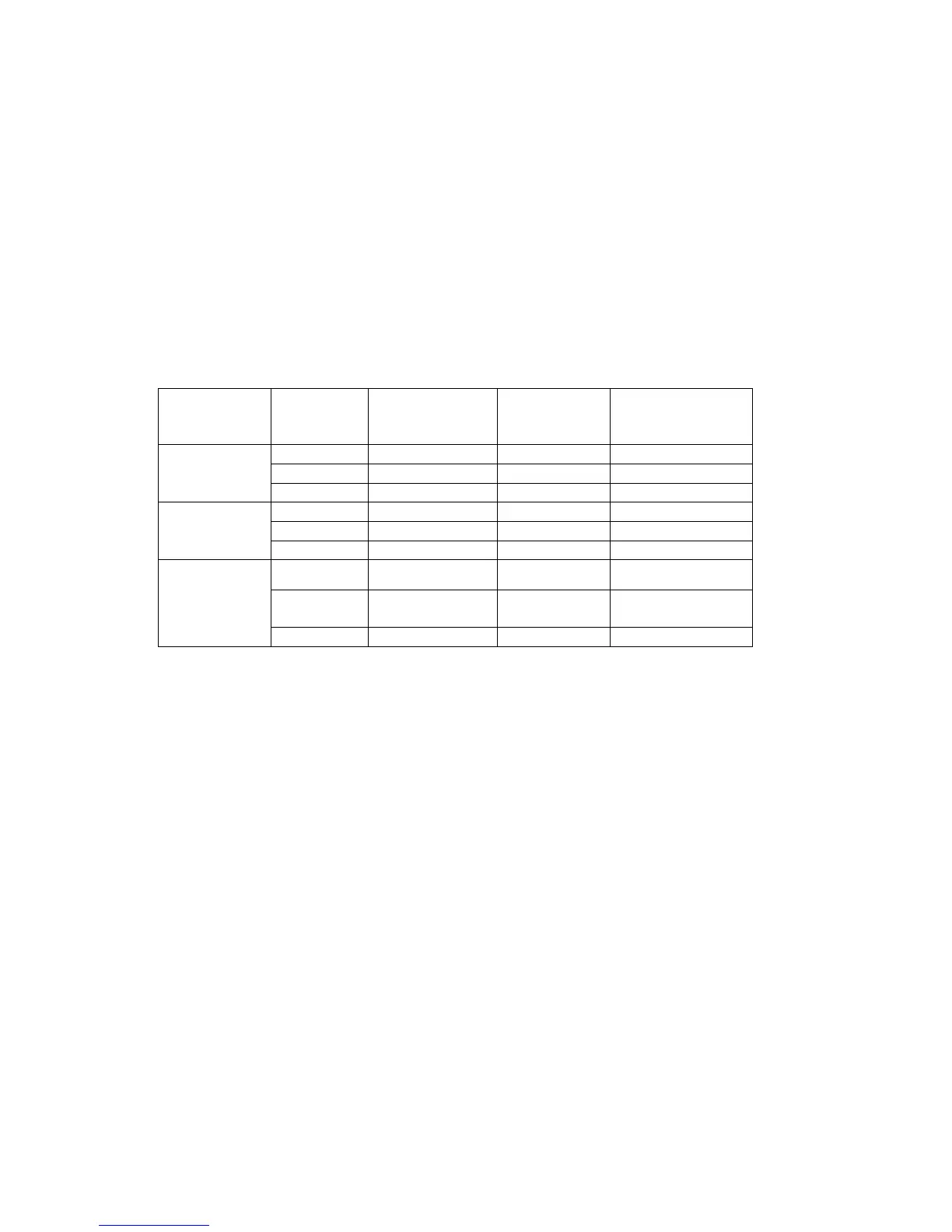
・ There are recording frame size limitations with trigger reset recording, and there are
conditions at which recording can be performed for each pixel bit length. H is the horizontal
resolution and V is the vertical resolution.
・ The time stamp cannot be saved with trigger reset recording.
・The brightness (black level) of frame number 0 (trigger frame) may differ from the other
frames.
・ The frame number-1 (immediately before the trigger frame) image may not be properly
saved.
・ With trigger reset recording, since sync recording is not possible with the IRIG and EST
signals, the variation in exposure timing (error) increases as the recording time lengthens.
・ Synchronization of the exposure timing with the trigger timing can only be performed once
during recording.
To use the trigger reset function, set “GX Camera Time” to “Trigger Reset” in the sync settings
(Options/Camera Connection Settings) (Refer to page 6-4).
Refer to the GX-8 user's manual (800249) for details of the trigger reset function.



 To Next Page