(00292)H 11 - 13
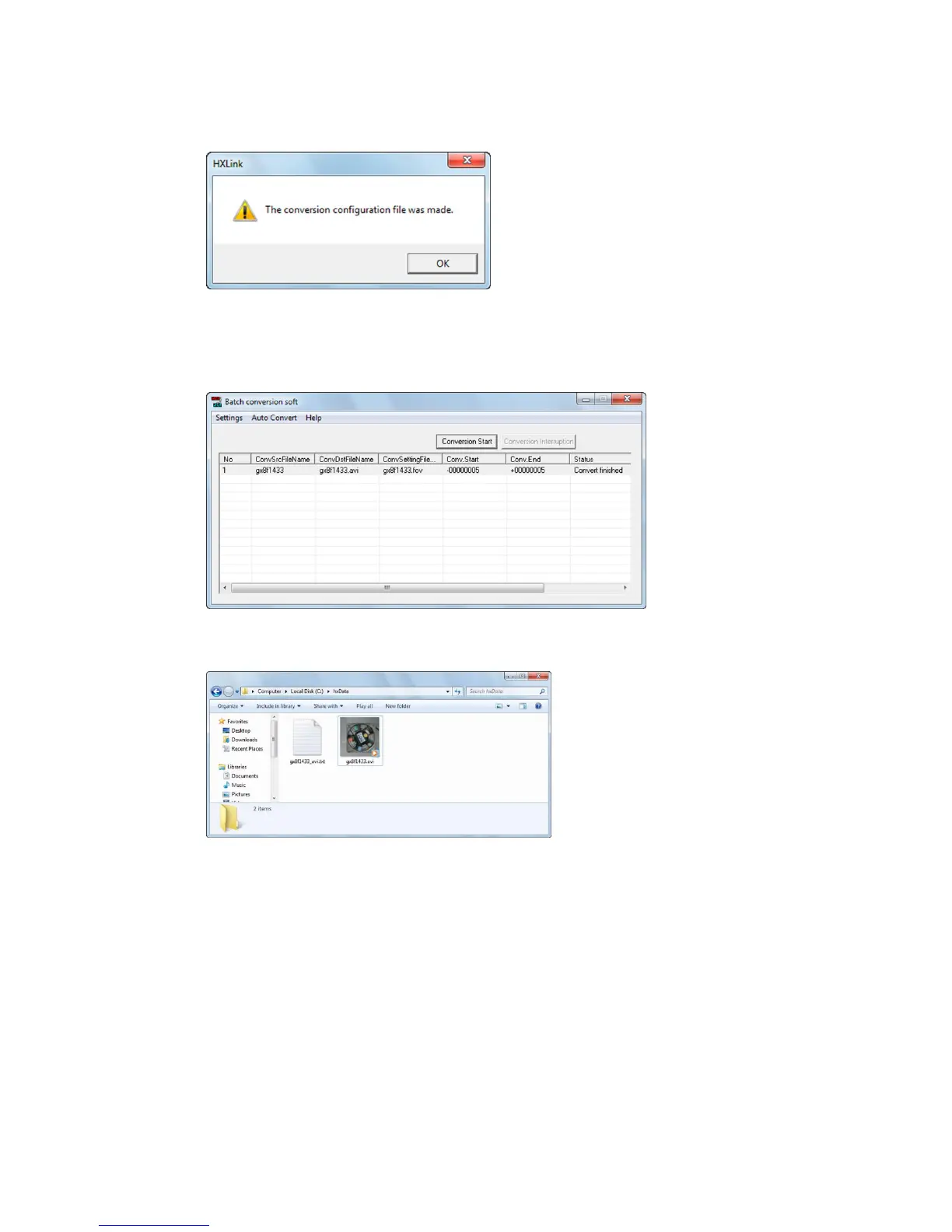
Output the batch conversion settings file for BMP-AVI conversion to display the dialogue.
5) Soon, the batch conversion settings are shown in the batch conversion software window and
conversion starts.
Once AVI conversion is done, the conversion status in the batch conversion software window
indicates “Conversion finisihed”.
6) An AVI file is created in the HXLink save folder.



 To Next Page