(00292)H 12 - 3
12.2 Procedures for Creating an Auto Pilot Sequence
This section describes the procedures for creating auto pilot sequences.
■ Auto Pilot Sequence Files
The auto pilot sequence creation tool GXAPCmdEdit program creates two types of files,
specifically, sequence execution files and sequence files.
・ Sequence Execution Files
Sequence execution files are written in the command format for the auto pilot function for
the HX and GX cameras. Auto pilot is executed by restarting the HX and GX cameras
connected to the USB media with the saved sequence execution files.
The file name of the sequence execution files is SEQUENCE.DAT.
・ Sequence Files
Sequence files record sequences created by the GXAPCmdEdit program.
Sequence files can be converted to sequence execution files.
The file name of the sequence files is the date created, with an extension of APF.
■ Procedures for Creating Auto Pilot Sequences
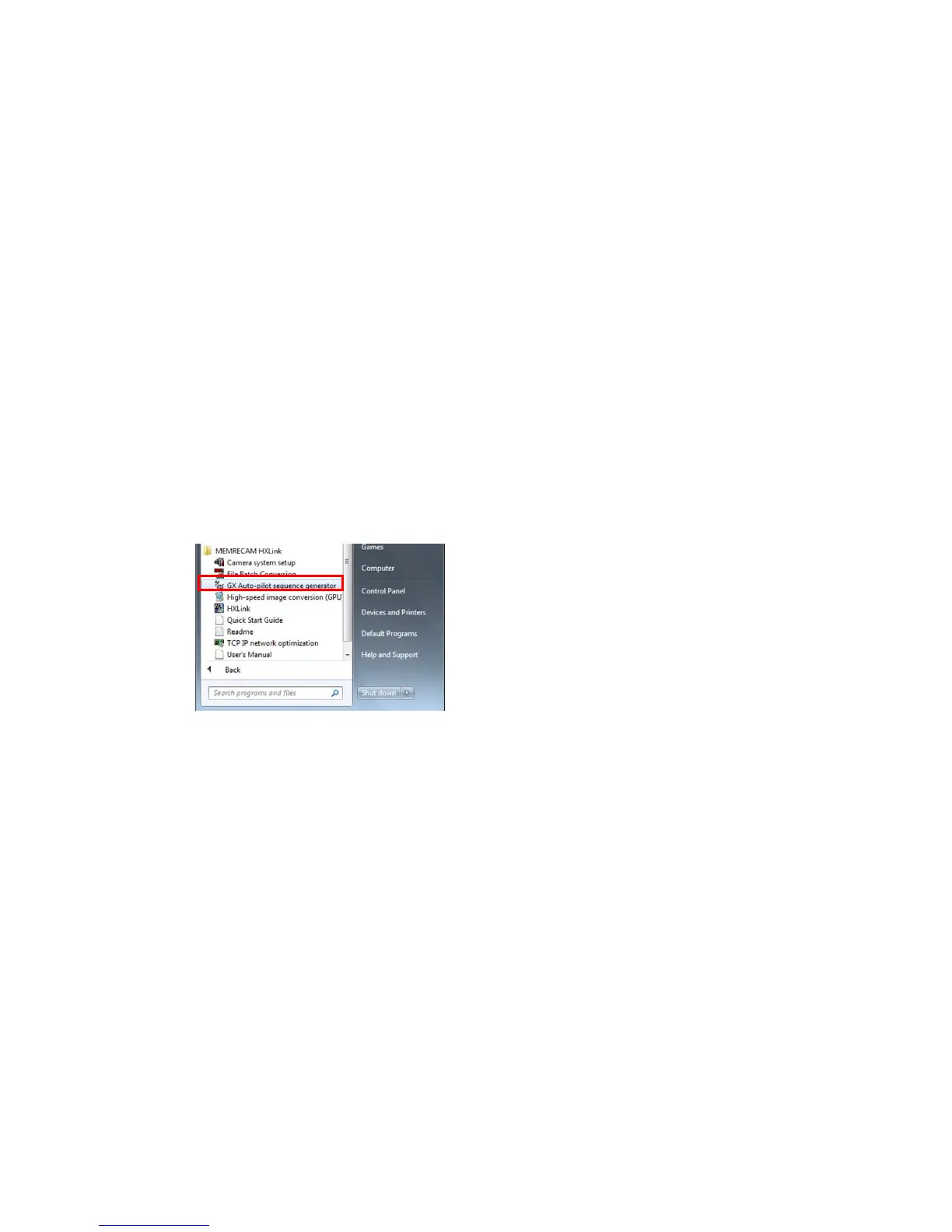
(1 ) Start the GXAPCmdEdit program.
Click “Create GX Auto Pilot Sequence” in “Start Menu”
→ “All Programs” → “MEMRECAM HXLink”.



 To Next Page