12 - 8 (00292)H
■ Procedures to Create an Auto Pilot Sequence from a Sequence File
If creating a sequence execution file SEQUENCE.DAT by keeping the same or changing the
sequence file created, use the load sequence file function in the GXAPCmdEdit program.
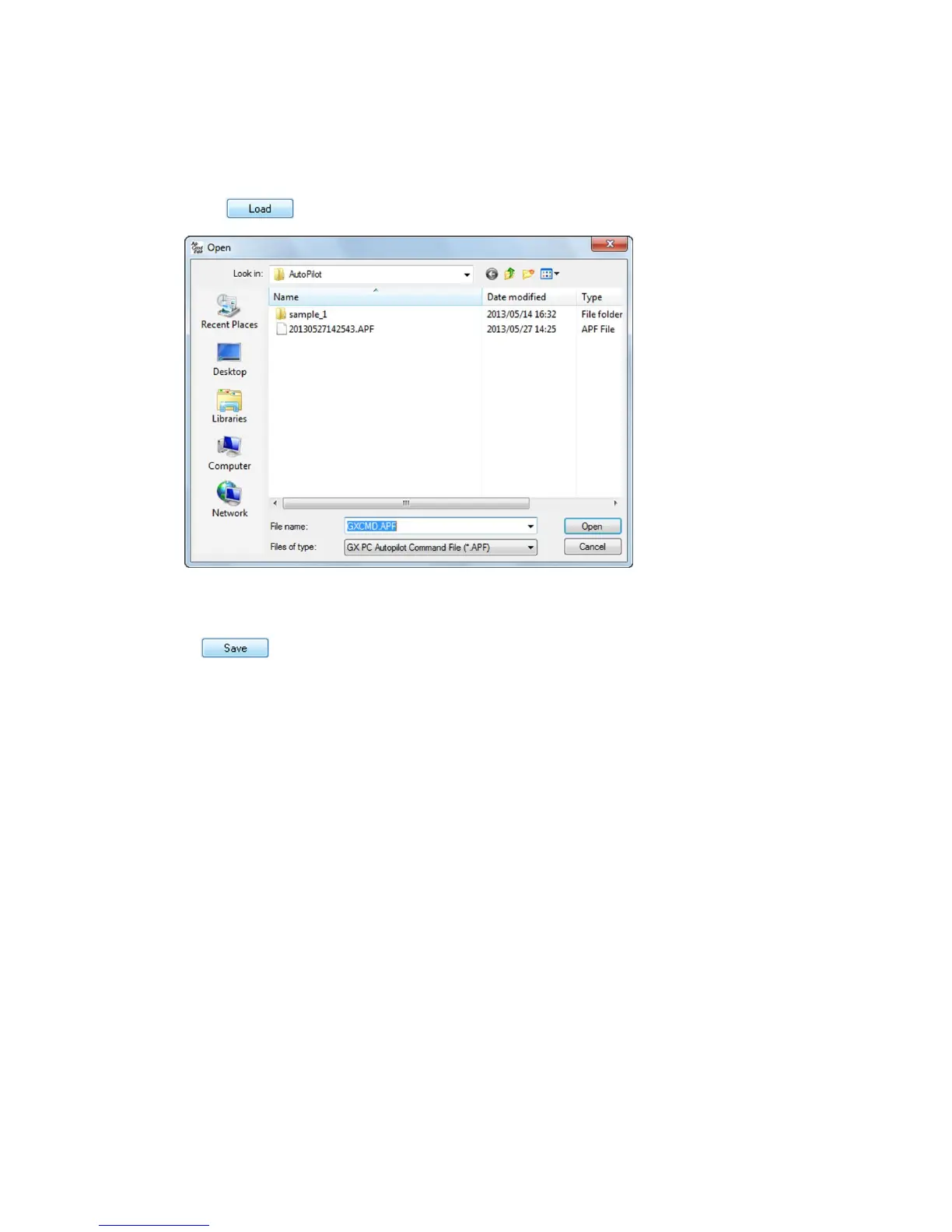
Click under the sequence list and the dialogue specifying the sequence file
appears.
Open the loaded sequence file (extension of APF) and the auto pilot sequence loaded from the file
in the sequence list appears.
Click after leaving the loaded auto pilot sequence unchanged or changing it and the
sequence file and the sequence execution file are saved.



 To Next Page