13 - 14 (00292)H
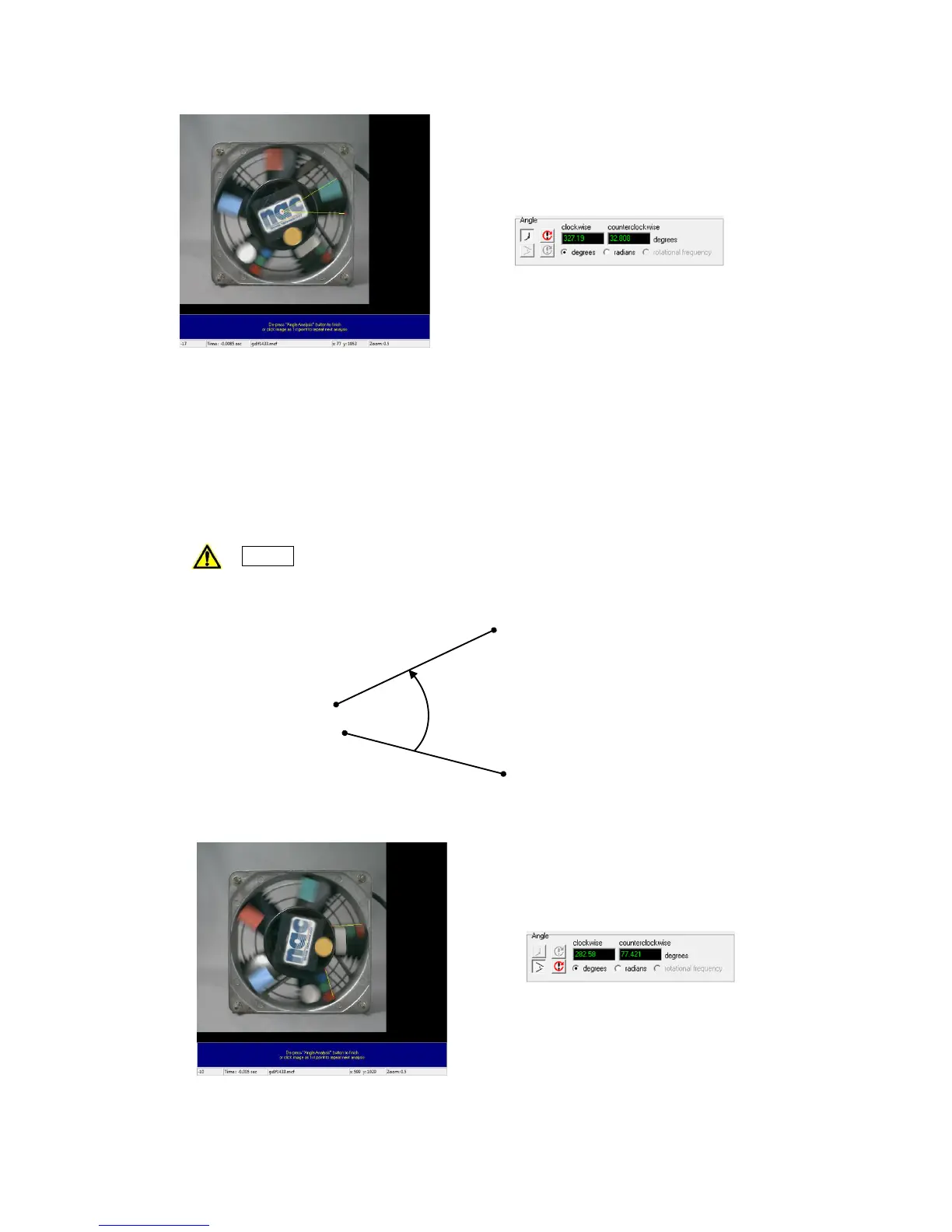
2) Measure Angles with 4 Points
As shown in the following figure, first click on the 1
st
and 2
nd
points to measure angles with
4 points. Then make a second line with the 3
rd
and 4
th
points. Measuring uses the line
connecting the first and second lines as a reference, and the angle counterclockwise or
clockwise from there is determined.
(with two vectors, the angle of vector 12 and vector 34.)
Caution It is important to sequentially click on 4 points.
If the clicking sequence is wrong, measurement of the expected angle will
not be possible.
Measure Angles with 4 Points (Angle in the Figure is Counterclockwise)



 To Next Page