(00292)H A – 3
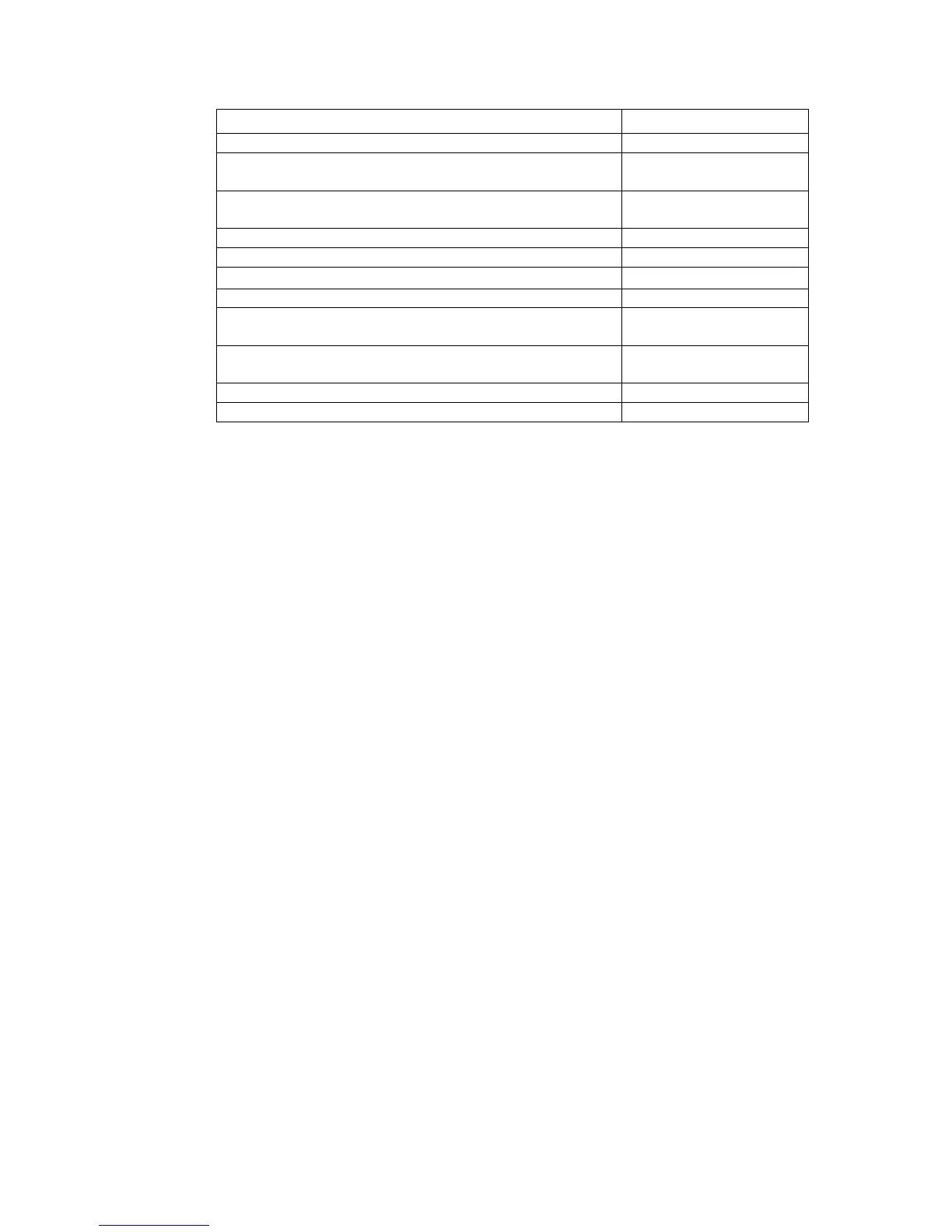
Shortcut Keys for Camera / File Operation
Start playback when stopped. End playback when playing.
Loop playback when stopped or when playing. End playback
during loop playback.
1 frame forward when stopped. Increase frame rate when
playing.
1 frame back when stopped. Decrease frame rate when playing.
Jump to trigger frame or to T=0 frame.
Jump to playback start frame.
Jump to playback end frame.
Jump to first frame or to first frame of file.
Jump to last frame or to last frame of file.
Put the camera in the VIEW mode.
Put the camera in the ARM mode when in the VIEW mode.
The shortcut keys for camera / file operation can be used by checking ON in “Enable Shortcut
Keys for Camera / File Operation” under the “Other” tab of options.



 To Next Page