E - 4 (00292)H
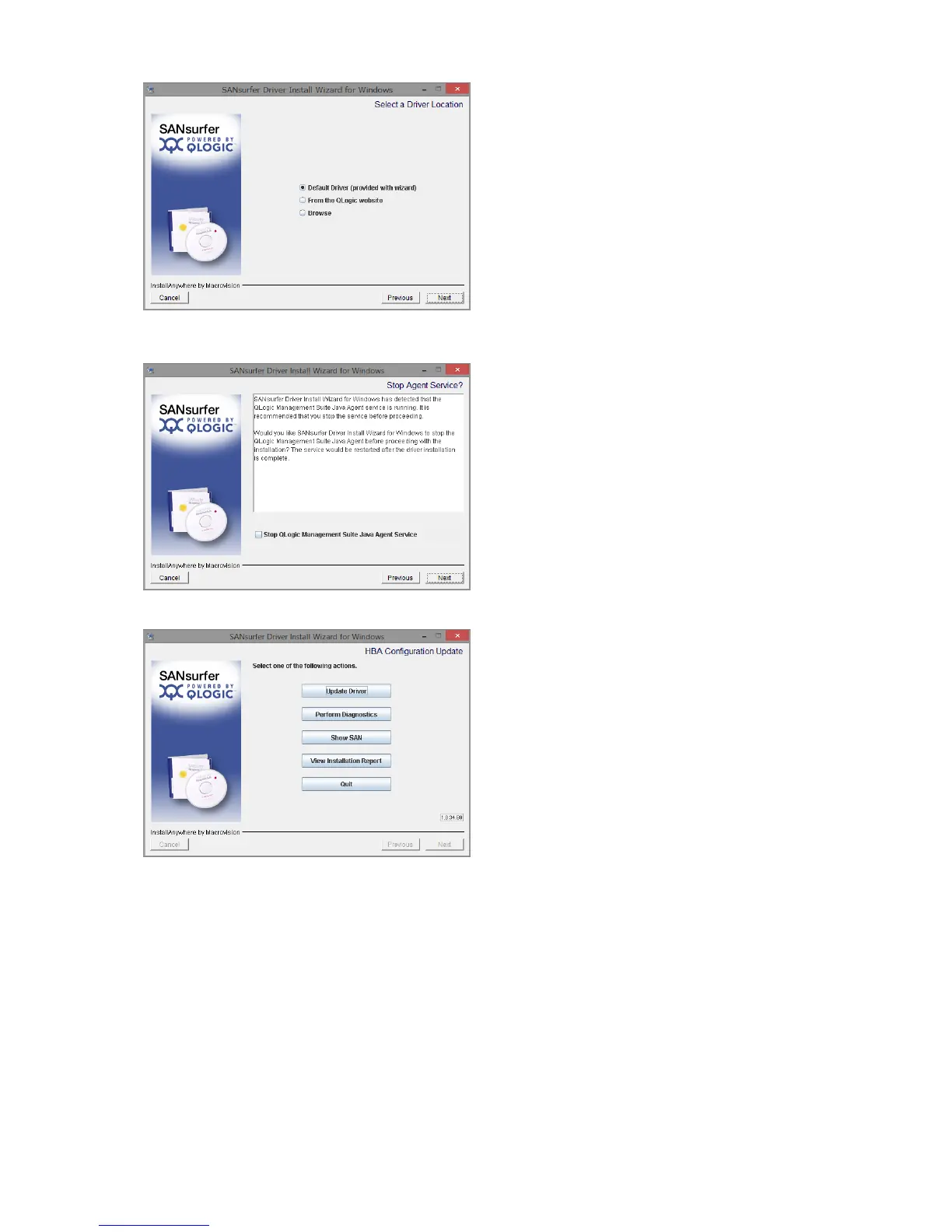
9) Click "Next" to "Default Driver (provided with
wizard) " selected.
Click "Next" on the "Preparing Driver Package"
screen.
10) Uncheck "Stop QLogic Management Suite Java
Agent Service" and click "Next".
When be displayed "Driver installed successfully",
click "Next".
11) Click "Quit" to complete the install.
Click "Cancel" on the "Program Compatibility
Troubleshooter" screen.
Please reboot Computer.



 To Next Page