(00292)H 3 - 9
The following item is for only Q camera.
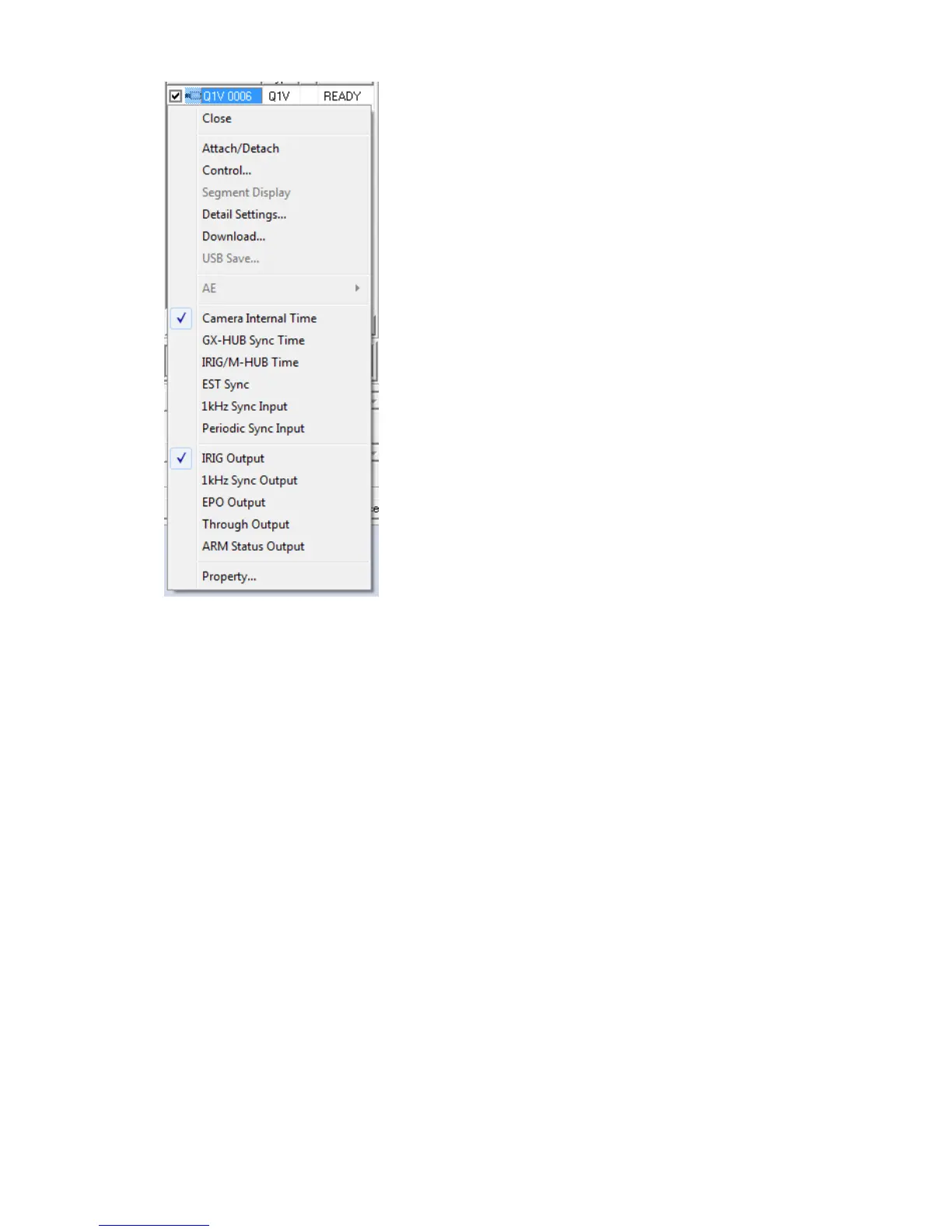
Input Settings
Select input signal into “SYNC IN” of Q camera from the
following items.
-Camera Internal Time
-GX-HUB Sync Time
-IRIG/M-HUB Time
-EST Sync
-1kHz Sync Input
-Periodic Sync Input
If you select the item of “Camera Time”, “Internal Sync” is set
for “Camera Sync”.
If you select the item of “Camera Sync”, “Camera Internal
Time” is set for “Camera Time”.
Q camera sync output
Select signal output from “SYNC OUT” of Q camera from the
following items.
-IRIG Output
-1kHz Sync Output
-EPO Output
-Through Output output signal of “SYNC IN” from
“SYNC OUT”
-ARM Status Output



 To Next Page