3 - 26 (00292)H
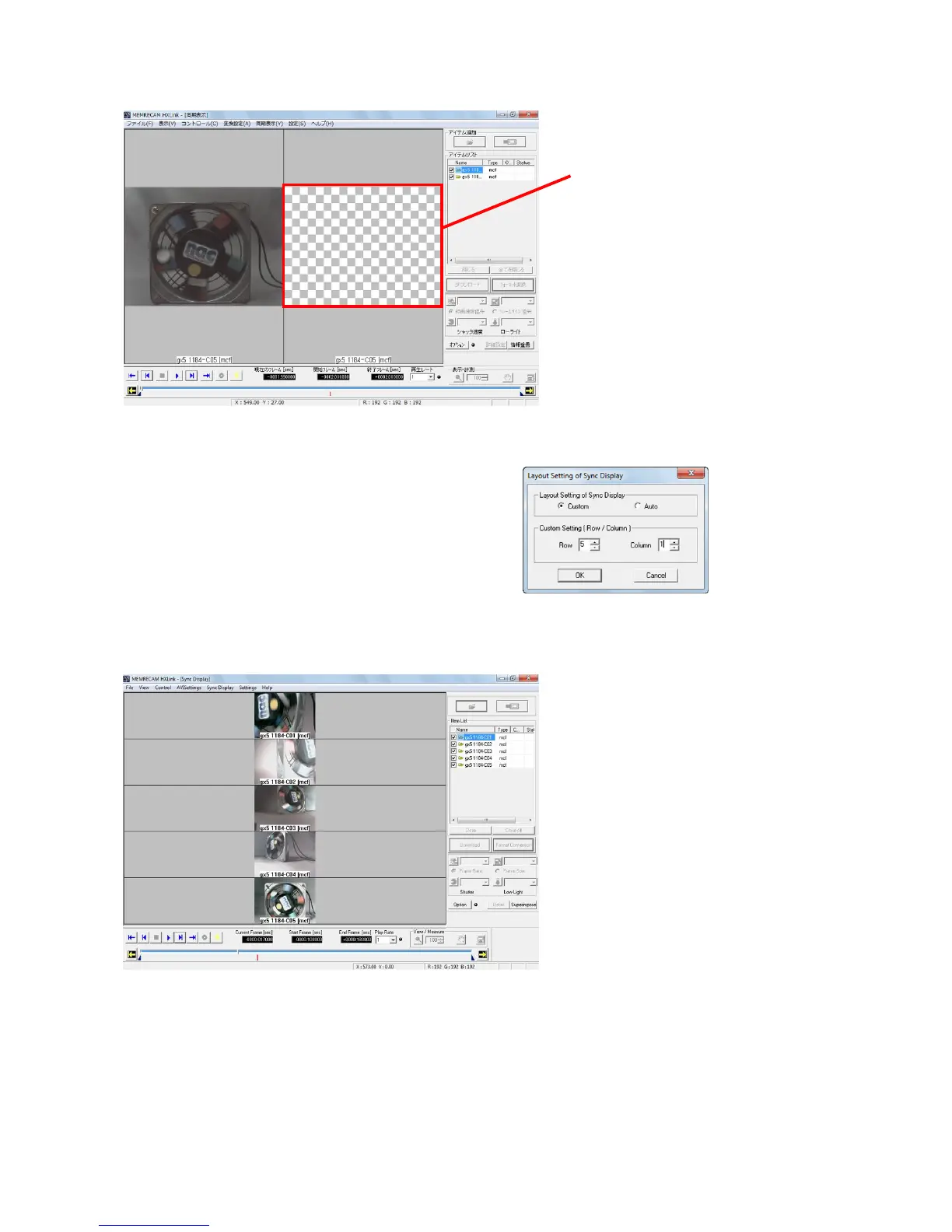
If the current frame time is outside the range of the image data, a checkerboard pattern is displayed.
In "Sync Display Layout" in the "Sync Display" menu,
select Custom to specify the image layout.
Each of the custom settings for row/column
have a maximum value of 16.
Sync display cannot be performed for images
exceeding the number of images designated in
the layout settings during custom selection.



 To Next Page