(00292)H 4 - 5
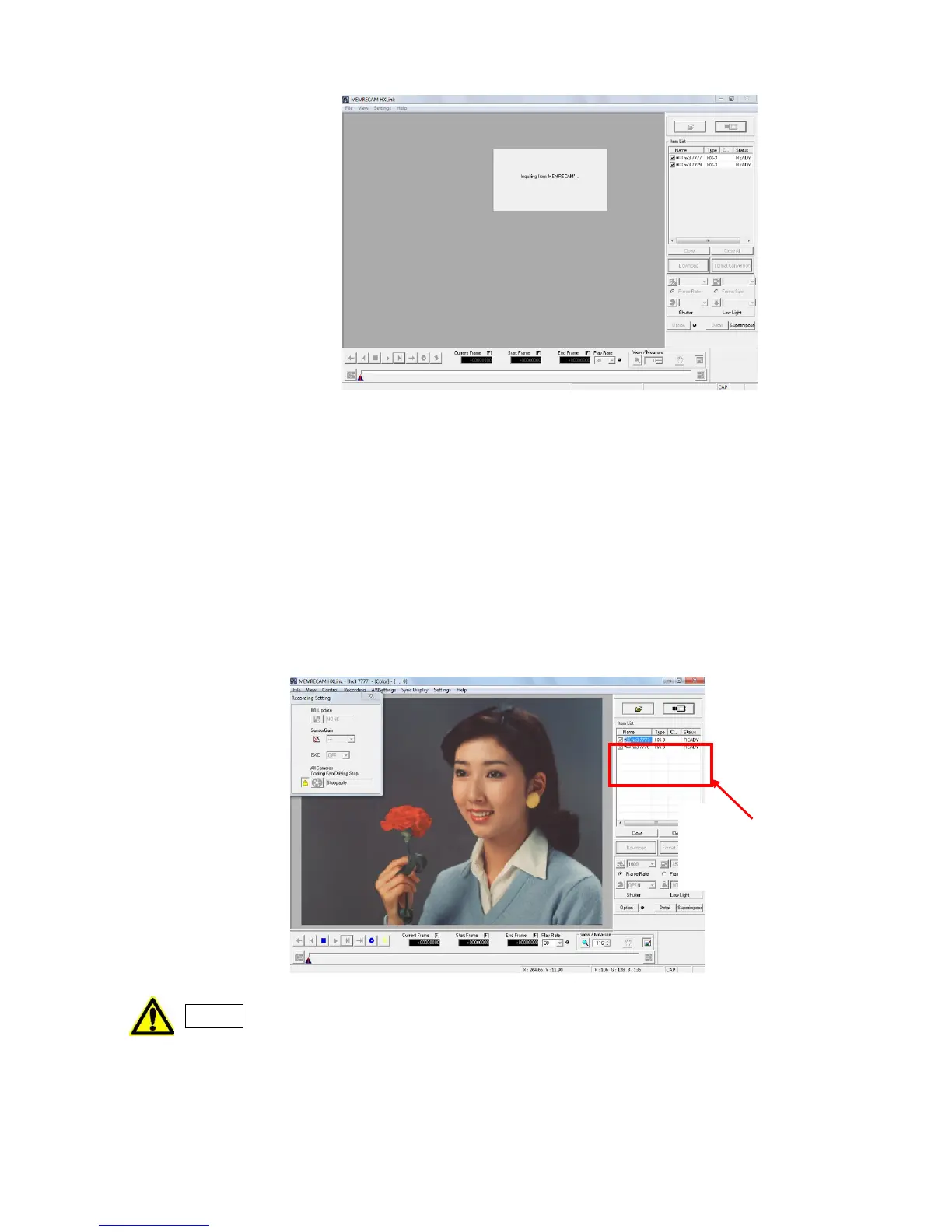
Once "Connect Camera" starts, the specified camera is added to the Item List, and the camera
nickname (Name), camera model (Type), camera head number (CAMERA) and camera status are
displayed.
The status display for the Item List is updated each time the camera status is changed, and the
camera status is displayed.
Once the HX/GX camera connections are completed, the camera live images are displayed on the
monitor.
As for Q camera, images are not displayed unless it is recorded at camera connection.
The name of the selected camera and the "Color/ B/W" type are displayed in the title bar of the
HXLink window. Refer to page 3-21 for details on the title bar.
Recording parameters of Q camera always returns to default settings whenever
re-connected. If preferred to stay with the parameters set, save these parameters
into parameter file (prm) and load it after camera connected.
Refer to page 4-13, 7-5, 9-3 for saving and loading parameter file (prm).



 To Next Page