Reports
142
6
Counter Data Reports
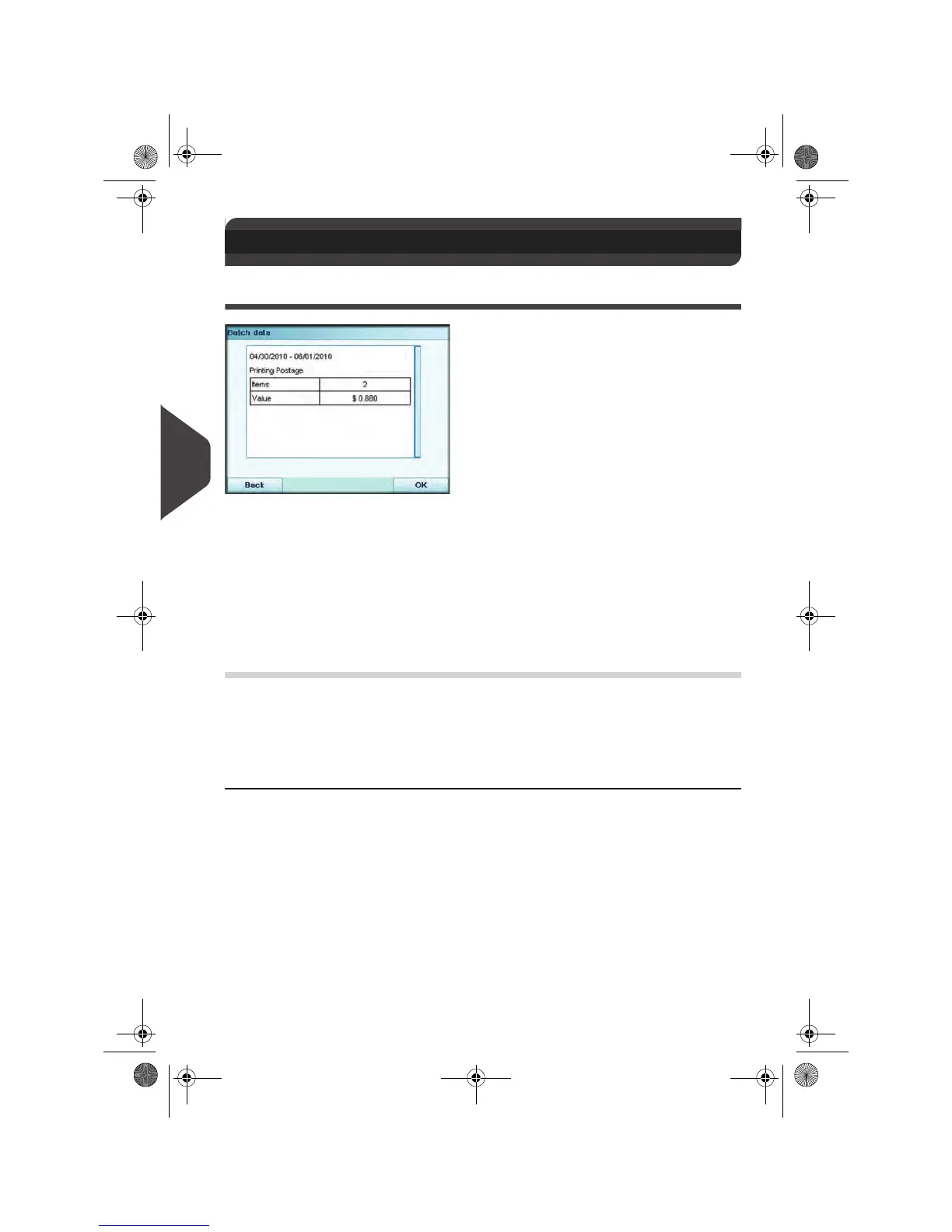
Batch Data Report
The Batch Data Report displays the batch counter and corresponding postage for
outgoing mail since the last reset.
Requirements
To generate this report, you have to be logged in as a user.
You must be in
Applying postage
task to view the outgoing mail batch counter.
Output
Screen.
USB printer.
6.4 Counter Data Reports
Fields Comments
Period Begin = Date of last reset
End = Current date
Die number On printed report only
Number of items (without 0.00 items)
Total value of items
OMEGA1_US.book Page 142 Vendredi, 1. octobre 2010 10:46 10


 To Next Page
 Loading...