Configuring the System
224
8
How to Print with RLD by Default
How to Print with
RLD by Default
1 As supervisor (see
How to Log in as Supervisor
p.190):
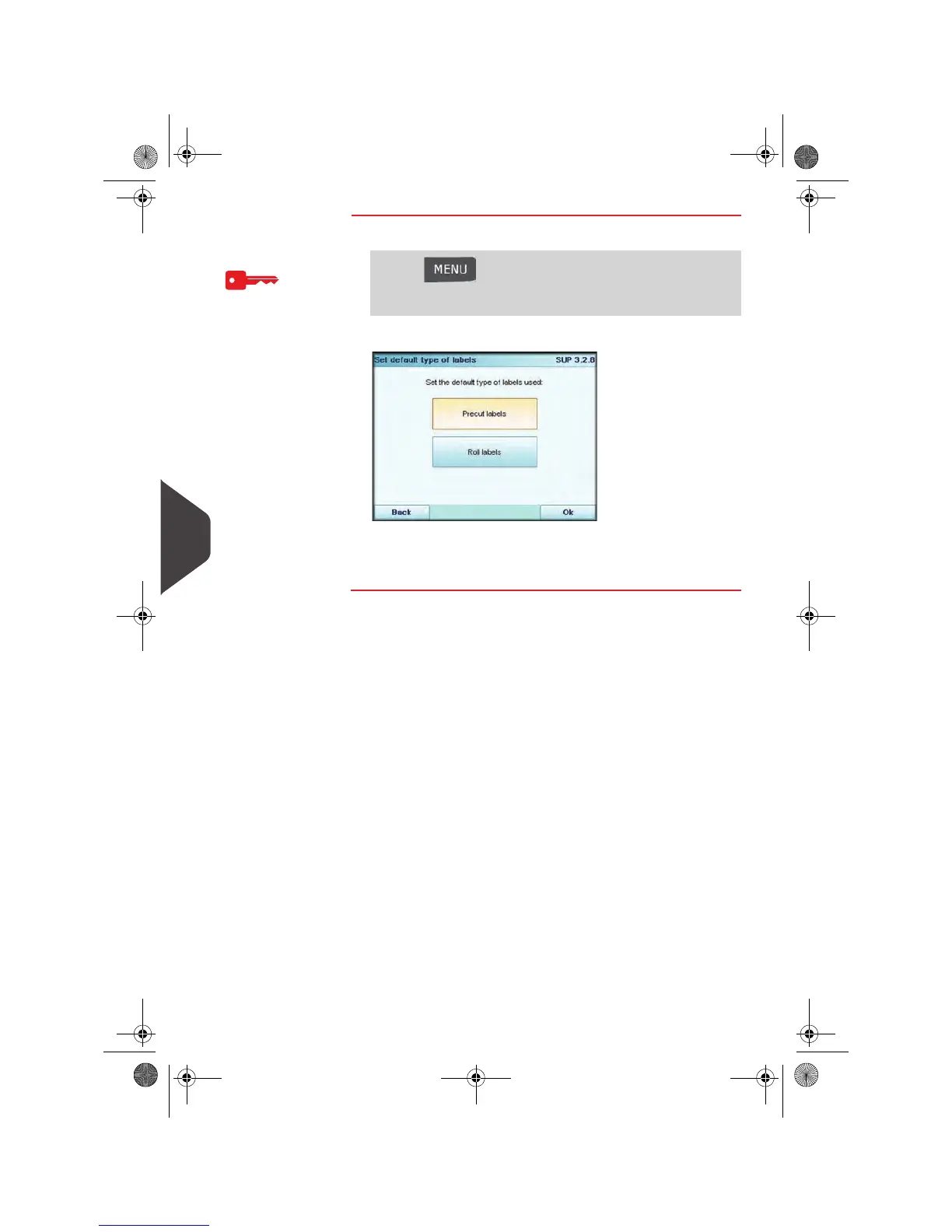
The
Set default type of labels
screen is displayed.
2 Press Roll labels, to use the RLD as default label printer.
3 Press [Ok] to validate.
Press and type 3.2.8 or select the path:
> Default user settings > Base settings > Default label
printer
OMEGA1_US.book Page 224 Vendredi, 1. octobre 2010 10:46 10


 To Next Page
 Loading...