Running Mail
51
3
Running Special Mail Types
Steps to Re-date Mail
The postal service requires the date of mailing to be printed on the mail. If you need
to re-date “stale” mail bearing an older date, you must print a $00.00 value with the
correct date of mailing on the back side of the envelope. If you cannot print on the
back, you may print on the lower right hand front corner by turning the mail around so
the address is now upside down.
See also
• To automatically change the date on certain days, see
Automatic Date Advance
p.196.
Re-Dating Mail
Re-Dating Mail
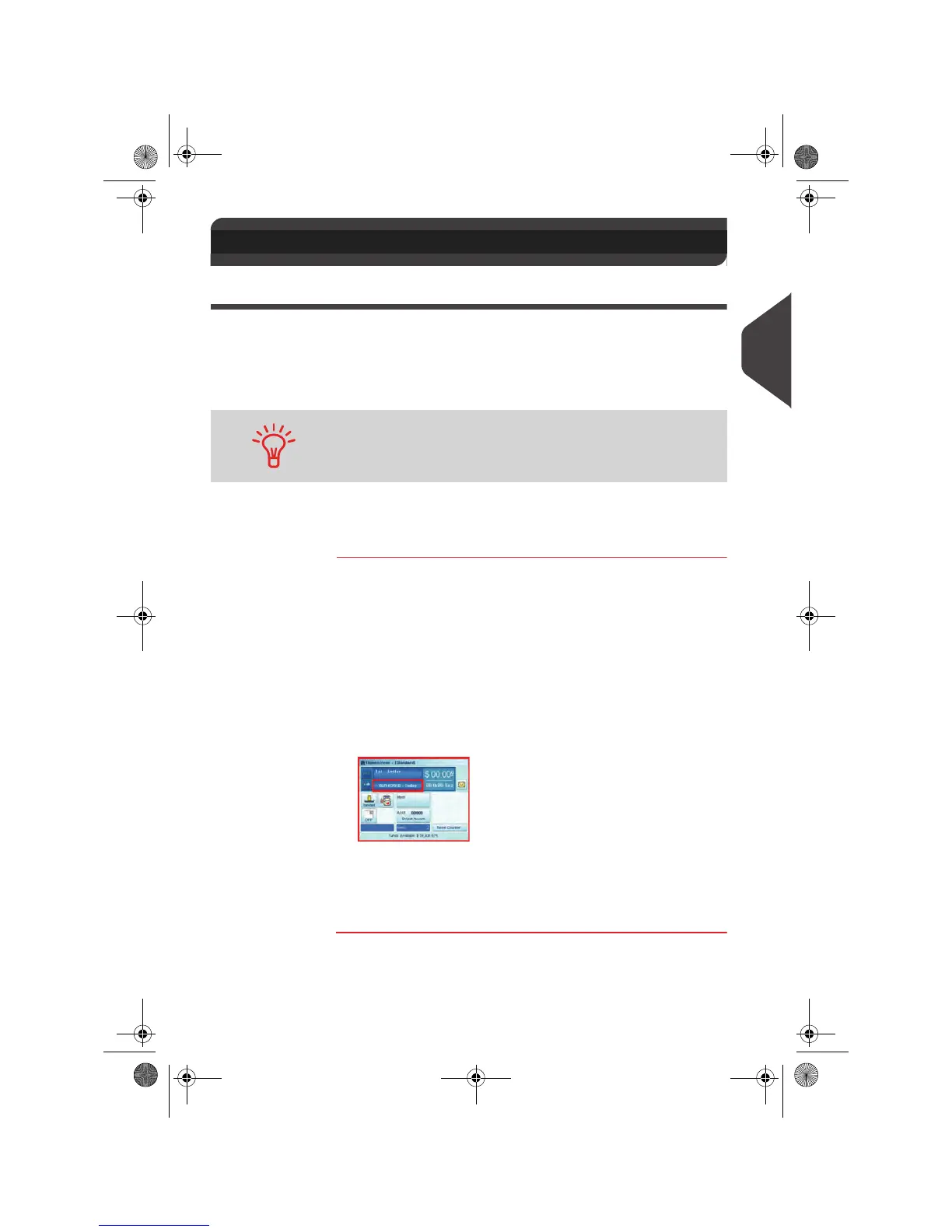
1 Set postage to $00.00 manually.
Key in
$00.00 on the home screen to open the
Manual
amount
screen, then press [OK].
The postage amount
$00.00 is now displayed on the
home screen and the weighing type switches to
No weight
source
(icon).
For details, see
How to Enter Postage Manually
p.66.
2 Change the stamp date.
Press the Date area on the screen and select the date to
print.
For details, see
How to Change the Date on the Stamp
p.78.
3 To print postage on mail pieces or on labels/tape, resume
with
Running Mail in Manual Weigh Modes
p.49.
3.4 Running Special Mail Types
Print the new date on the back of the envelope or upside down on
the front.
OMEGA1_US.book Page 51 Vendredi, 1. octobre 2010 10:46 10


 To Next Page
 Loading...