Running Mail
53
3
Correcting Postage Amount
You can correct a postage amount that is too low.
The steps are identical to
Steps to Re-date Mail
, except you will set the postage value
for the additional amount required.
Correcting t he Postage Amount
Correcting the
Postage Amount
1 From the home screen, Type the additional amount of
postage required and press [OK] to validate. For more
details, see
How to Enter Postage Manually
p.66.
2 To offset the print position for thick envelopes, touch the
[Print Position] area on the screen and select the Print Po-
sition : Offset. Complete the amount and then press [OK] to
validate.
For details, see
How to Apply (or Cancel) a Print Offset
p.77.
3 To print postage on mail pieces or on labels, resume with
Running Mail in Manual Weigh Modes
p.49.
Print the additional amount on the back of the envelope or upside
down on the front.
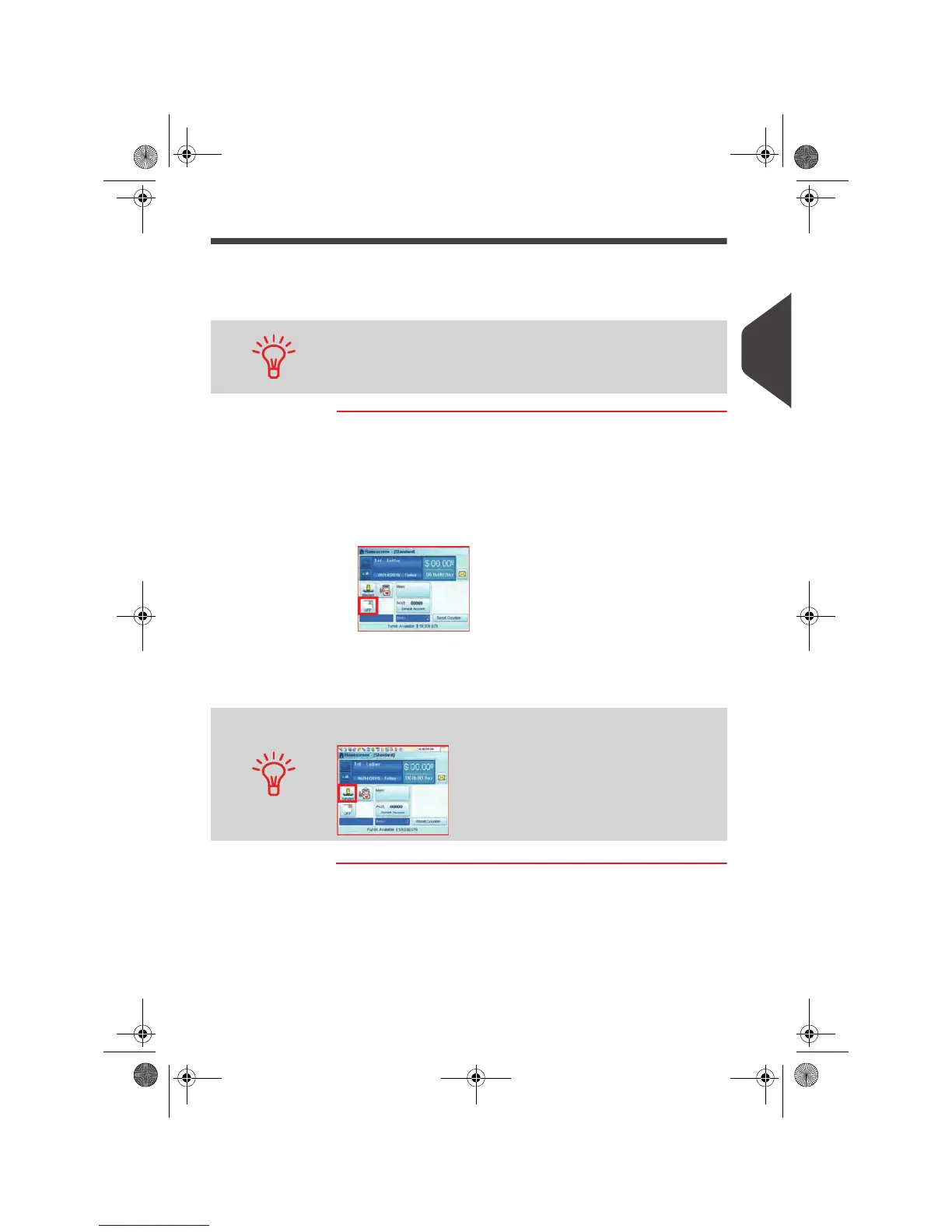
After printing, you may need to change theWeighing mode button
(unless you have the WP Auto Detect activated).
OMEGA1_US.book Page 53 Vendredi, 1. octobre 2010 10:46 10


 To Next Page
 Loading...