Troubleshooting
275
11
Feeder Stoppages/Jams
Problem : Envelopes are stopped in the Feeder.
How to Clear Mail Jammed in the Feeder
How to Clear
Mail Jammed in
the Feeder
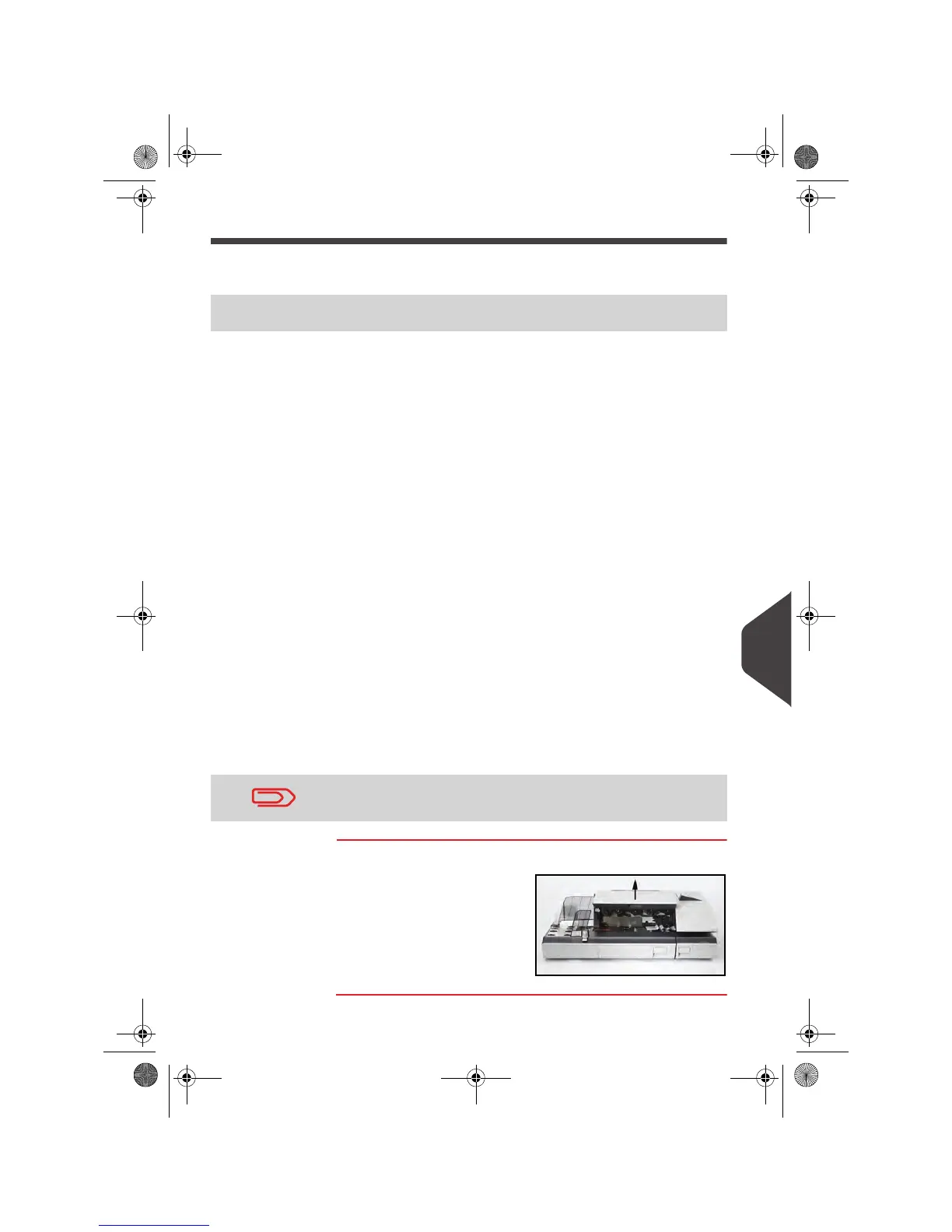
To clear mail jammed in the Feeder:
1
Open the cover.
2 Gently remove jammed
envelopes.
3 Close the cover.
Possible cause Action
• Mail piece is too thick.
• Mail size is incorrect.
• Too many envelopes are on the
feed deck.
• Envelopes are not properly
stacked on the feed platform.
1 Clear the Feeder as indicated
below.
2 Correct the cause:
Mail sizes: see
Mail Specifi-
cations
p.295.
Envelope stack height: 7 3/4"
max.
Envelope stacking: see
Using
the Feeder
p.82.
• Sealing is ON while feeding sealed
envelopes.
1 Feed sealed envelopes only with
sealing OFF.
2 Check that already closed en-
velopes are properly sealed at the
leading edge. Envelopes not com-
pletely closed may jam.
• Sealing is ON while feeding en-
velopes in a wrong position.
Correct the cause:
1 Envelope feeding: see
Using the
Feeder
p.82.
• The selection fingers are blocked. Correct the cause:
1 The selection fingers have not
been lifted by a thick envelope.
2 The selection fingers have been
lifted by a thin envelope.
The mail transport path should be regularly cleaned. See
Clean-
ing the Mail Path
p.264.
OMEGA1_US.book Page 275 Vendredi, 1. octobre 2010 10:46 10


 To Next Page
 Loading...