Running Mail
43
3
Running Mail
Recommended Steps for Processing Mail
Running mail varies significantly depending on the Weighing mode you choose.
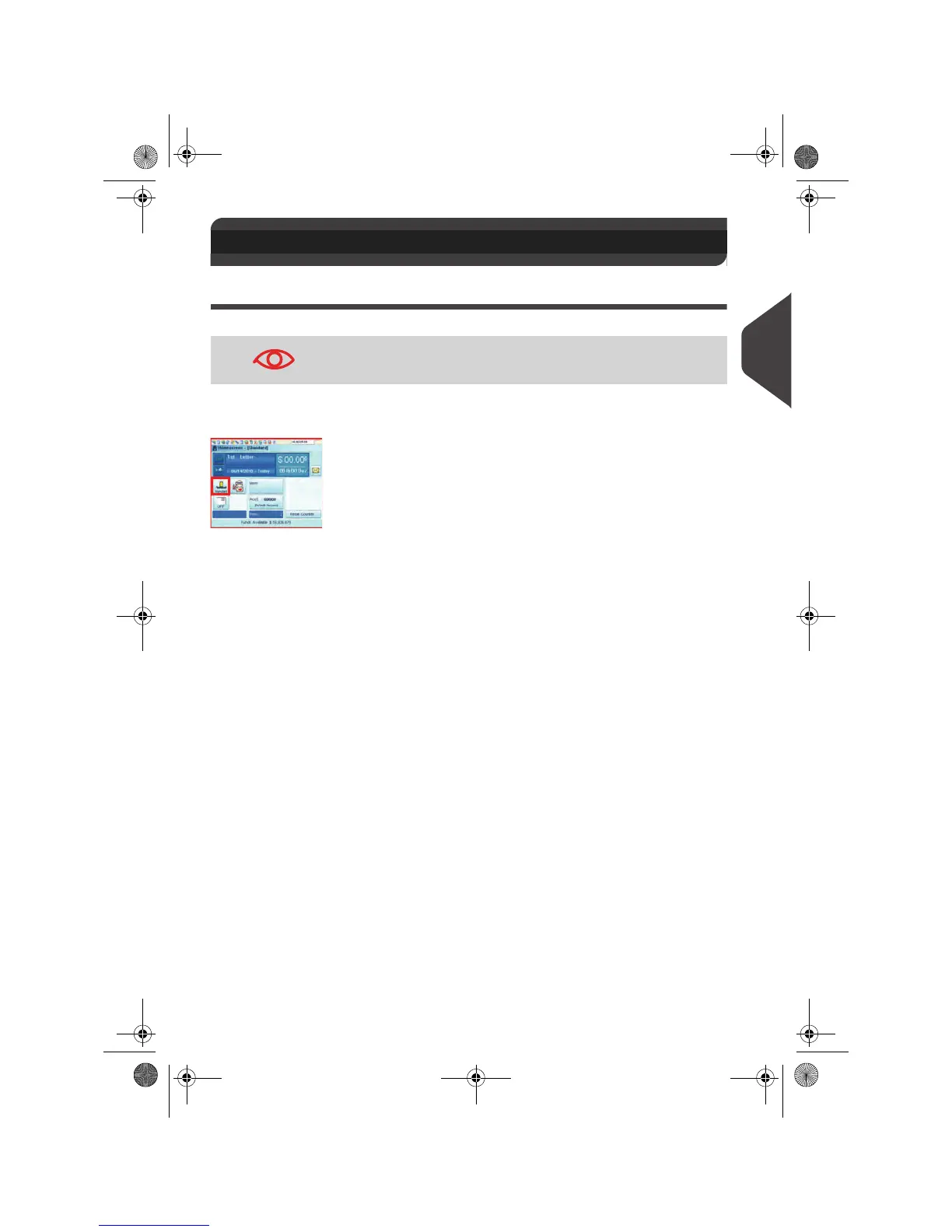
The current weighing mode is indicated by the icon on the Weighing modes button.
• About weighing modes, see
Selecting a Weighing Mode
p.67.
Running Mail by Weighing Mode
• Dynamic weighing uses the inline Dynamic Weighing Module (p.44)
• Standard weighing uses the external Weighing Platform (p.45)
• Differential weighing uses the external weighing platform, but allows the user to
place a stack or container of mail on the platform (p.47).
• Manual weight entry allows the user to enter in a manual weight(p.49).
Using Labels
You may print postage on precut, self-adhesive labels or thermal, pressure sensitive
roll tape.
Two label dispensers are available:
• Internal label dispenser (ILD) for precut labels. This is a standard feature on the
mailing system. See
Filling the Internal Label Dispenser
p.86.
• Remote label dispenser (optional RLD), that uses a thermal roll tape. This is an
optional accessory. See
Printing Using the Remote Label Dispenser
p.87.
3.3 Running Mail
To run mail, complete the preparation steps in section
Standard
Setup
p.30, before following the steps below.
OMEGA1_US.book Page 43 Vendredi, 1. octobre 2010 10:46 10


 To Next Page
 Loading...