Configuring the System
233
8
Changing Motorized Conveyor Stacker Positions
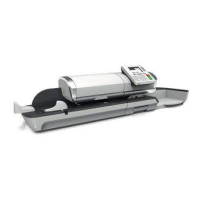
The stacker can be installed in three positions:
• In line (0°)
• At +90°
• At -90°.
How to Install the Motorized Conveyor Stacker in Line (0°)
How to Install
the Motorized
Conveyor
Stacker in Line
(0°)
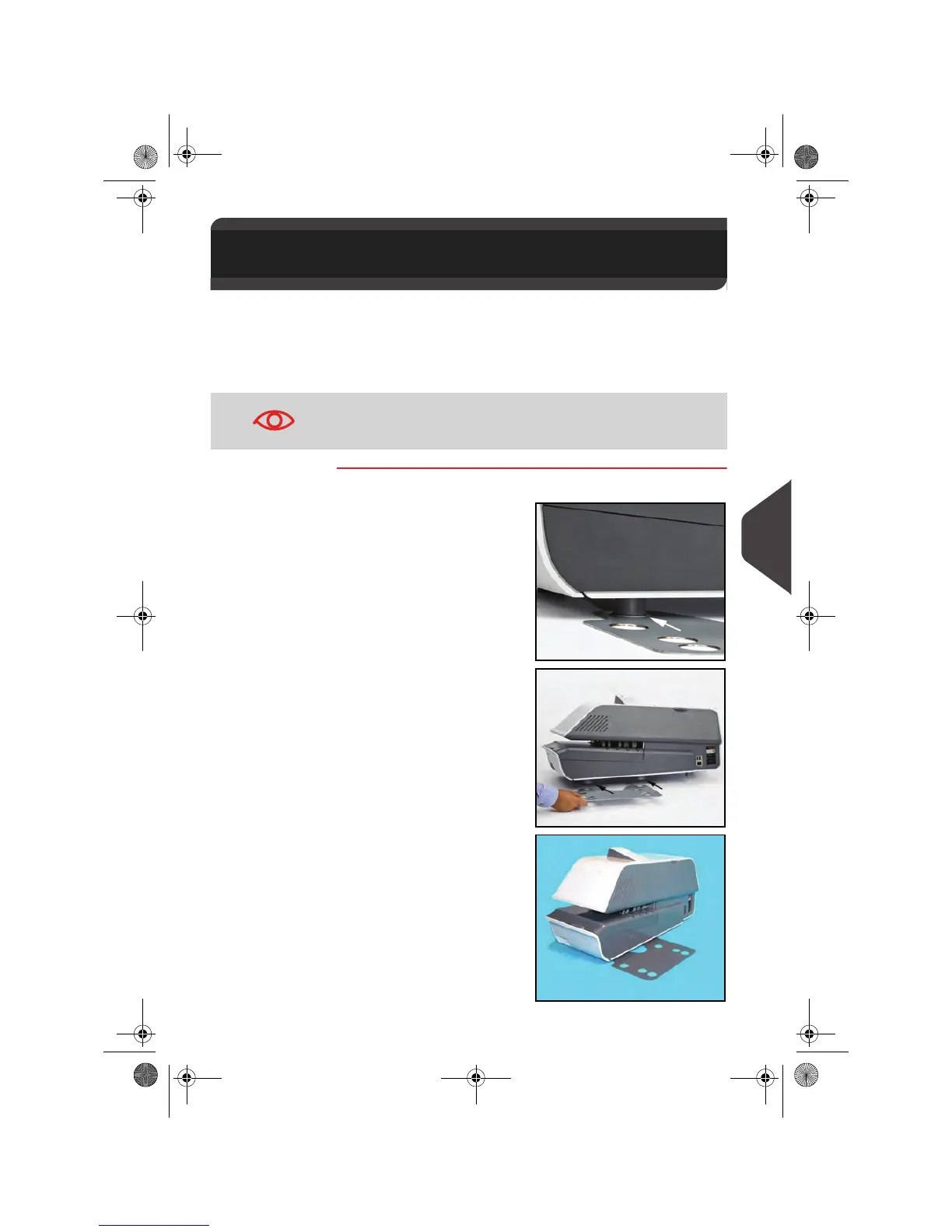
Assembly of the metallic attachment base
1
Put the flange of the two
fixation holes as shown
by the arrow.
2
Attach the two feet of the
Base in the two holes of
the metallic attachment
base B.
3
Make sure that the me-
tallic attachment base is
correctly installed.
8.15 Changing Motorized Conveyor
Stacker Positions
The installation at -90° will be done by the technician who will
have to set the corresponding conveying speed and direction of
conveyor.
OMEGA1_US.book Page 233 Vendredi, 1. octobre 2010 10:46 10



 To Next Page
 Loading...