Preset: [Colour mode]
Setting Settings values Function
[Resolution] [100]
[200]
[300]
[400]
[600]
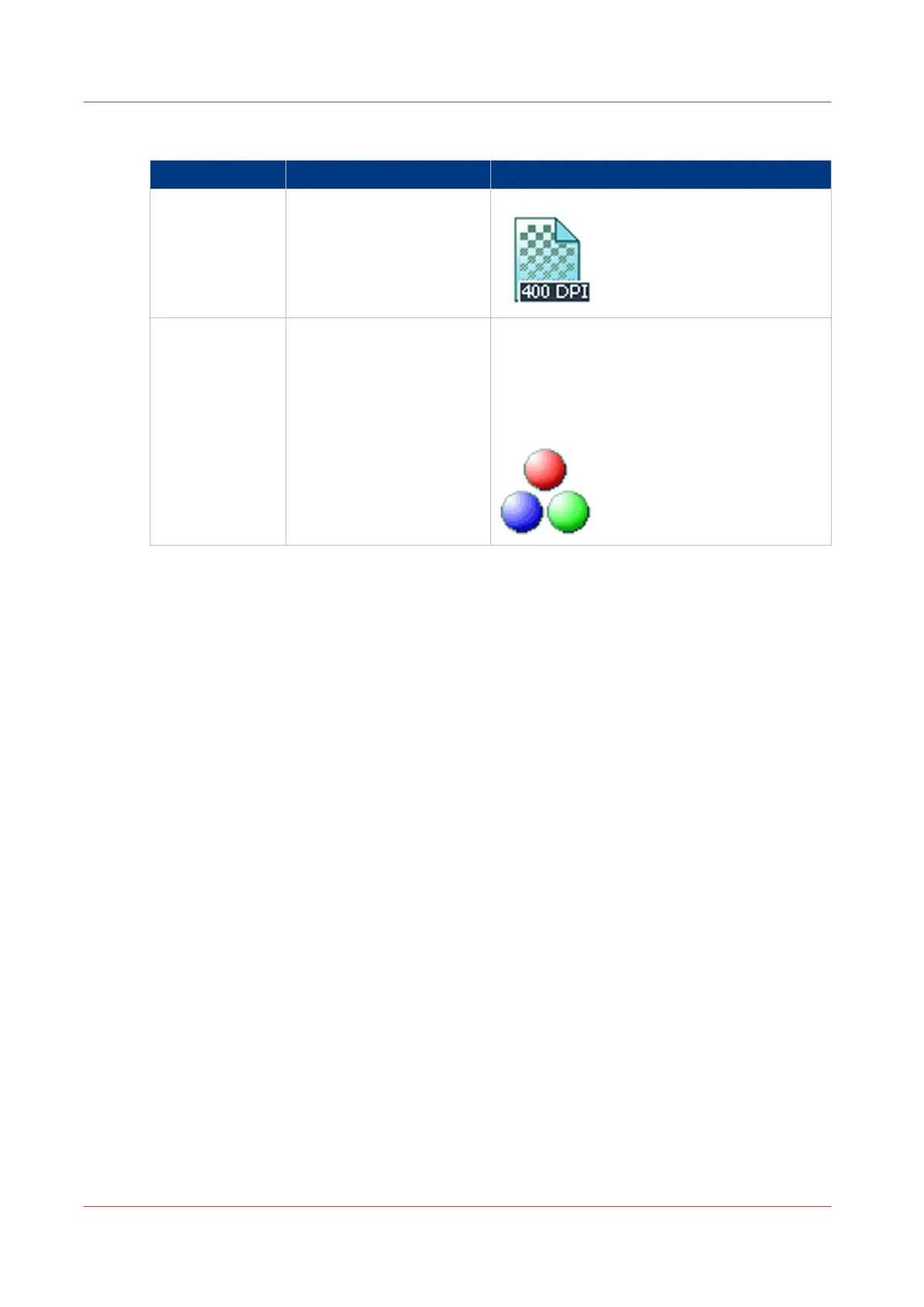
[The resolution of the scanned image in dpi.]
[Colour mode] [Colour]
[Greyscale]
[Black and white]
[Defines whether a colour, greyscale or black-
and-white scan must be made. Not all combi-
nations of 'Colour mode' and 'File type' are
valid. Changing 'Colour mode' resets 'File
type', 'Compression for TIFF' and 'Compres-
sion for PDF' to a default value. ]
Available settings for scan jobs
232
Chapter 4 - Use the Printing System



 To Next Page