R&S
®
ZVA / R&S
®
ZVB / R&S
®
ZVT Programming Examples
Basic Tasks
Operating Manual 1145.1084.12 – 30 1094
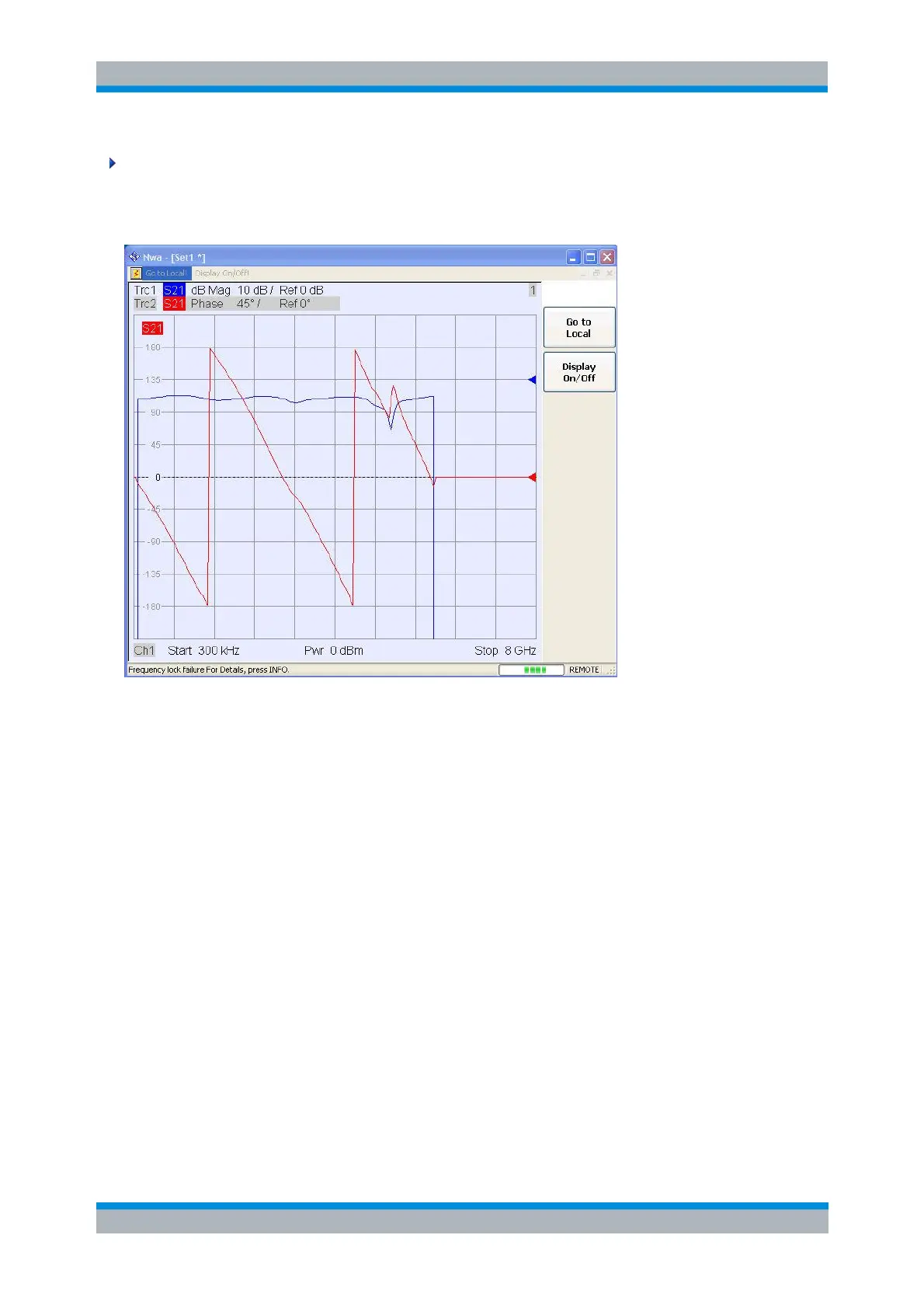
// Check the result on the local screen
// Go to local
SYSTem:DISPlay:UPDate ONCE
//
//
// 2. Marker settings
// Adjust the sweep range to consider an interesting segment of the trace and re-scale the diagram.
SENSe1:FREQuency:STARt 4.5 GHz; STOP 5.5 GHz
DISPlay:WINDow1:TRACe1:Y:SCALe:AUTO ONCE // in the autoscale command the trace is referenced
by its number in the diagram
//
// Select trace Trc1 as the active trace of the channel, define a reference marker and a delta marker.
// In the marker commands the active trace is referenced by the channel suffix.
CALCulate1:PARameter:SELect 'Trc1'
CALCulate1:MARKer1:STATe ON // the marker is set to the center of the sweep range
CALCulate1:MARKer1:DELTa:STATe ON // this command also creates the reference marker
CALCulate1:MARKer1:REFerence:X 4.5 GHz // set the reference marker to the beginning of the
sweep range
//
// Use the delta marker to search for the minimum of the trace and query the result.
CALCulate1:MARKer1:FUNCtion:EXECute MIN; RES? // the query returns the stimulus and the response



 To Next Page