R&S
®
ZVA / R&S
®
ZVB / R&S
®
ZVT GUI Reference
Channel Menu
Operating Manual 1145.1084.12 – 30 359
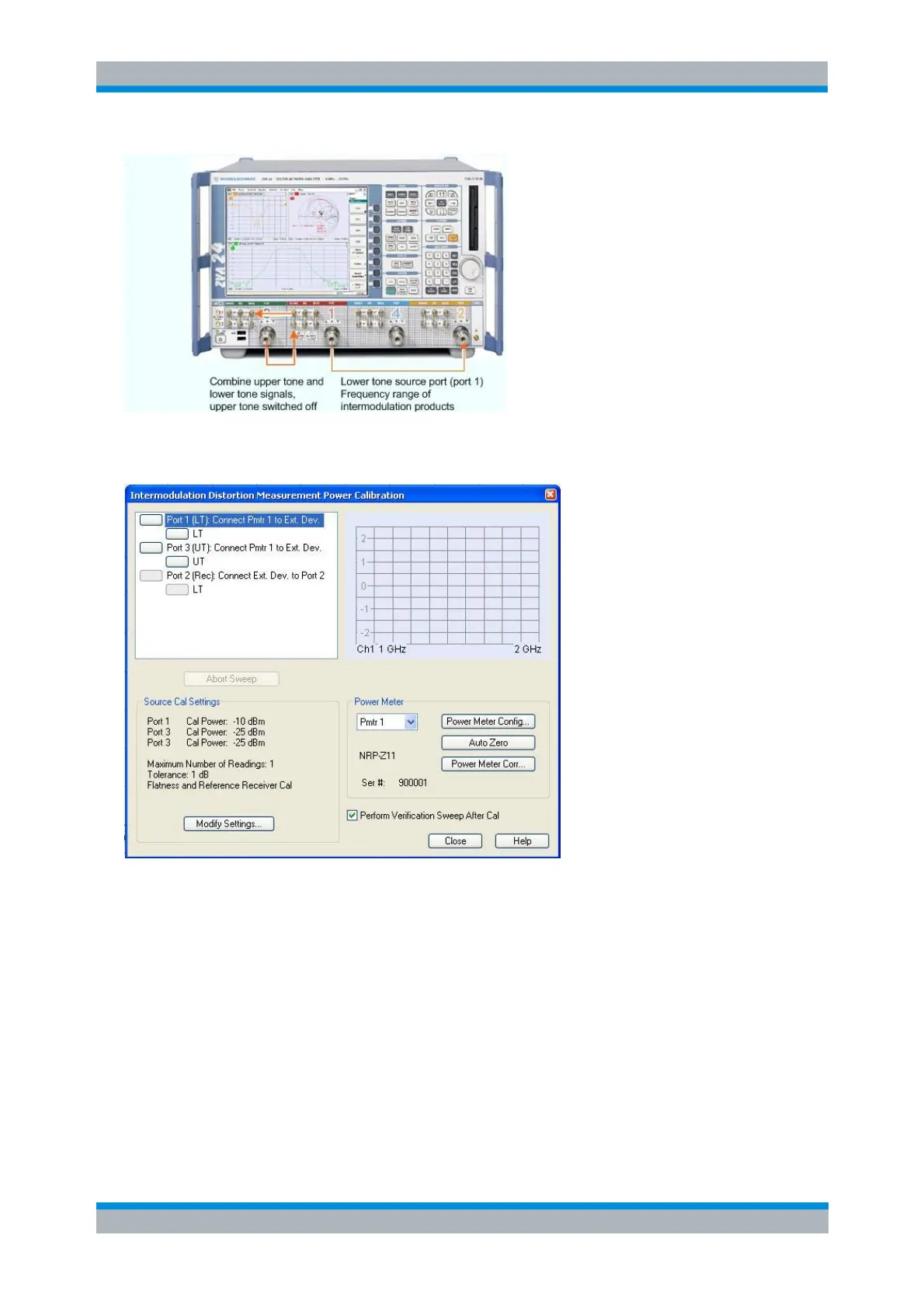
The calibration steps for the other test setups are analogous. Refer to the indications in the power
calibration dialog for a correct connection of the power meter and the receive port.
The grouped list of calibrations in the upper left part of the dialog shows which frequency ranges
will be calibrated for the different driving ports and for the receiving port. If Prepare Enhanced
Wave Corr is selected in the Define Intermod Dist Meas dialog, a source power calibration will be
performed for the receiving port, otherwise a receiver power calibration will be performed. This list
also gives information on what connections have to be made for each group of calibrations (for
example "Connect Pmtr to Ext. Dev."). A click on a box for an individual frequency range in this list
will start the calibration sweeps for that specific frequency range. A click on a box of a group
heading will perform all calibration sweeps for that group. Alternatively, all calibration sweeps can
be performed sequentially be pressing the enter key once for each calibration sweep. The
measured power is shown in the diagram to the right and the sweep progress in the message field
below that diagram.
If a calibration cannot be performed using the currently selected settings, the respective box is
marked with an exclamation mark and an error description is shown in the lower left part of the
dialog.



 To Next Page