R&S
®
ZVA / R&S
®
ZVB / R&S
®
ZVT GUI Reference
Channel Menu
Operating Manual 1145.1084.12 – 30 424
channel. Channels with no traces are not indicated in the diagram areas but can be accessed via the
Channel Manager.
You can monitor the channel activity using the OUTPut<Ch>:UPORt[:VALue] <numeric_value>
command and the output signals at pins 8 to 11 of the USER CONTROL connector.
Next Channel
Selects the next channel in a list of defined channels as the active channel. This function is disabled if the
current setup contains only one channel.
If one or several traces are assigned to the next channel, one of these traces becomes the active trace.
The order of all channels belonging to a setup is given by the channels' creation time. By default, the
channels are named Ch1, Ch2, ... so that Ch<n> follows Ch<n – 1>. This order is always maintained,
even if channels are renamed, invisible (because no traces are assigned to them) or distributed over
several diagram areas.
The numeric suffix <Ch> appended to the first-level mnemonic of a command selects a
channel as active channel.
Select Channel
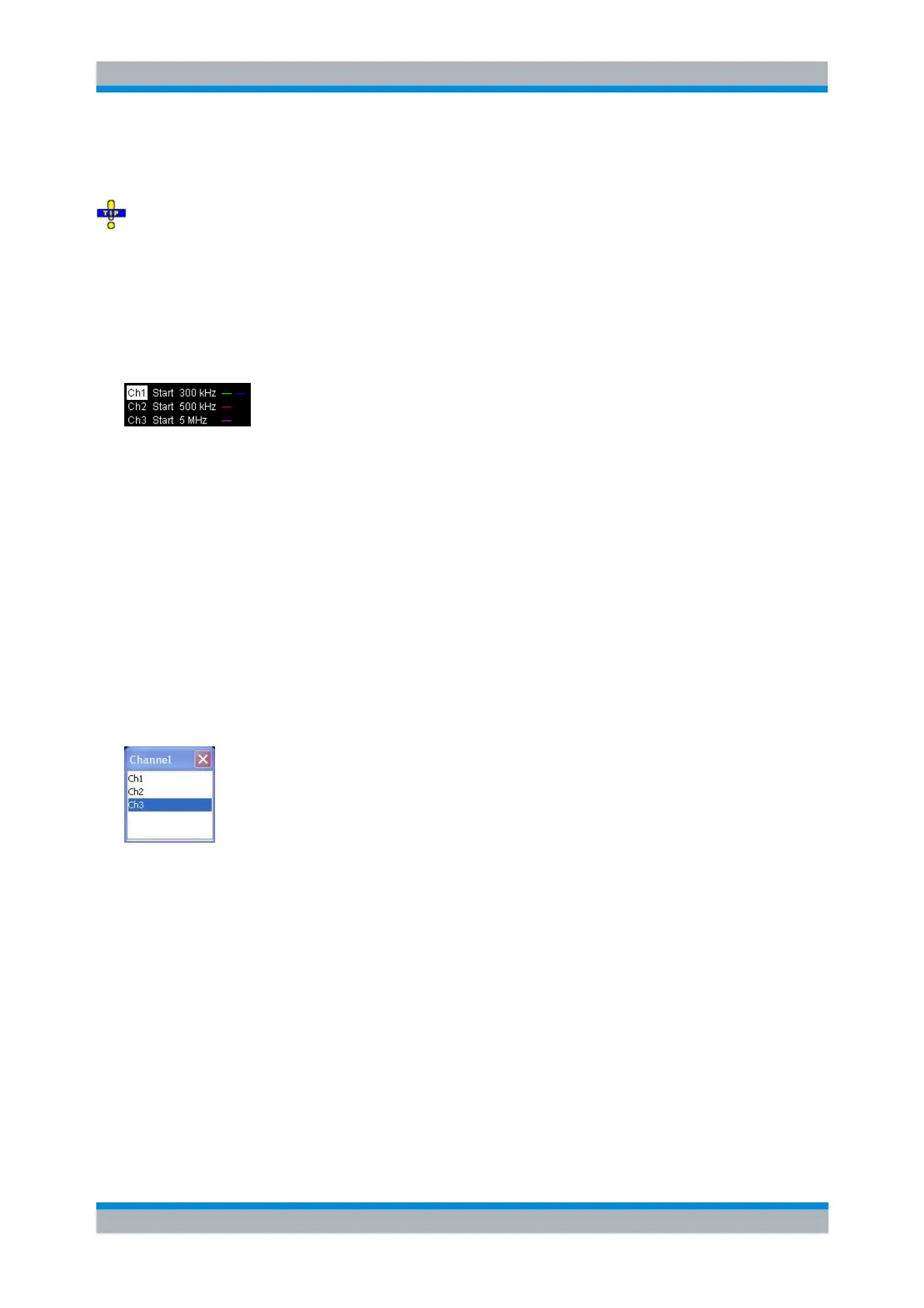
Opens a box to select an arbitrary channel of the active setup as the active channel. This function is
disabled if the current setup contains only one channel.
If one or several traces are assigned to the selected channel, one of these traces becomes the active
trace.
The order of all channels belonging to a setup is given by the channels' creation time. By default, the
channels are named Ch1, Ch2, ... so that Ch<n – 1> precedes Ch<n>. This order is always maintained,
even if channels are renamed, invisible (because no traces are assigned to them) or distributed over
several diagram areas.
The numeric suffix <Ch> appended to the first-level mnemonic of a command selects a
channel as active channel.
Add Channel + Trace
Creates a new channel and a new trace, which is displayed in the active diagram area. The new channel



 To Next Page