the system needs to be able to completely recover from a temporary
power loss, or similar, without human intervention.
c. A system is used for simulation or testing purposes, and UTC traceability is
not required.
The Accuracy of the Battery Backed Time …
… depends on the accuracy of the hand-set time if the time is set manually in an
autonomous system. In a non-autonomous system (i.e, when using external ref-
erence(s)) VersaSync's System Clock will regularly update the battery-backed
time.
Another factor impacting the accuracy of the battery-backed time is how long a
VersaSync unit is powered off: Any significant amount of time will cause the bat-
tery-backed RTC to drift, i.e. the battery-backed time will become increasingly
inaccurate.
The battery used for the RTC is recharged during operation of the unit, and is
designed to last for the lifetime of the product.
Distributing battery-backed time over NTP
When distributing a hand-set, battery backed time via NTP, please set the time
relatively close to UTC, so as to prevent NTP synchronization problems when
transitioning from the hand-set time to a UTC-based external input reference.
See also "Input Reference Priorities" on page171.
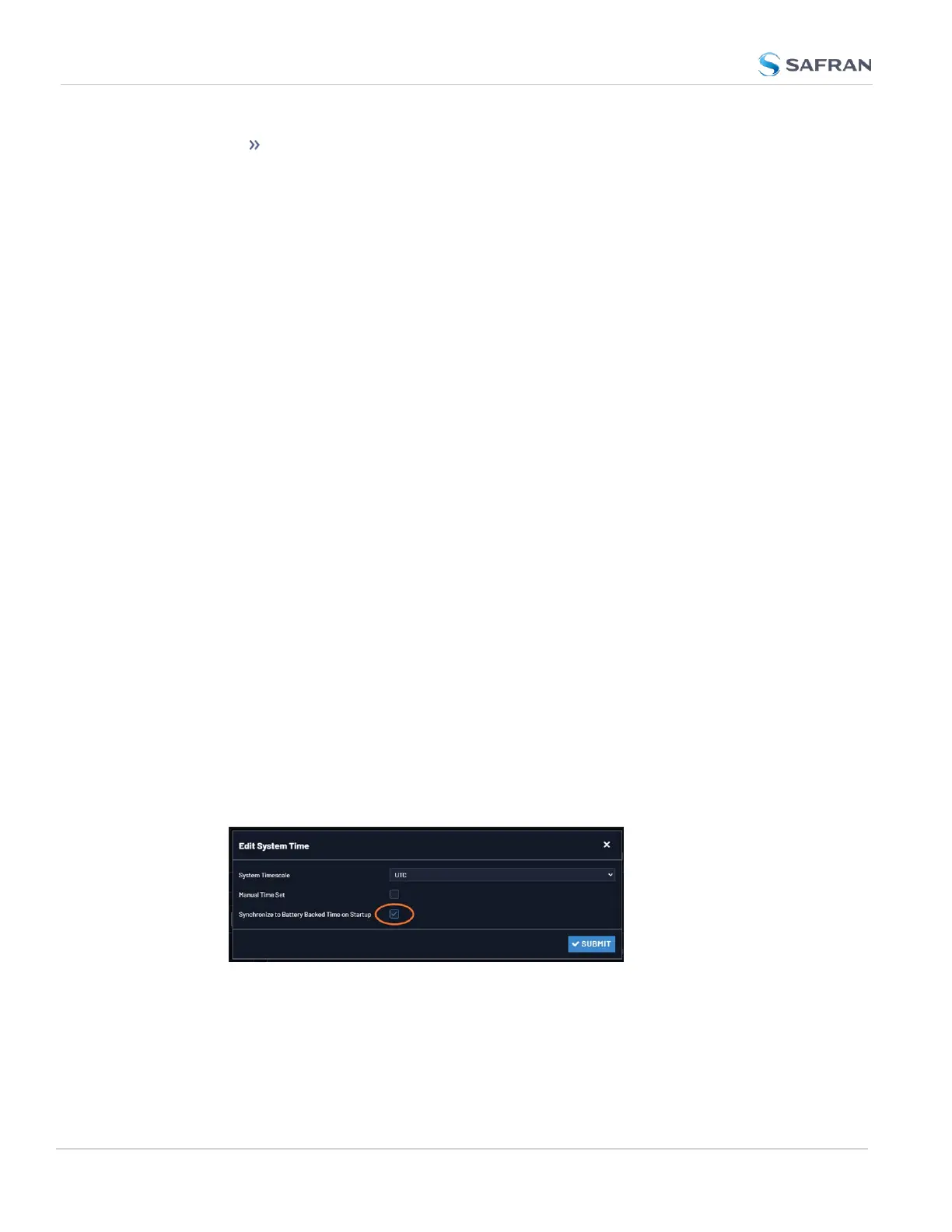
To use the battery-backed time as the synchronized time at start-up:
1. Navigate to MANAGEMENT > OTHER: Time Management.
2. In the System Time panel click the GEAR icon.
3. The Edit System Time window will display. Select the checkbox Syn-
chronize to Battery Backed Time on Startup:
4. Click the Submit button.
164
CHAPTER 3 • VersaSync User Manual Rev. 12
3.2 System Time



 To Next Page