2.7 Configuring Inputs/Outputs
This Section covers the configuration of the inputs and outputs of the I/O con-
nector and SMAconnectors on the front panel..
When you configure an input our output via the I/O connector, you will need to
adjust both the pin configuration ("Assigning I/O Pins" on the next page) and
(for some types) the settings for that input or output via the Web UI ("Configure
I/O Settings" on page48).
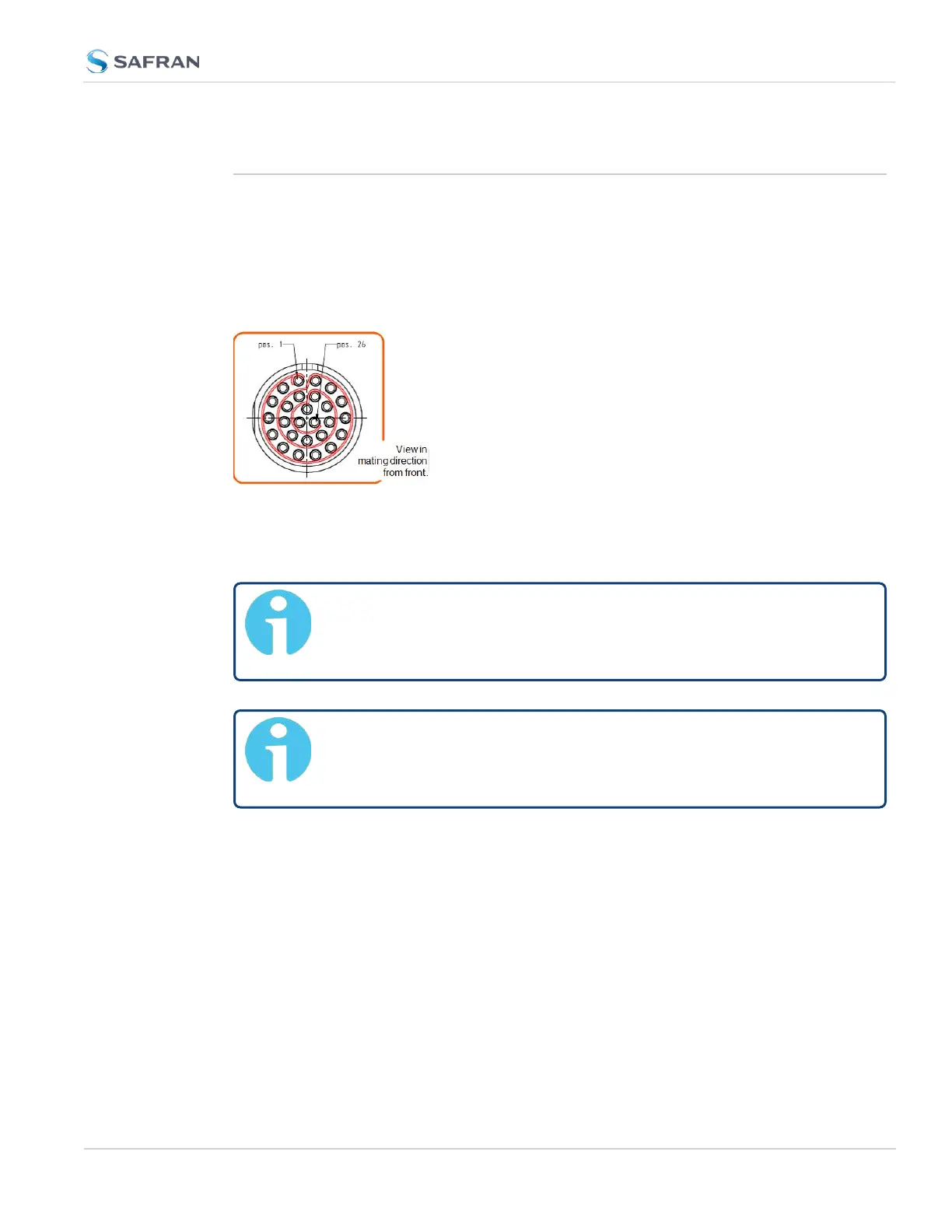
Figure 2-2: I/O connector
For more information on the I/O connector, see "Connectors and their Pinouts"
on page10.
Note: For instructions on how to configure the GNSS input
reference, see "The GNSS Reference" on page193 in the Chapter
MANAGINGTIME.
Note: The Network Ports eth0 and eth1 can be configured under
MANAGEMENT > Network Setup. For more information, see "Con-
figuring Network Settings" on page70.
2.7 Configuring Inputs/Outputs
CHAPTER 2 • VersaSync User Manual Rev. 12
43



 To Next Page