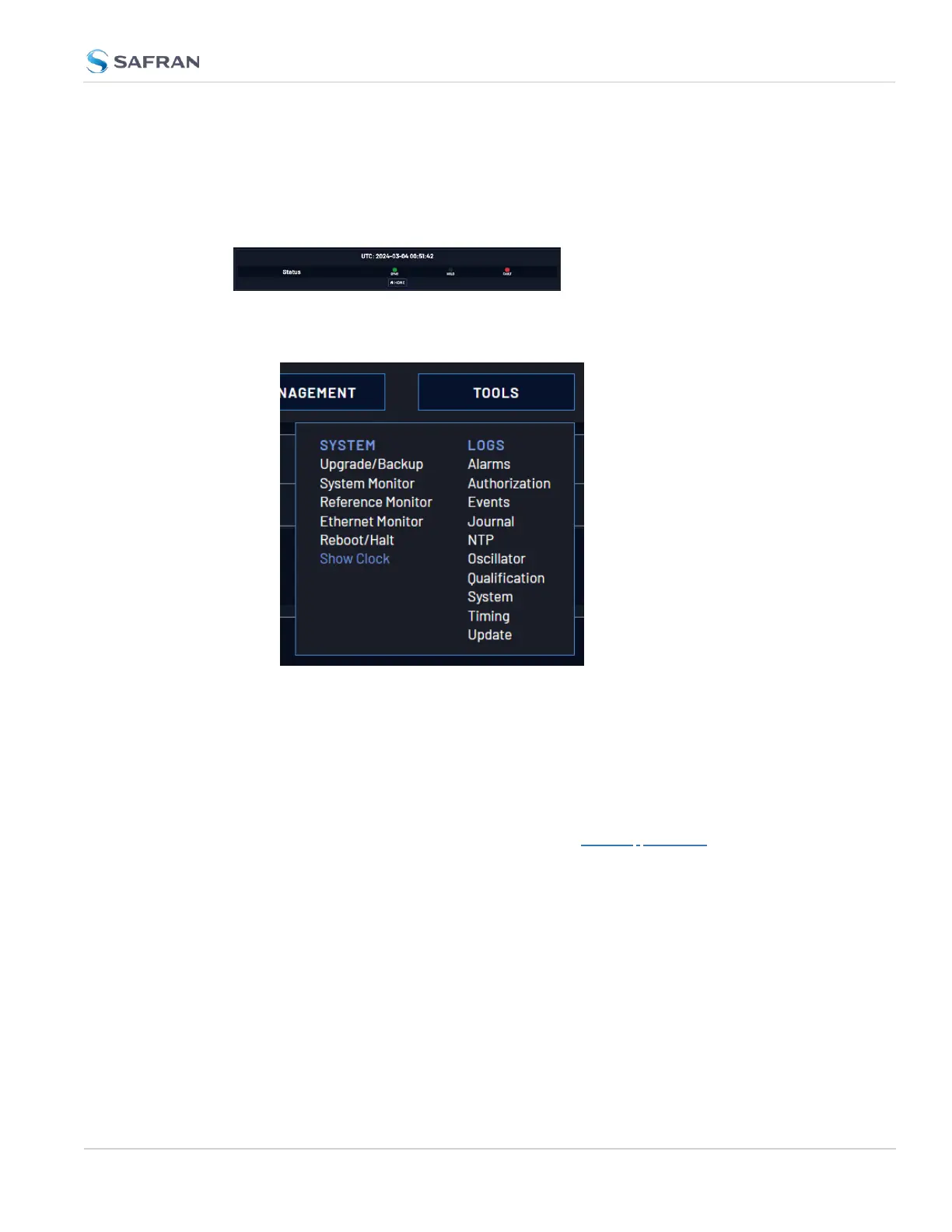
4.5.3 Show Clock
Instead of the Web UI, a large digital clock can be displayed on your computer
screen. Next to the system status, the screen clock will display the UTC time, and
the VersaSync System time.
To display the screen clock instead of the Web UI:
1. Navigate to TOOLS > SYSTEM: Show Clock:
2. To return to the standard Web UI, click Home.
4.5.4 Synchronizing Network PCs
Frequently, network PCs have to be synchronized to VersaSync via the Ethernet
port, using NTP (Network Time Protocol). A detailed description on how to syn-
chronize Windows PCs can be found online in the Safran Technical Note Syn-
chronizing Windows Computers on the Safran website. This document also
contains information and details about using the Safran PresenTense NTP client
software.
4.5 Miscellanous Typical Configuration Tasks
CHAPTER 4 • VersaSync User Manual Rev. 12
267



 To Next Page