4.6 Quality Management
4.6.1 System Monitoring
4.6.1.1 Status Monitoring via the Web UI
Detailed status information can be accessed via the VersaSync Web UI, such as:
Time synchronization status, including references
GNSS satellites currently being tracked
NTP sync status and current Stratum level
Estimated time errors
Oscillator disciplining
Temperature monitoring
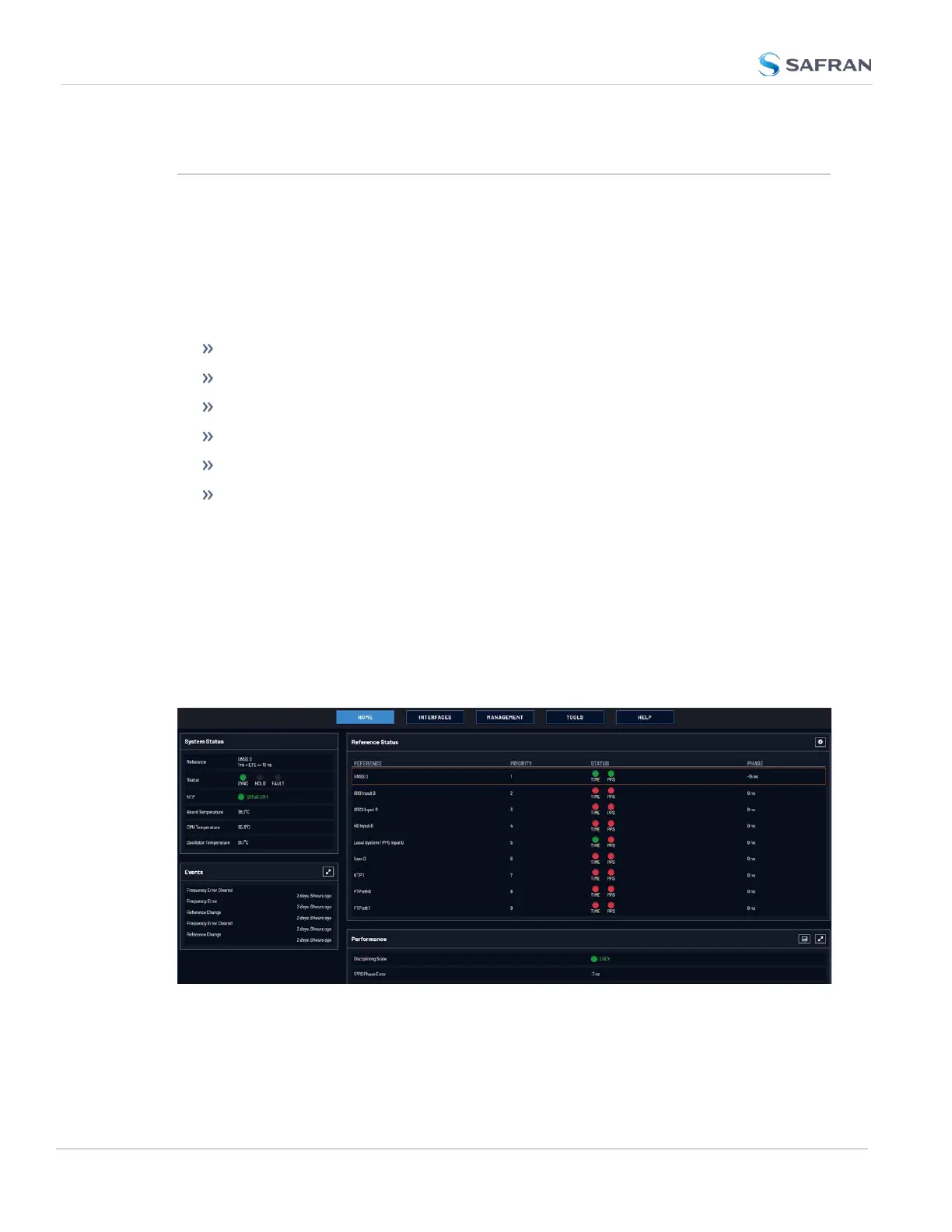
The HOME screen provides time server status information, while the TOOLS >
System Monitor screen also displays hardware status data, e.g. temperature
curves:
Status Monitoring via the HOME Screen
The HOME screen of the VersaSync Web UI provides a system status overview
(see also "The Web UI HOME Screen" on page23).
The HOME screen is divided into four panels:
System Status panel
268
CHAPTER 4 • VersaSync User Manual Rev. 12
4.6 Quality Management



 To Next Page