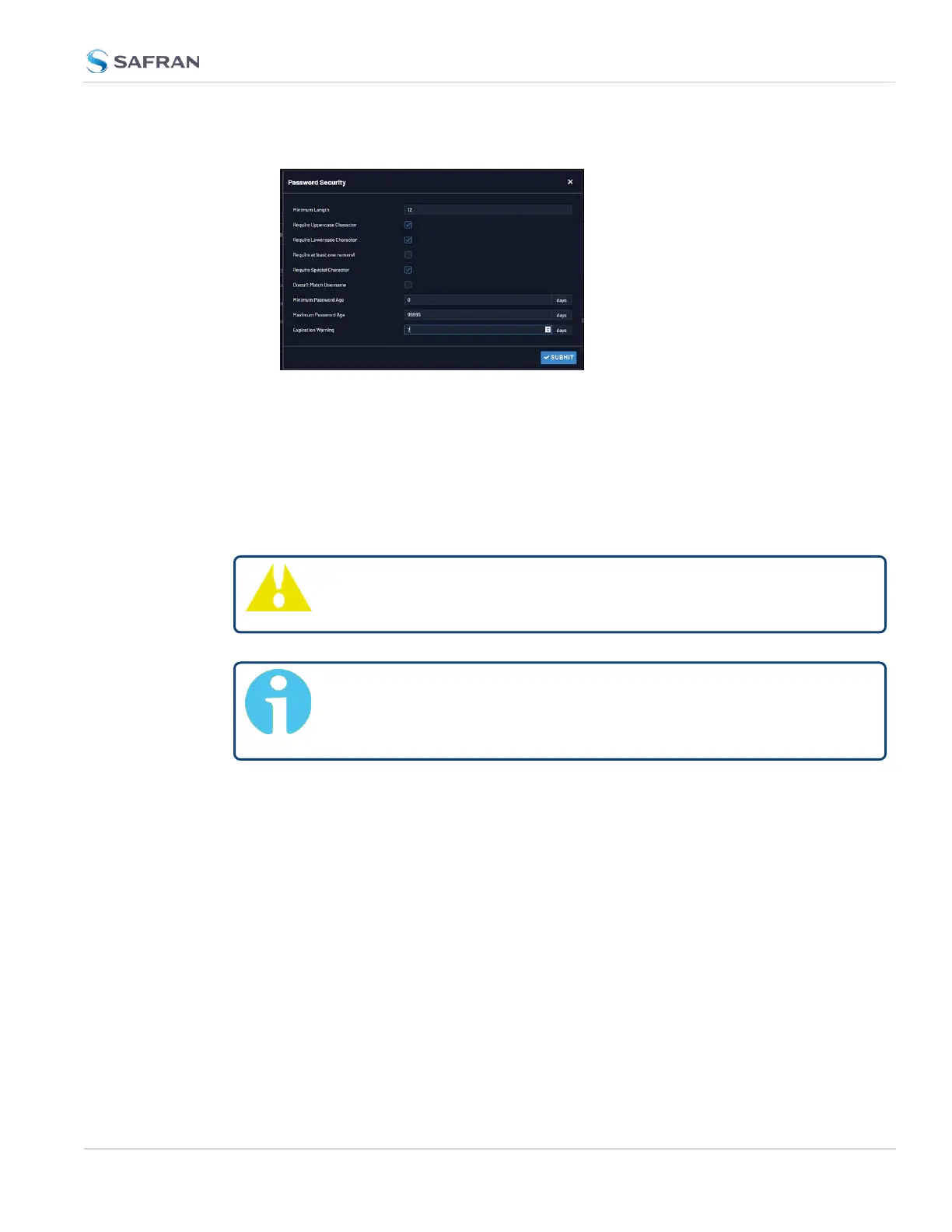
fields and click Submit.
4.4.2.2 The Administrator Password
The factory default administrator login password value of admin123 can be
changed from the default value to any desired value. If the current password is
known, it can be changed using the VersaSync WebUI.
Caution: Once you log in to your VersaSync, you will be prompted to
update your spadmin password.
Note: To follow this procedure, you must be logged in as the spad-
min user. If you are unable to login as spadmin, follow the procedure
outlined in "Lost Password" on the next page.
If the password has already been changed from the default value, but the current
value is no longer known, the administrator password can be reset back to the
factory default value, see "Lost Password" on the next page. Once reset, it can
then be changed to a new desired value via the WebUI.
Changing the admin password
To change the admin password from a known value to another desired value:
1. Navigate to MANAGEMENT > OTHER: Change My Password.
2. The Change Password window will display.
4.4 Managing Users and Security
CHAPTER 4 • VersaSync User Manual Rev. 12
247



 To Next Page