If no value is entered in the IPv4 and/or IPv6 field, VersaSync uses the
system default address.
SNMP Community names should be between 4 and 32 characters in
length.
Permissions may be Read Only or Read/Write.
The Version field provides a choice of V1 or V2c.
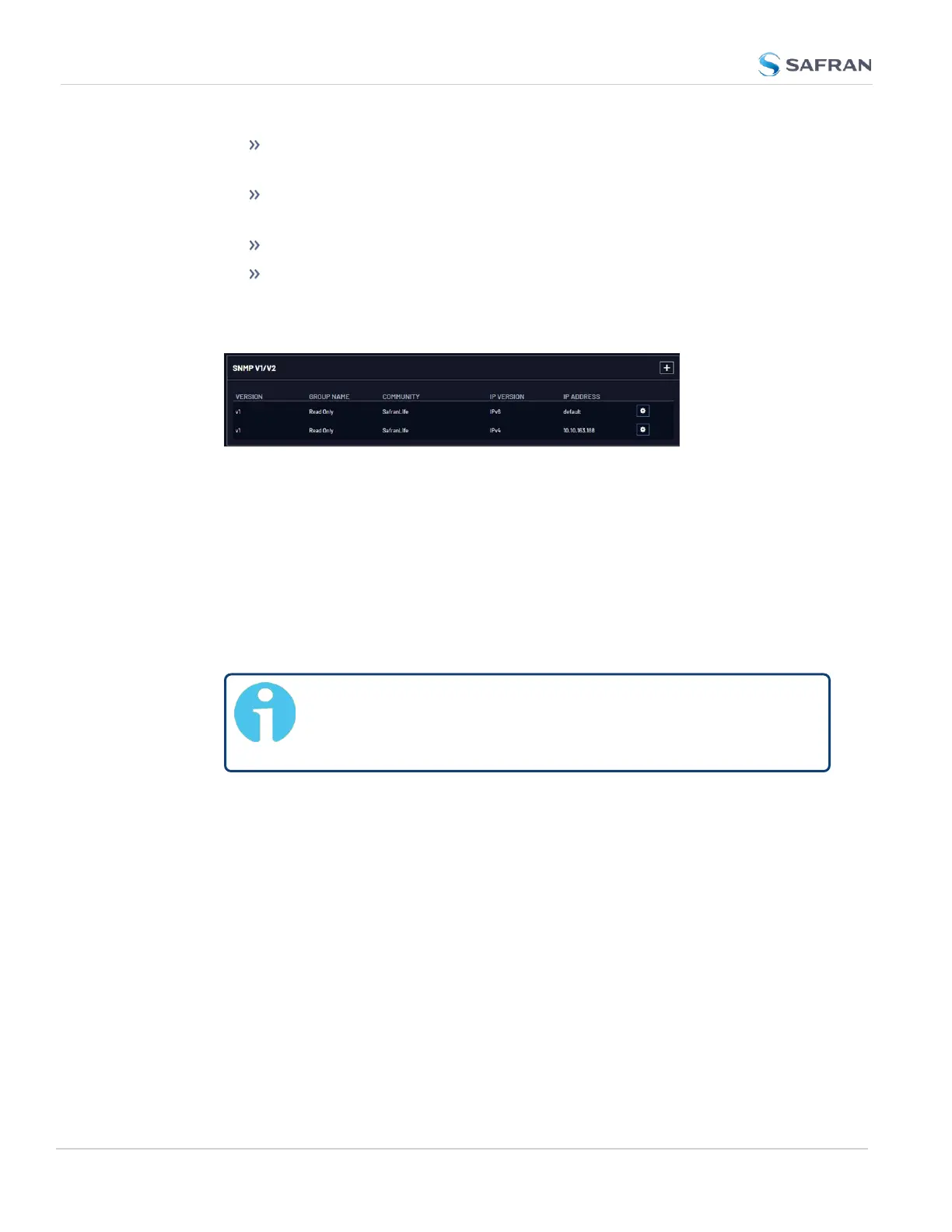
5. Click Submit. The created communities will appear in the SNMP V1/V2
panel:
Editing and Deleting Communities
To edit or delete a community you have created:
1. Navigate to MANAGEMENT > NETWORK: SNMP Setup.
2. Click the row of the SNMP V1/V2 panel that displays the community you
wish to edit or delete. The cursor will change from an arrow icon to a point-
ing finger to indicate that the entry is clickable.
3. The SNMP V1/V2c Settings for Access window will display.
Note: The options available for editing in the SNMP V1/V2c Set-
tings for Access window will vary contextually according to
the information in the entry chosen.
4. To edit the settings, enter the new details you want to edit and click
Submit. OR: To delete the entry, click Delete.
2.8.8.2 SNMP V3
SNMP V3 utilizes a user-based security model which, among other things, offer
enhanced security over SNMP V1 and V2.
Creating Users
1. Navigate to MANAGEMENT > NETWORK: SNMP Setup.
2. In the SNMP V3 panel, click the PLUS icon in the top-right corner.
102
CHAPTER 2 • VersaSync User Manual Rev. 12
2.8 Configuring Network Settings



 To Next Page