TOOLS Menu
Logs: "user" can view only the listed logs
Upgrade/Backup: "user" cannot perform any updates.
Reboot/Halt: "user" cannot reboot/shutdown/halt the unit.
4.4.1.3 Rules for Usernames
Length: Usernames can be between 3 and 32 characters long.
Accepted characters:
All letters, including the first, must be lower-case.
Numbers, underscores and dashes are accepted.
Next to punctuation symbols, the following special characters are
NOT accepted: ! @ # $ % ^ & * ( )
4.4.1.4 Adding/Deleting/Changing User Accounts
To access the Users list, and the Password Security panel:
1. Navigate to MANAGEMENT > OTHER: Authentication.
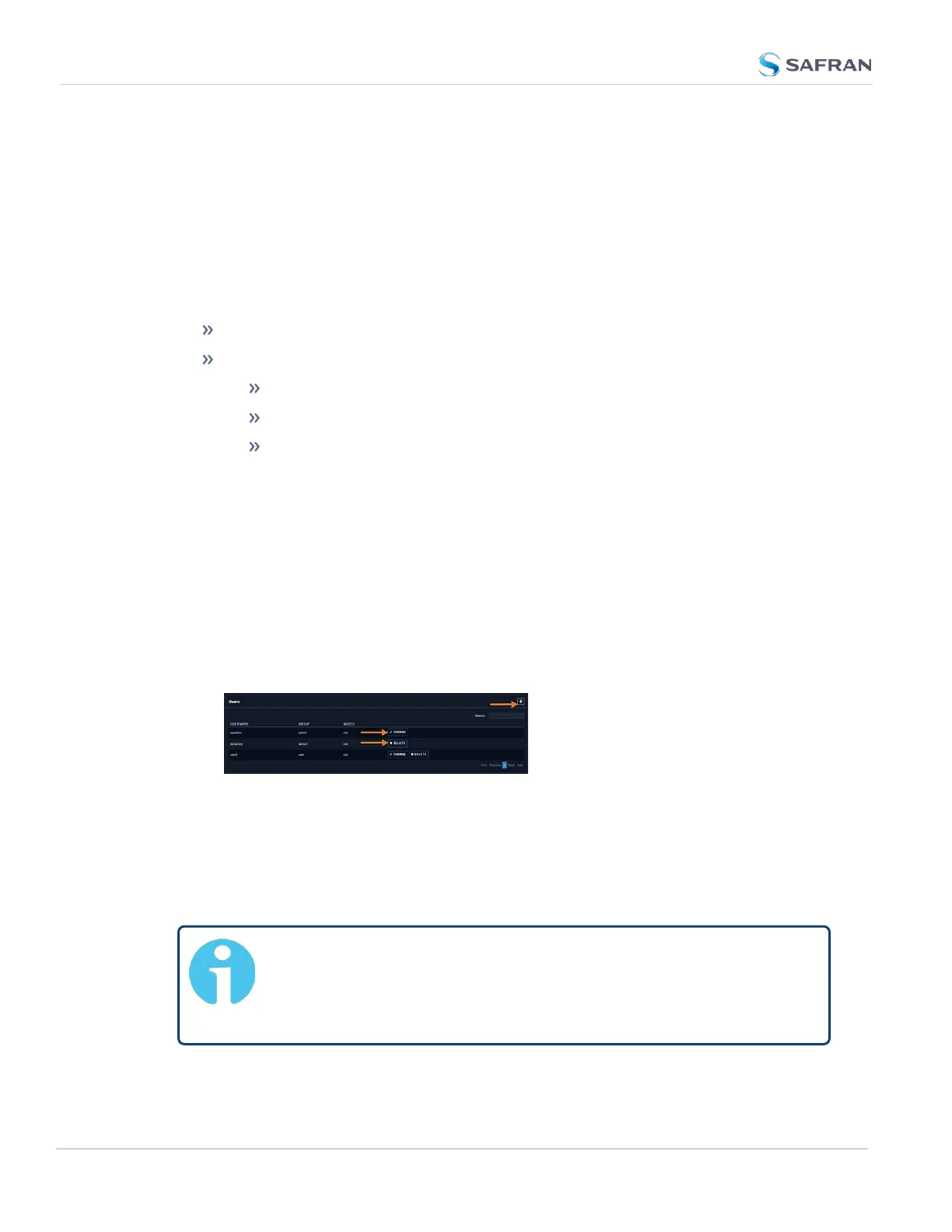
2. The Users panel on the right shows a list of all user accounts, including their
Username, the Group to which that user account is assigned to, and any
Notes about the user account:
VersaSync units are shipped with two default accounts:
i. The "administrator" account (spadmin), and
ii. The "factory" service account (spfactory).
Additional accounts may be added and deleted as desired. The number of
accounts that can be setup is virtually unlimited.
Note: The password for the spadmin account can be changed (and it
is recommended to do so for security reasons). However, the spad-
min account name cannot be changed, and the account cannot be
removed from VersaSync.
244
CHAPTER 4 • VersaSync User Manual Rev. 12
4.4 Managing Users and Security



 To Next Page