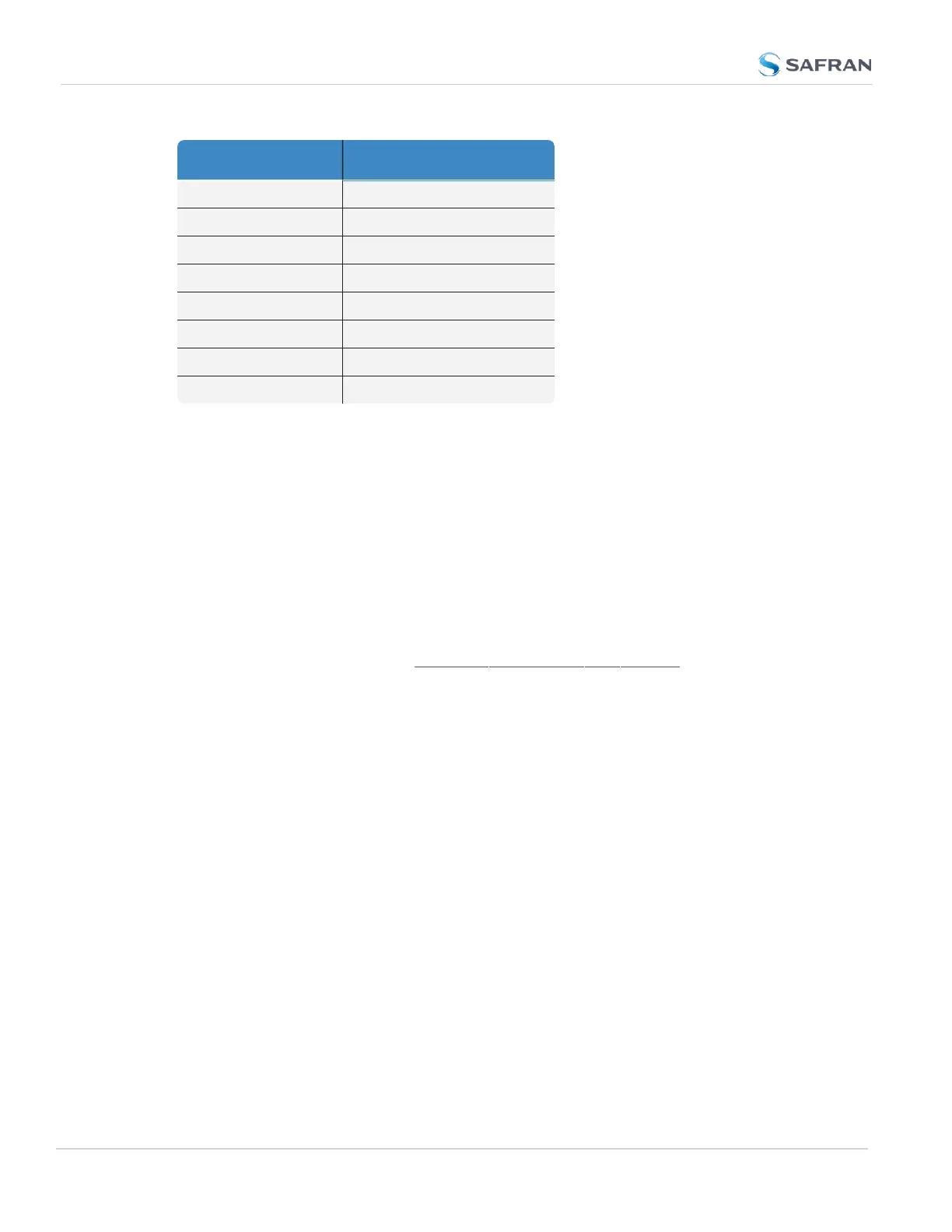
Reported TFOM Value Estimated Time Error (ETE)
8 1 msec < ETE <= 10 msec
9 10 msec < ETE <= 100 msec
10 100 msec < ETE <= 1 sec
11 1 sec < ETE <= 10 sec
12 10 sec < ETE <= 100 sec
13 100 sec < ETE <= 1000 sec
14 1000 sec < ETE <= 10000 sec
15 ETE > 10000 sec
Example
TFOM is a value between 1 and 15. TFOM can never exceed the default MaxTFOM
value of 15.
Typically the MaxTFOMrequires no adjustment, but in some instances it may be
advisable to decrease MaxTFOM so that TFOM can potentially exceed it: For
example, by lowering the MaxTFOM to “5” it is now possible for TFOM to be
always higher than the MaxTFOM value:
Assuming the MaxTFOM is set to 5 and the TFOM happens to go to a 6, i.e. TFOM
is now exceeding MaxTFOM. This condition will cause a 1PPS out of specification
alarm to be asserted and the oscillator disciplining will change in order to speed-
up the alignment of the system 1PPS to the selected reference (causing it to take
less time getting closer into alignment with the reference):
This will cause the TFOM to start to decrease faster. Once TFOM no longer
exceeds MaxTFOM because the System 1PPS is now much closer to the ref-
erence 1PPS, the disciplining slows back down again as the system 1PPS con-
tinues to be brought into alignment with the selected 1PPS input.
3.4.2 Monitoring the Oscillator
The Oscillator Management screen provides current and history status inform-
ation on disciplining state and accuracy.
To access the Oscillator Management screen:
226
CHAPTER 3 • VersaSync User Manual Rev. 12
3.4 Managing the Oscillator



 To Next Page