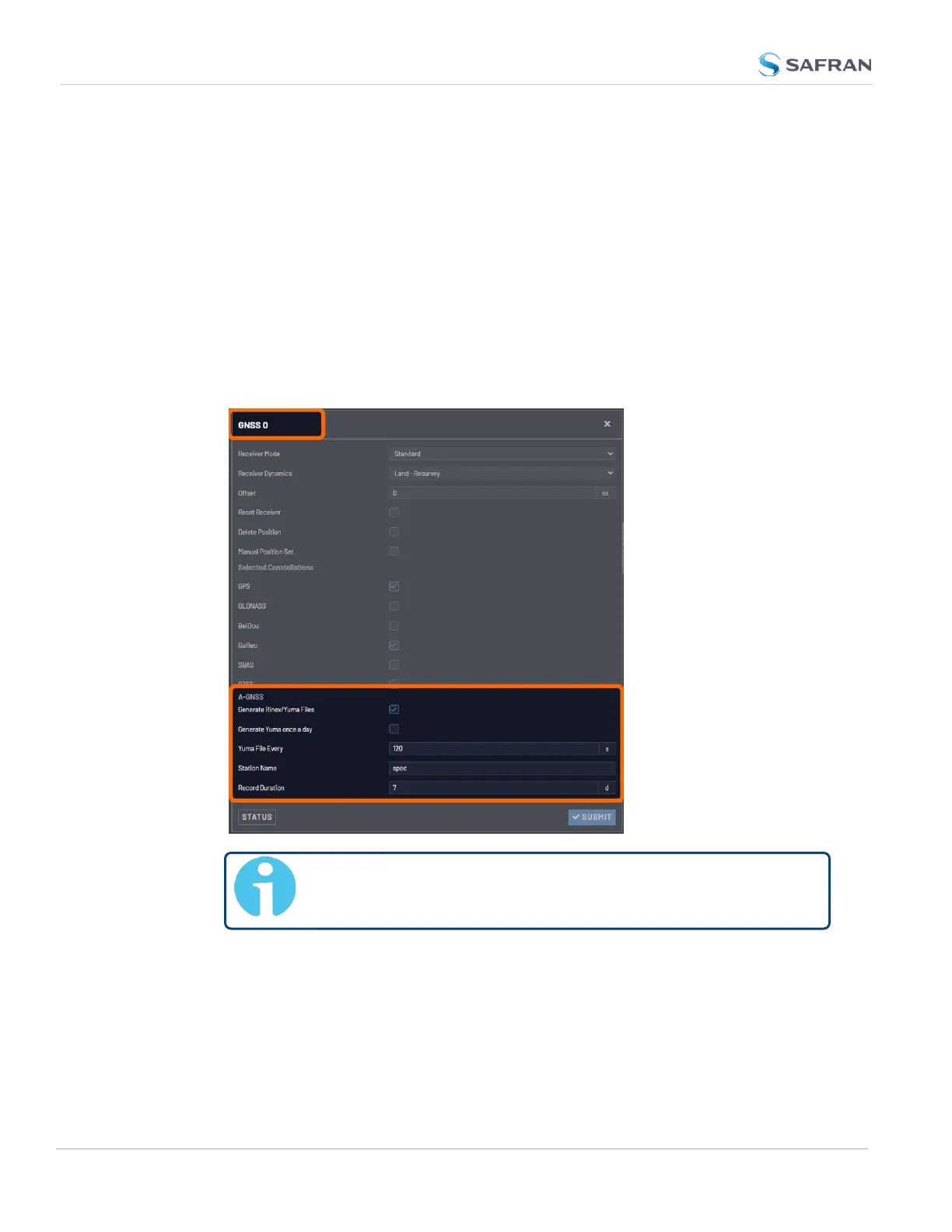
3.3.3.11 AGNSS
An A-GNSS server allows a VersaSync unit to operate as a server, thus providing
A-GNSS ephemeris and almanac data to other client devices e.g., a Safran GSG-8
series GNSS simulator.
To review or configure VersaSync AGNSS settings:
1. Navigate to INTERFACES: REFERENCES > GNSS Reference. The GNSS
screen will be displayed.
2. In the GNSS Reference panel on the right, click the GEAR button next to
GNSS0.
3. In the GNSS0 window, locate the AGNSS panel at the bottom.
Note: The options displayed on your screen depend on your
system configuration.
Generate RINEX/YUMA Files
If the option RINEX Server License (OPT-AGP) and a u-blox M8T GNSS receiver
are installed on your VersaSync, it can be operated as an A-GNSS server by
providing you the option to select not just GPS, but also Galileo, GLONASS,
216
CHAPTER 3 • VersaSync User Manual Rev. 12
3.3 Managing References



 To Next Page