1. Navigate to INTERFACES > REFERENCES: GNSS 0.
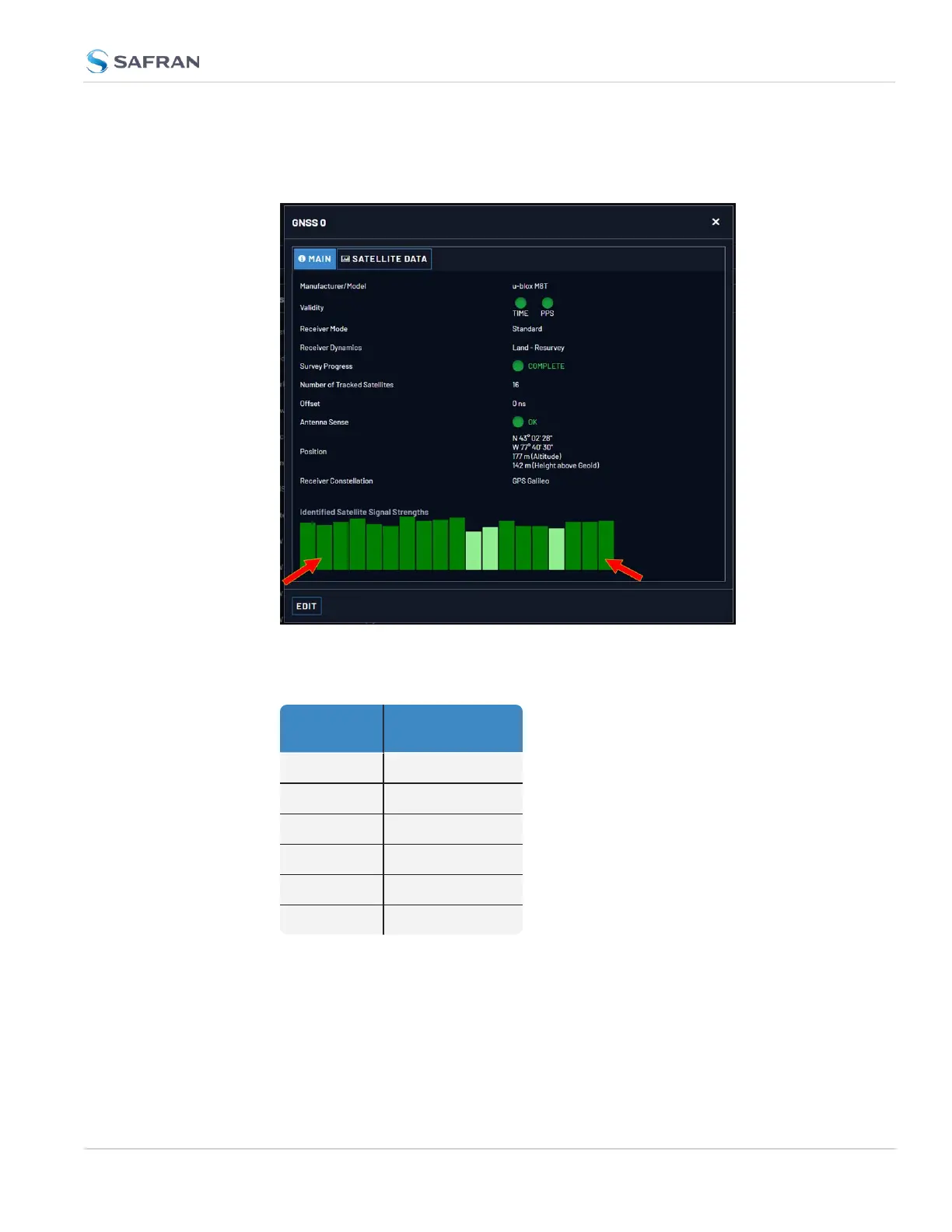
2. The GNSS 0 status window will open:
3. Under Identified Satellite Signal Strengths hover with your cursor over the
bars: The letter in the tooltip window displayed for each signal bar indicates
which constellation the satellite belongs to:
Letter sym-
bol
GNSS Con-
stellation
G GPS
R GLONASS
E Galileo
J QZSS
C BeiDou
I IRNSS
The number next to the letter indicates the satellite number. The number
below indicates the signal strength (C/N
o
).
3.3 Managing References
CHAPTER 3 • VersaSync User Manual Rev. 12
215



 To Next Page