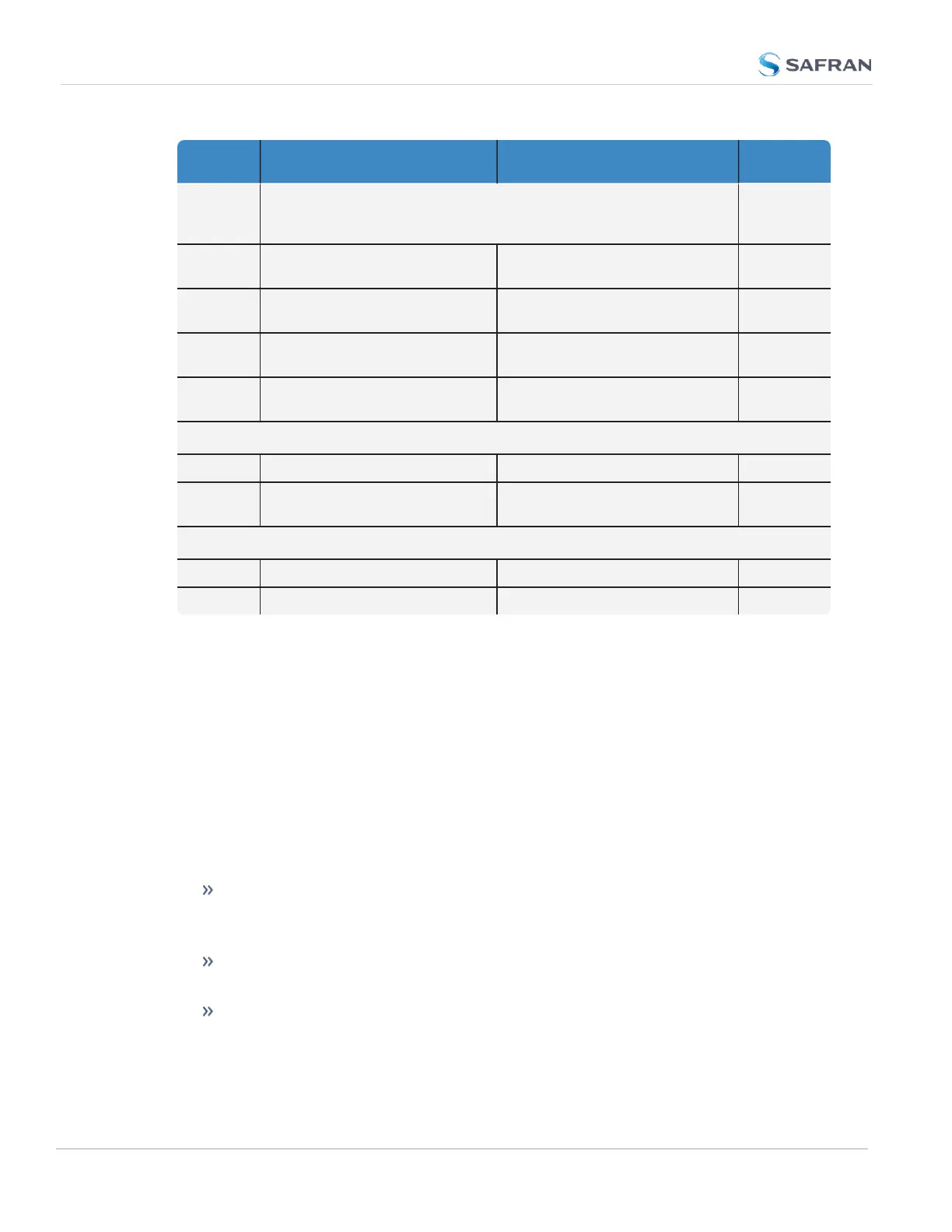
Feature Default Setting Recommended Setting
Where to
Configure
HTTPS Enabled (using customer-generated certificate and key or default
Spectracom self-signed certificate and common public/private key
SSH/SCP/SFTP enabled with unit unique 1024-bit keys)
WebUI
SNMP Enabled Disabled or Enabled (with SNMP
v3 w/ encryption*)
WebUI
NTP Enabled (with no keys specified) Enabled (use authentication with
user-defined keys)
WebUI
Daytime
Protocol
Disabled Disabled WebUI
Time Pro-
tocol
Disabled Disabled WebUI
Command Line Interface
Telnet Disabled Disabled (use SSH instead) Web UI
SSH Enabled (default private keys
provided)
Enabled (with user-defined keys) Web UI
File Transfer
SCP Available Enabled Web UI
SFTP Available Enabled Web UI
*Safran recommends that secure clients use only SNMPv3 with authentication
for secure installations.
4.8.4 Sanitizing the Unit
The concept of sanitizing a VersaSync unit refers to erasing usage data that may
be stored in volatile and/or non-volatile memory, i.e. permanently eliminating any
data that could be used to trace the unit's former usage. This data may include –
but is not limited to – logs, configuration settings, IPaddresses, passwords, GNSS
geographic positioning data, and network-specific usage data.
The VersaSync has a built-in process to sanitize all usage data. This process lever-
ages the upgrade process in order to execute the following functions:
Performing simultaneous "clean" upgrades on both software partitions,
rewriting all software to the uploaded version and erasing all user data,
logs, and configurations.
The GNSS receiver's location data is deleted via a cold reset, and is pre-
vented from obtaining more information until electrically power cycled.
Rewriting all eMMC data in two wipes and two confirmations and two
upgrades total.
300
CHAPTER 4 • VersaSync User Manual Rev. 12
4.8 Resetting the Unit to Factory Configuration



 To Next Page