By default, this timeout value is set to 0 seconds: As soon as the receiver
drops below the minimum number of satellites, the associated alarm is
triggered. A delay of e.g., 5 seconds, however, would not trigger an alarm if
the number of received satellites drops below the specified number for only
3 seconds.
You can configure this event to cause either a Minor alarm, or a Major alarm, or
both.
To learn more about Minor and Major alarms, see "Minor and Major Alarms" on
page304.
Note that the GNSS receiver must initially be tracking more than the configured
number of satellites in order for this alarm to be triggered (the alarm is triggered
when the receiver falls below the number of Minimum Satellites you specified
above).
4.3.4 Setting Up SNMP Notifications
SNMP Notifications are SNMP traps that occur on a change of a monitored event.
To configure SNMP notifications:
1. Navigate to MANAGEMENT > OTHER: Notifications.
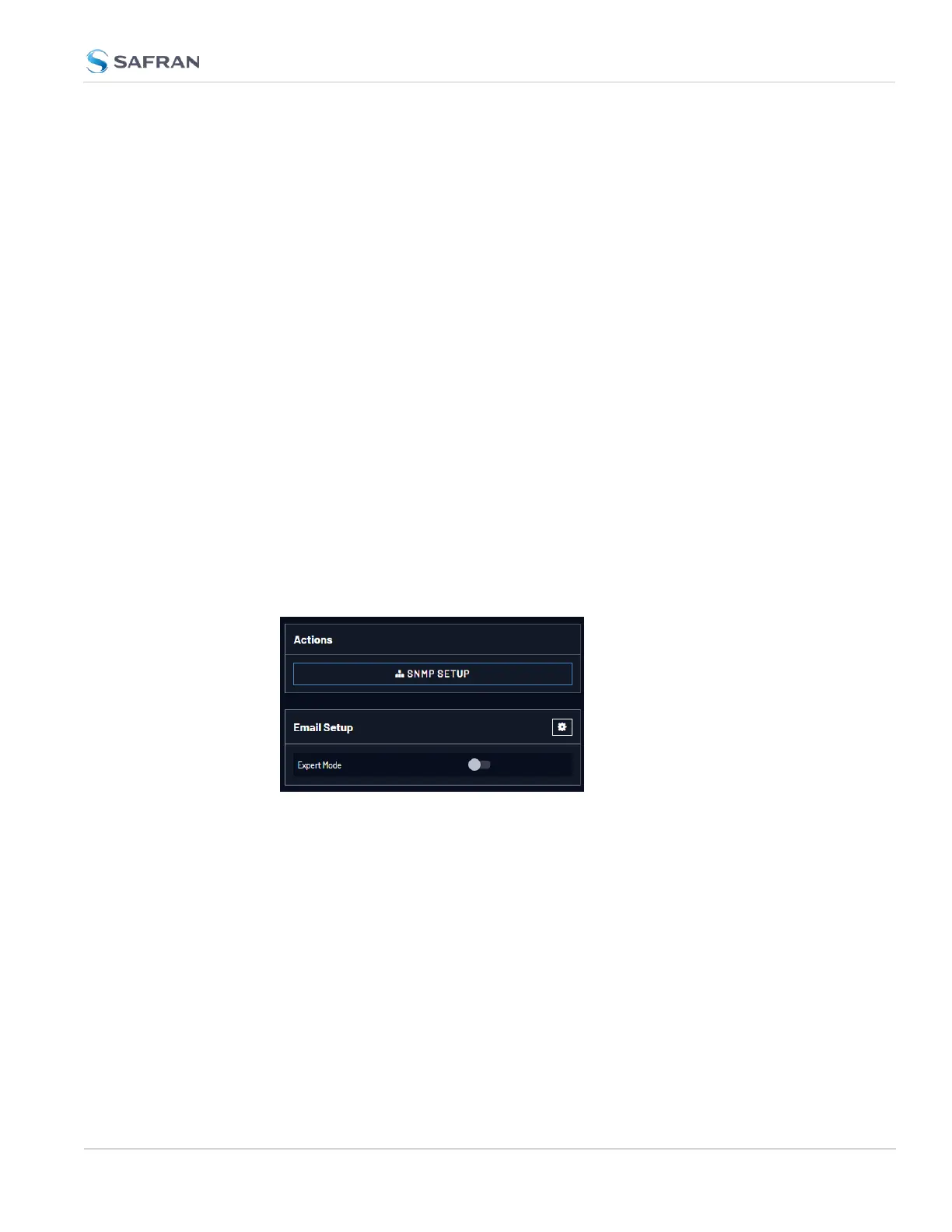
2. In the Actions panel, click SNMP Setup.
For more information on SNMP, see "SNMP" on page96.
4.3.5 Setting Up Email Notifications
The Email Setup window provides a means to configure VersaSync with the
necessary settings to interface it with Exchange email servers and Gmail.
To set up Notification Emails (Standard Mode):
1. Navigate to MANAGEMENT> OTHER: Notifications.
2. In the Email Setup panel, click on the gear icon
3. Enter your email information in the popup window
4.3 Notifications
CHAPTER 4 • VersaSync User Manual Rev. 12
239



 To Next Page