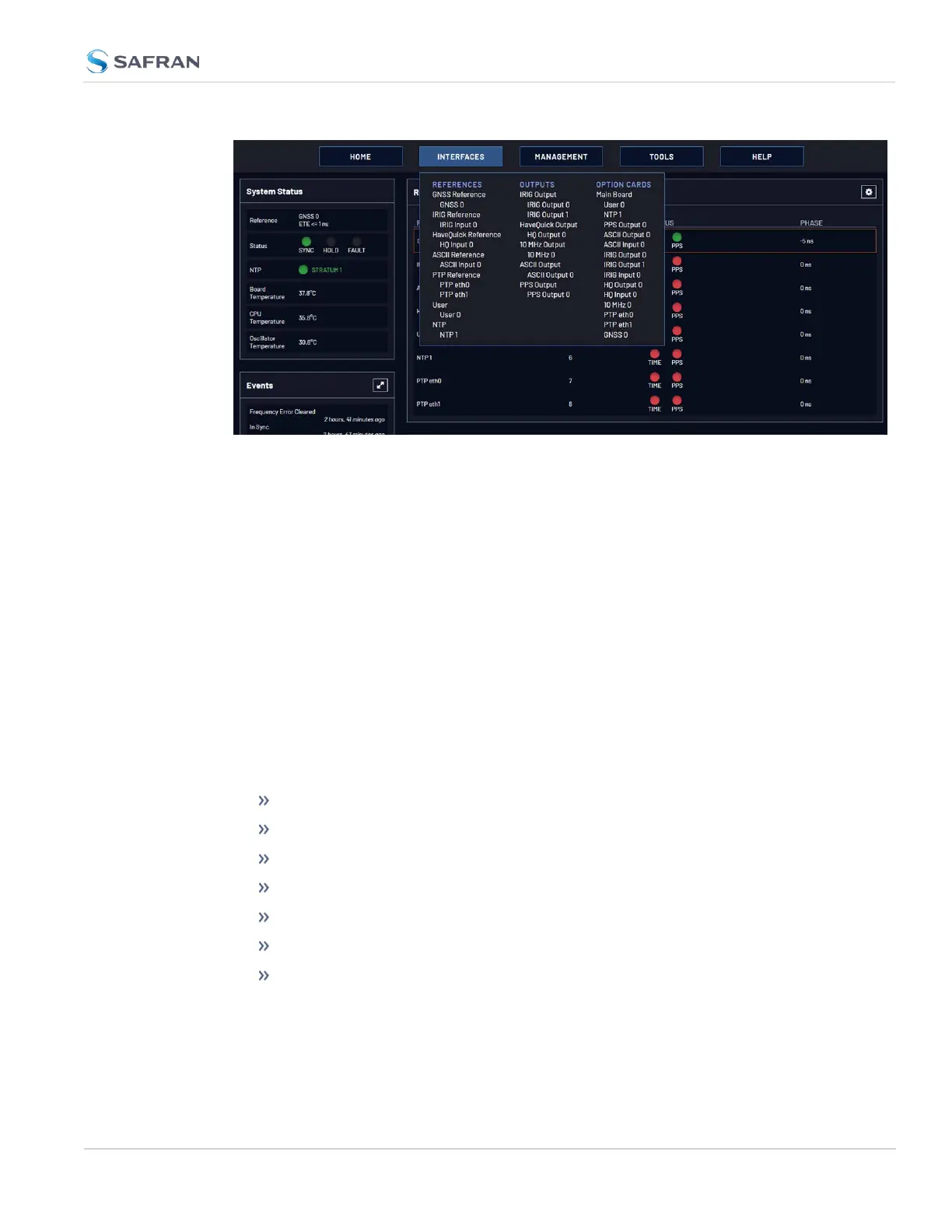
Clicking on any of the line items will open a status screen, providing real-time
information on the selected interface e.g., availability, performance data and
events history.
To configure settings for the selected interface, click the GEAR icons or buttons
provided on most of the status screens. Icons like the INFO symbol provide
access to more detailed status information and history data.
The headings of each of the INTERFACES drop-down menus (white on orange)
open overview status screens for the respective menu items.
1.9.3 The Configuration MANAGEMENT Menu
The MANAGEMENT menu on the Web UI's Main screen provides access to Ver-
saSync's configuration screens and settings.
On the left side, under NETWORK, the following standard setup screens can be
found:
Pin Layout
Network Setup
SSH Setup
SNMP Setup
NTP Setup
PTP Setup
GPSD Setup
Under OTHER, you can access non-network related screens:
1.9 The VersaSync Web UI
CHAPTER 1 • VersaSync User Manual Rev. 12
25



 To Next Page