because they can take several hours to generate. The most common key bit
length is the value 1024.
Note: The default key bit length value is 2048.
When using a self-signed Certificate, choose values based on your com-
pany’s security policy.
5. When the form is complete, confirm that you checked the box Create Self
Signed Certificate at the top of the window, then click Submit. Clicking the
Submit button automatically generates the Certificate Request in the
proper format for subsequent submission to the Certificate Authority.
Note: It may take several minutes for VersaSync to create the
Certificate request and the private key (larger keys will require
more time than small keys). If the unit is rebooted during this
time, the Certificate will not be created.
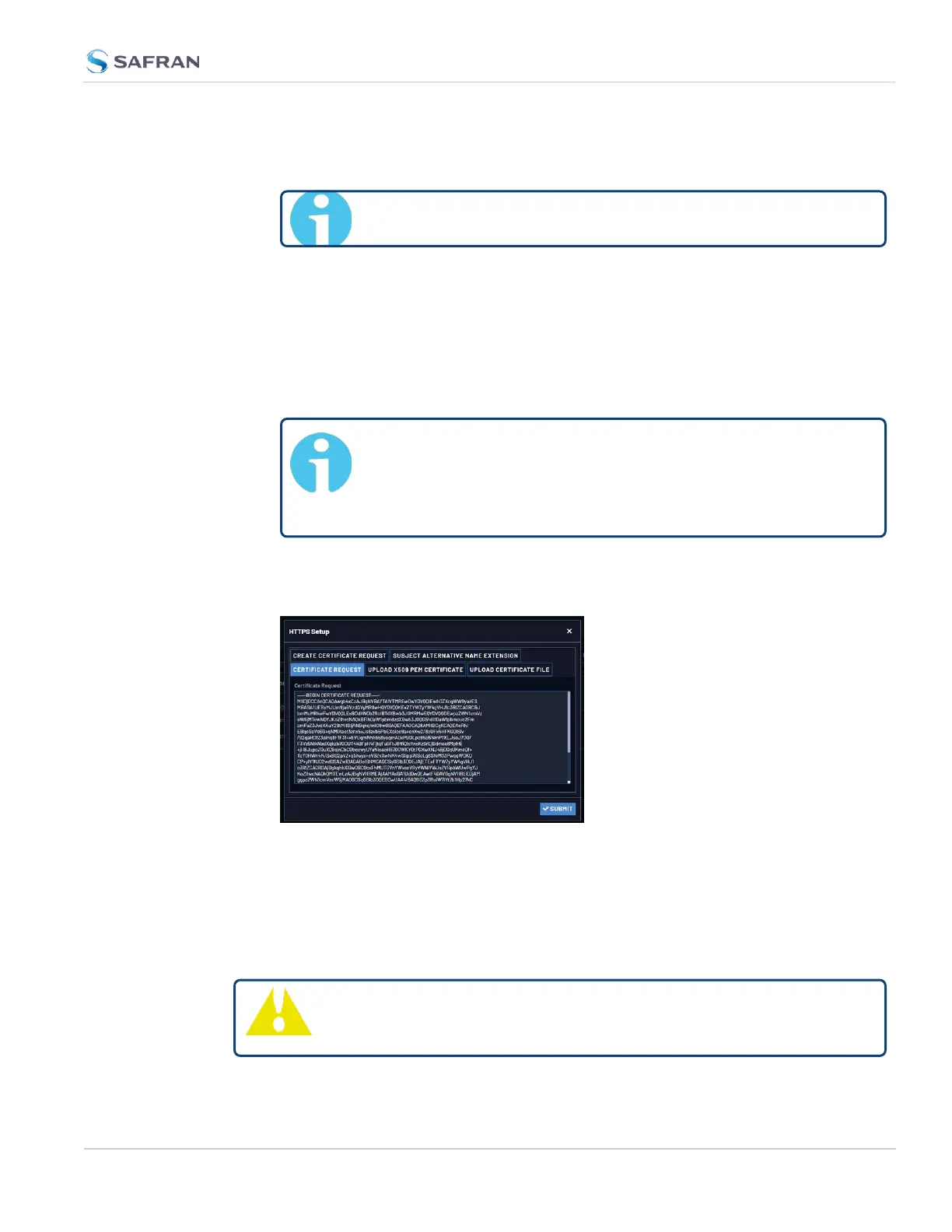
To view the newly generated request, in the HTTPS Setup window, click the
Certificate Request tab.
When switching between tabs within the HTTPS Setup window, the inform-
ation you have entered will be retained. If you exit the HTTPS Setup win-
dow before clicking Submit, the information will be lost.
2.8.6.5 Adding HTTPS Subject Alternative Names
Caution: Subject Alternative Names must be added before a new
Certificate Request is generated, otherwise the Certificate Request
2.8 Configuring Network Settings
CHAPTER 2 • VersaSync User Manual Rev. 12
83



 To Next Page