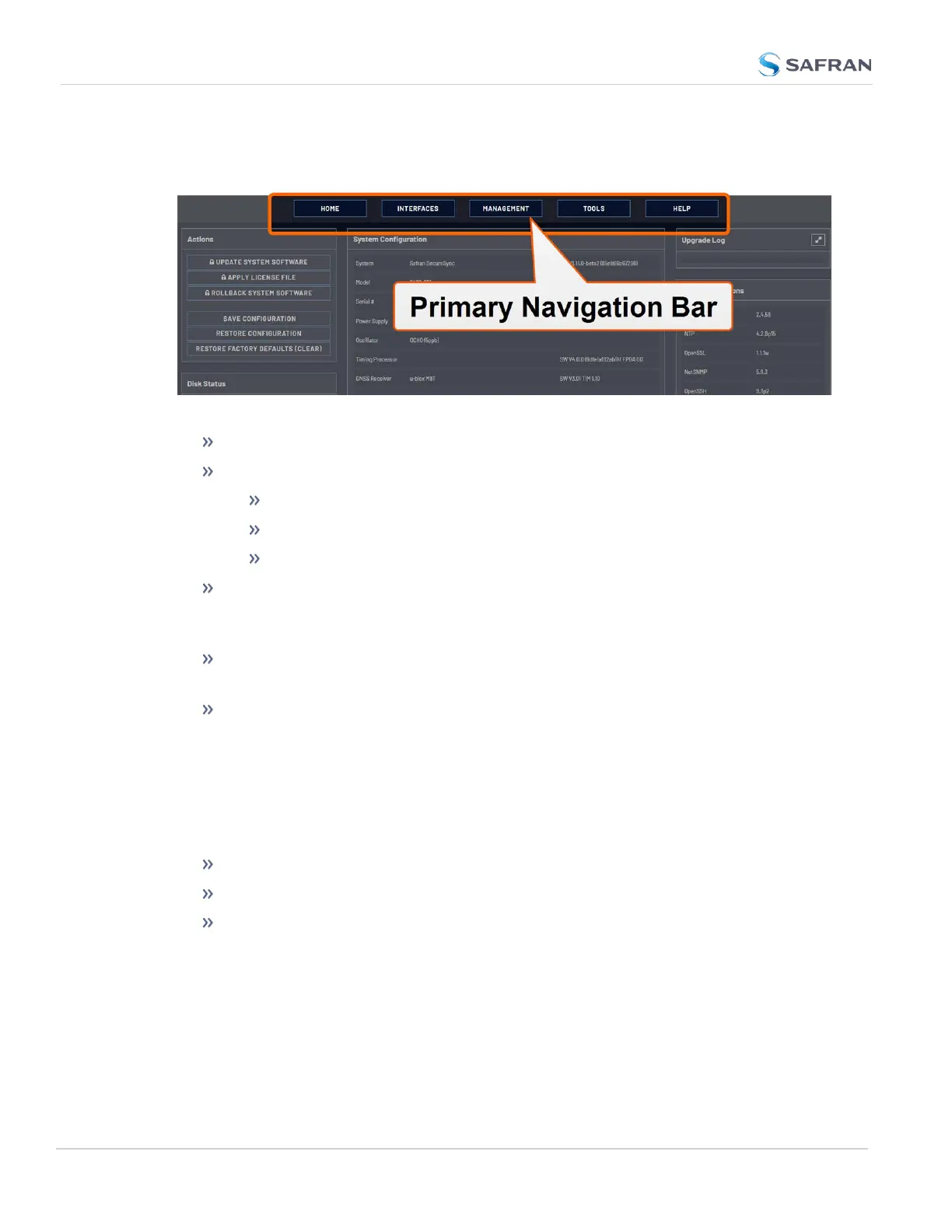
The HOMEscreen can be accessed from anywhere in the Web UI, using the
HOMEbutton in the Primary Navigation Bar:
The Primary Navigation Bar provides access to all menus:
HOME: Return to the HOME screen (see above)
INTERFACES: Access the configuration pages for …
… references (e.g., GNSS, NTP)
… outputs (e.g. 10 MHz, PPS, NTP) and
… installed input/output option cards.
MANAGEMENT: Access the NETWORK setup screens, and OTHER setup
screens e.g., to configure Reference Priorities, System Time, and the Oscil-
lator.
TOOLS: Opens a drop-down menu for access to the system maintenance
screens and system logs.
HELP: Provides Safran Service Contact Information and high-level system
configurations you may be required to furnish when contacting Safran Ser-
vice.
1.9.2 The INTERFACES Menu
The INTERFACES menu on the Main screen provides access to VersaSync's:
External REFERENCES e.g., the GNSS reference input
Detected OUTPUTS, such as 10 MHz and 1PPS
Installed OPTIONS.
24
CHAPTER 1 • VersaSync User Manual Rev. 12
1.9 The VersaSync Web UI



 To Next Page