5.7 Product Registration
Safran recommends that you register your VersaSync so as to allow our Cus-
tomer Service and Technical Support to notify you of important software
updates, or send you service bulletins, if required.
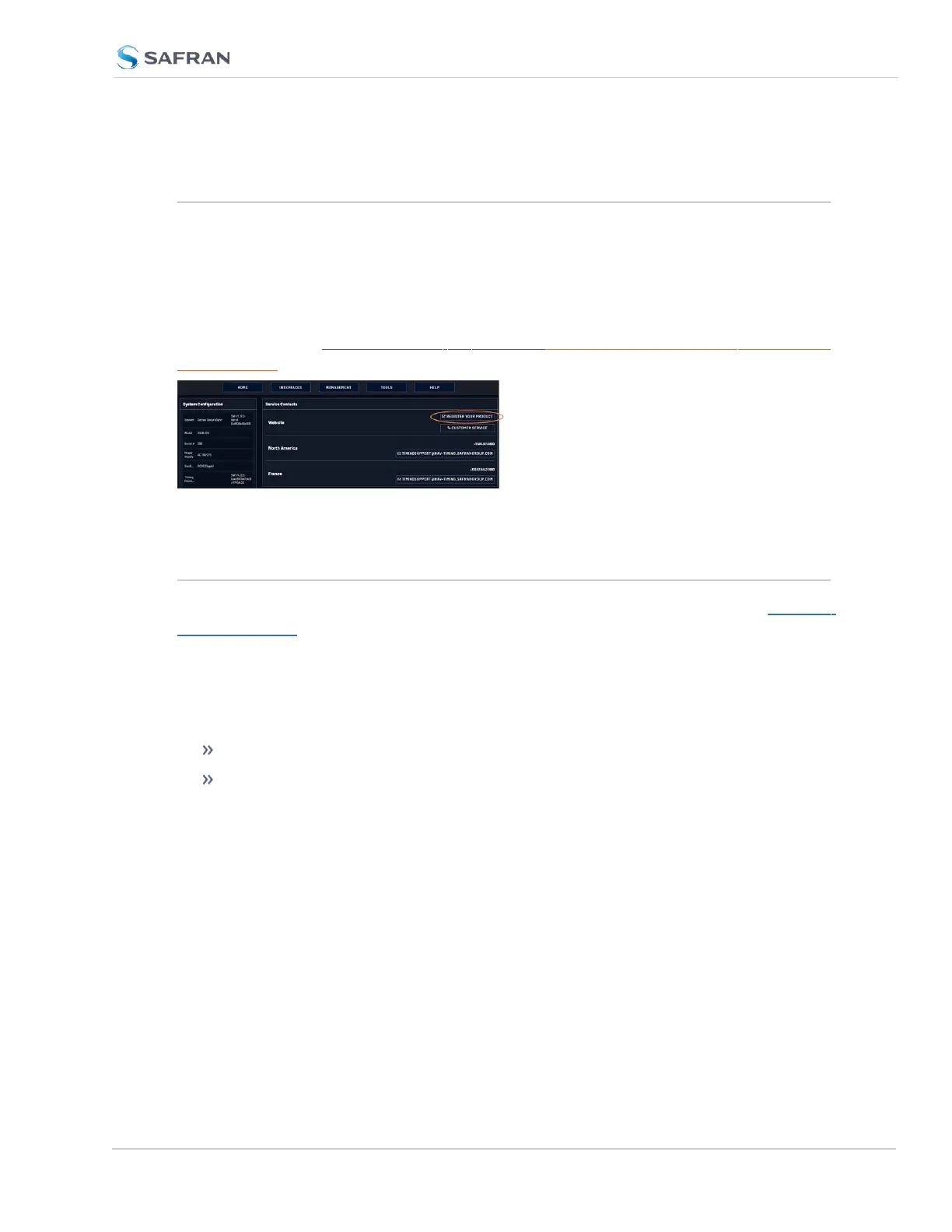
Upon initial start of the VersaSync Web UI, you will be prompted to register your
new product. It is also possible to register at a later time via the HELP menu item,
or directly on the Safran Trusted 4D website: https://register.safran-navigation-
timing.com/
5.8 Technical Support
To request technical support for your VersaSync unit, please go to the "Timing
Support" page of the Safran Trusted 4D website, where you can not only submit
a support request, but also find additional technical documentation.
Phone support is available during regular office hours under the telephone num-
bers listed below.
To speed up the diagnosis of your VersaSync, please send us:
the current product configuration, and
the events log.
To save, bundle, and download all logs AND current configs:
1. Navigate to HELP > Download Logs & Configs.
2. The logs and current configuration files will be automatically downloaded.
Thank you for your cooperation.
VersaSync User Manual 391
APPENDIX



 To Next Page