IPv6—2001:db8::/48, representing 2001:db8:0:0:0:0:0:0 to 2001:d-
b8:0:ffff:ffff:ffff:ffff:ffff.
5. Click the Add button in the Action column to add the new rule.
6. The established rule appears in the Network Access Rules window.
Click the Delete button next to an existing rule, if you want to delete it.
2.8.6 HTTPS
HTTPS stands for HyperText Transfer Protocol over SSL (Secure Socket Layer).
This TCP/IP protocol is used to transfer and display data securely by adding an
encryption layer to protect the integrity and privacy of data traffic. Certificates
issued by trusted authorities are used for sender/recipient authentication.
Note: In order to configure HTTPS, you need
ADMINISTRATORrights.
Note that VersaSync supports two different modes of HTTPS operation: The
Standard HTTPS Level (default), and a High-Security Level. For more inform-
ation, see "HTTPS Security Levels" on page264.
2.8.6.1 Accessing the HTTPS Setup Window
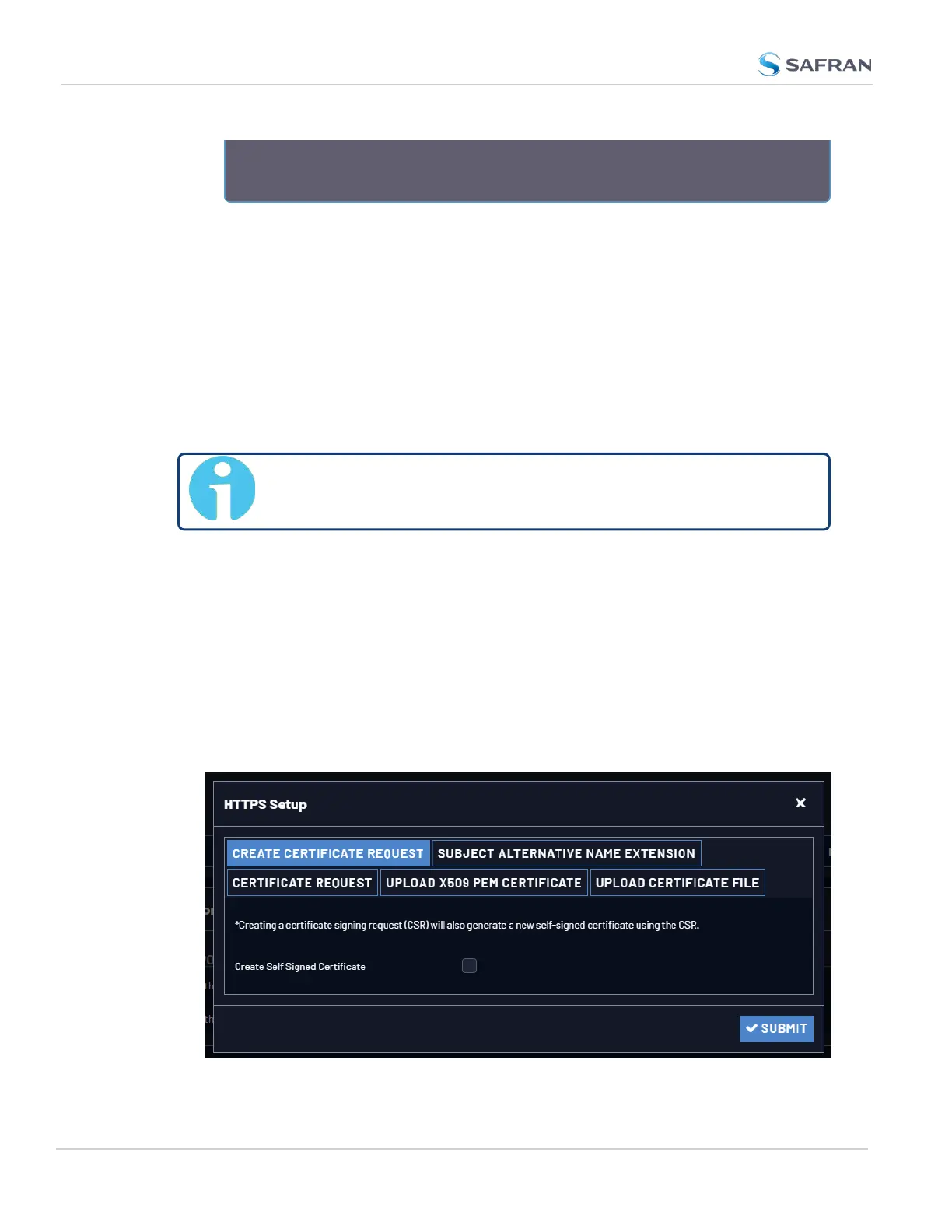
1. Navigate to MANAGEMENT > NETWORK: HTTPS Setup (or, navigate to
MANAGEMENT > Network Setup, and click HTTPS in the Actions panel on the
left):
78
CHAPTER 2 • VersaSync User Manual Rev. 12
2.8 Configuring Network Settings



 To Next Page