3. In the Remote Log Server panel, click the GEAR button to change the
remote log server. Type in a new IP address or host domain server (e.g.,
MyDomain.com).
4.6.2.6 Clearing All Logs
All local logs in the home/spectracom directory will be logged. Other logs e.g.,
located on Syslog Servers, must be maintained by the user.
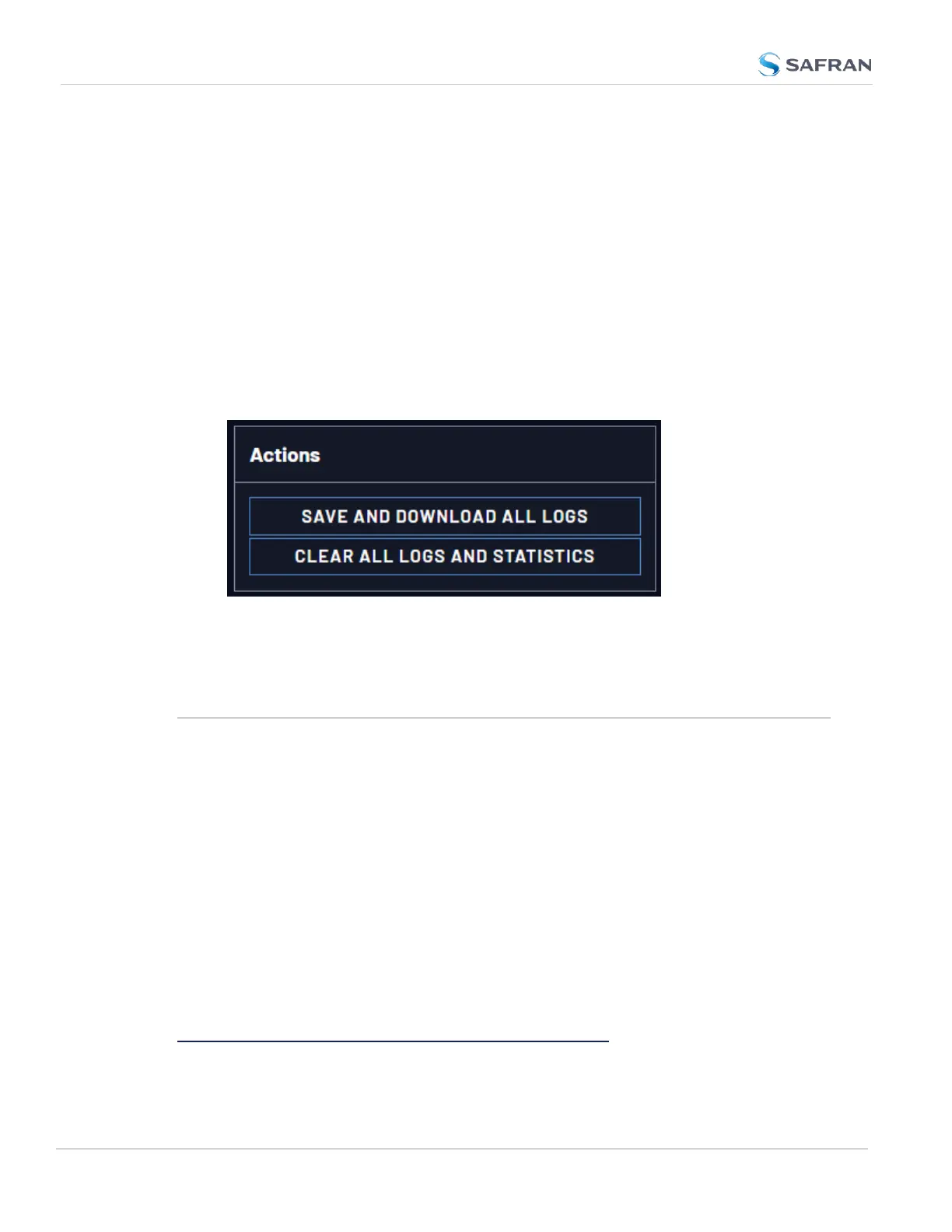
To clear all locally stored log files:
1. Navigate to MANAGEMENT > OTHER: Log Configuration.
2. In the Actions panel, click Clear All Logs:
3. In the grey confirmation window, click OK.
4.7 Updates and Licenses
4.7.1 Software Updates
Safran periodically releases new versions of software for VersaSync. These
updates
1
are offered for free and made available for download from the Safran
website. If you register your product, you will be notified of software updates.
To carry out a software update:
1. In the WebUI, navigate to Tools > Upgrade/Backup.
2. Determine your System software version in the System Configuration
panel: Proceed to the next step if it is lower than the software version you
plan on installing.
3. Free up disk space, if needed:
Under Tools > Upgrade/Backup > Disk Status, check Percent Used: If the
1
The terms update and upgrade are both used throughout Safran technical literature, as software releases
may include fixes and enhancements, as well as new features.
290
CHAPTER 4 • VersaSync User Manual Rev. 12
4.7 Updates and Licenses



 To Next Page