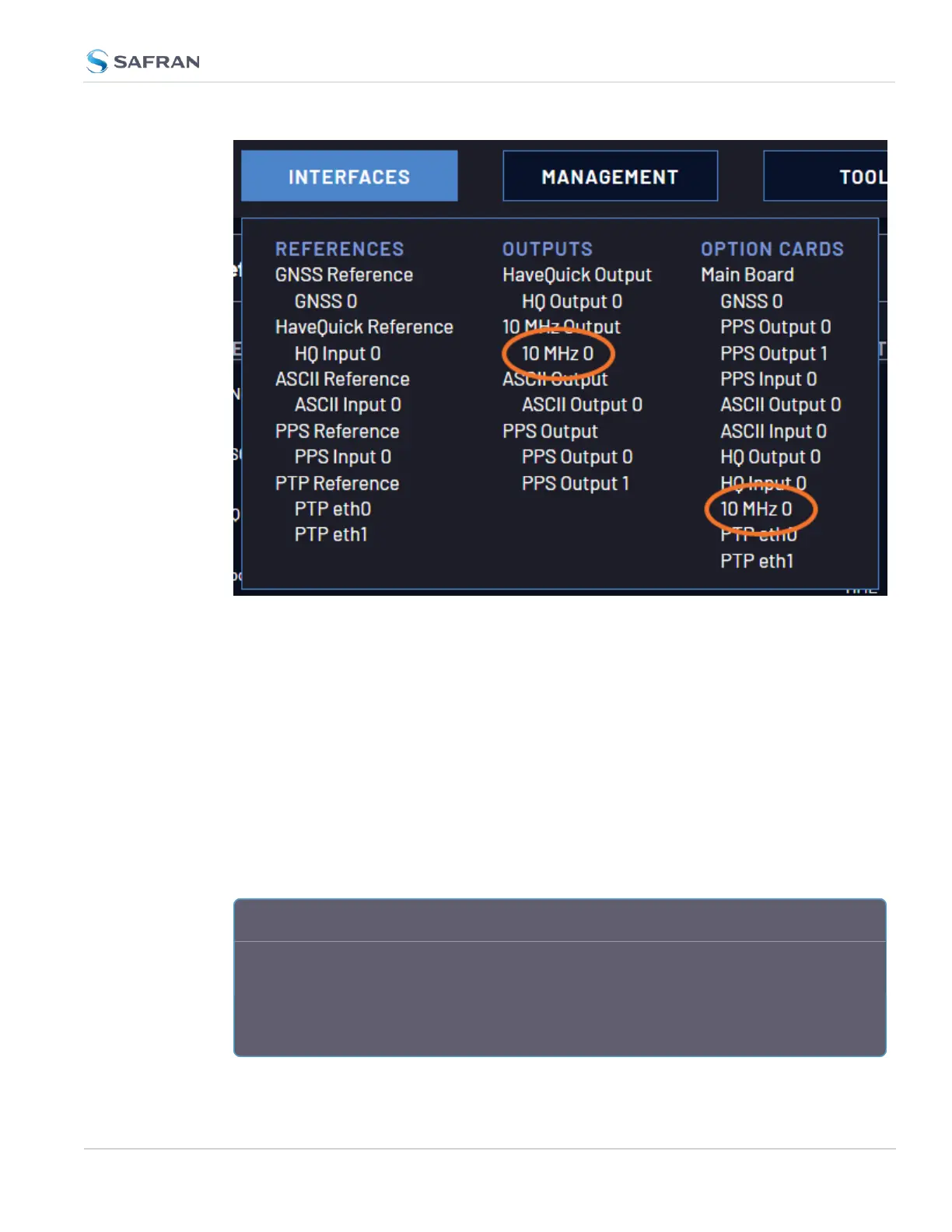
In the 10 MHz 0 Status Page, choose Edit, and select your designated Signature
Control to select the behavior of all the SMA outputs. (See "Signature Control"
below for more information).
Submit your changes.
2.7.5 Signature Control
Signature Control is a user- set parameter that controls under which output
states an output will be present. This feature allows you to determine how closely
you want to link an output to the status of the active input reference e.g., by deac-
tivating it after holdover expiration. It is also offers the capability to indirectly
send an input-reference-lost-alarm to a downstream recipient via the presence of
the signal.
E X A M P L E S :
You can setup Signature Control such that VersaSync's built in 1PPS output becomes
disabled the moment its input reference is lost (e.g., if a valid GNSS signal is lost).
Or, you can setup your output signal such that remains valid while VersaSync in hold-
over mode, but not in free run.
2.7 Configuring Inputs/Outputs
CHAPTER 2 • VersaSync User Manual Rev. 12
69



 To Next Page